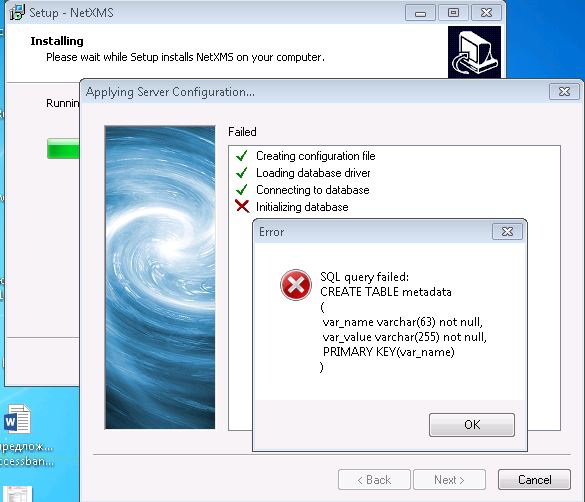
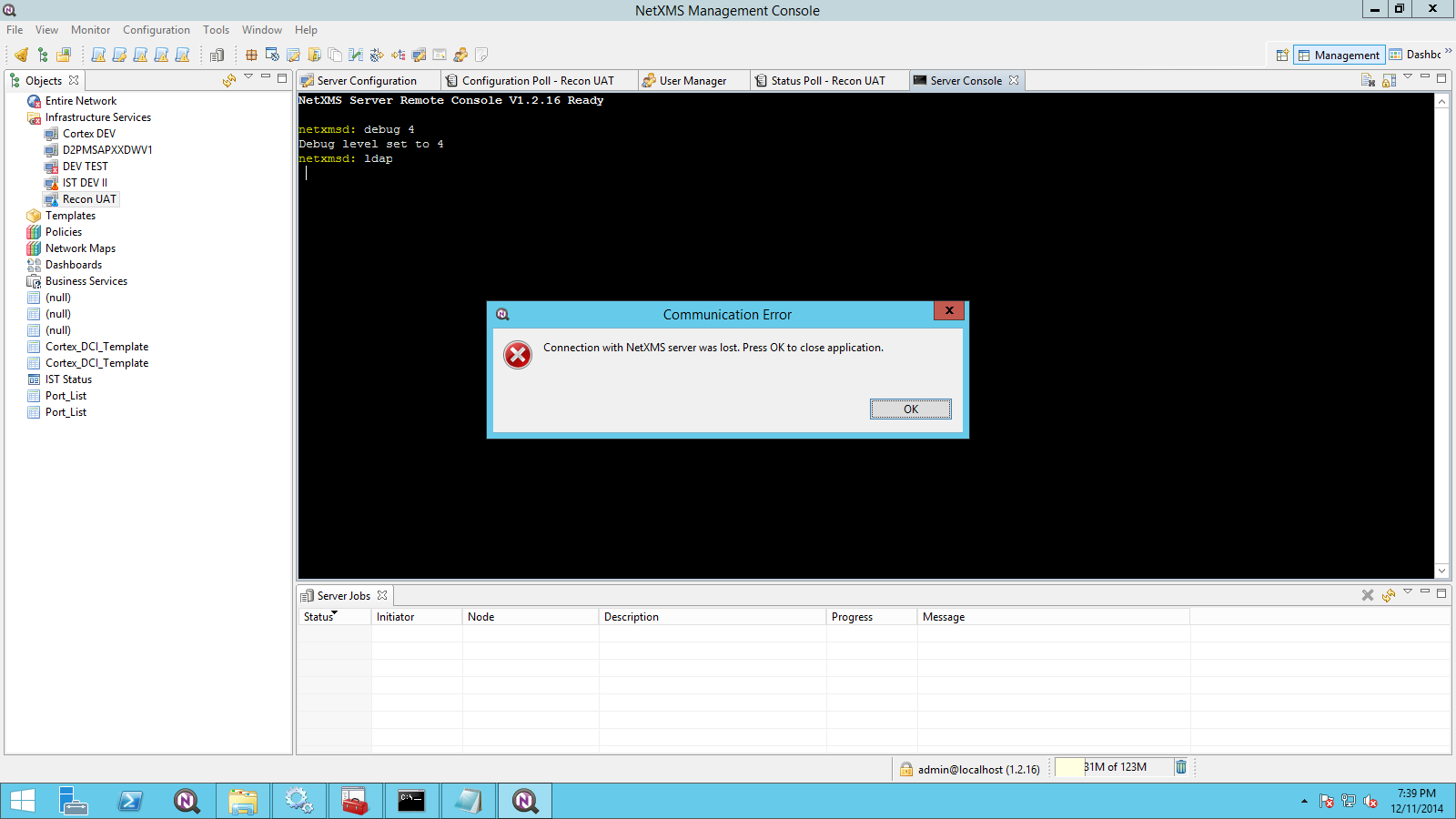
Hi Victor,
it seems that unfortunally the problem isn´t solved. I tried to install the M2. Before I tried this I had to uninstall the server and the Core Service. The uninstaller wasn´t able to uninstall the core service. So I hat delete the service with the sc delete command. After that I restarted the server. After the restart I run the M2 installer. At the last step the installer wants to start the core - but he wasn´t able to start the service. So I have killed the netxmsd process.
Restarted the server again. Try to start the process manually: Error 1053. Then the same procedure: change the path of the logfile, try to start netxmsd -D9 but there were no file created an no response in the command window.
Any ideas? Thanks.
You can also add check to the filter to ignore file systems with total space less then 800MB and free space 0 - it will work fine unless you really have very small file systems on your servers.
Best regards,
Victor
I think I solved my problem.
I increased Data Collector count in server configuration a few days ago (i have 12000 DCI and am getting value per 10 seconds). But my devices could not answer too much connection at the same time.
So, I decreased it to 50 and now there is no problem.
thank you.
Looks like a bug in libtre, we'll look into it.
In meantime you can use this regexp: "^([0-9]+)\s([0-9./]+)\s([0-9]+)\s([0-9A-F]+)\s(.+)$", or a bit more generic: "^([^\s]+)\s([^\s]+)\s([^\s]+)\s([^\s]+)\s(.+)$"
never mind. I reinstalled linux, netxms and created a new database.
Deleted all dci value tables from old db and import other tables to new one.
Everything is ok.
No OverCPU usage, No high ram usage no queue.
thank you.
Hi Victor,
thanks for the reply.
I've got IE11 as Standard. Tried Firefox (works) and Chrome (works, too).
Strange thing is: After I've tried the two other Browsers, IE works again as usual.
Leaves me puzzled, but happy...
best regards,
Frank
Hi,
I likely fixed it in development branch. Fix will be part of 2.0-M2 release (will be published very soon). It works on my CentOS 6.5 test system.
Best regards,
Victor
Couldn't understand how to monitor SMART attributes in NetXMS (2.0-M1, Windows). For example, I need to get the parameter Reallocated Sectors Count (05) from several machines in my LAN. However PhysicalDisk.SmartAttr(0, 05) returns very strange (huge) value while the real value is relatively low. Explain me please how to get correct SMART attrs from NetXMS agents.
User "admin" with id=0 (name doesn't matter, actually – you can change it after installation) is a special case, it have all permissions by default – and it's enforced by the server. This user also can't be deleted. However, you can disable it.