Skip to content

Support

5.1k Topics 22.0k Posts

Questions about installing, configuring and using NetXMS.

  • 0 Votes
    4 Posts
    18k Views
    F
    I've created a ticket for this: https://github.com/netxms/netxms/issues/3214
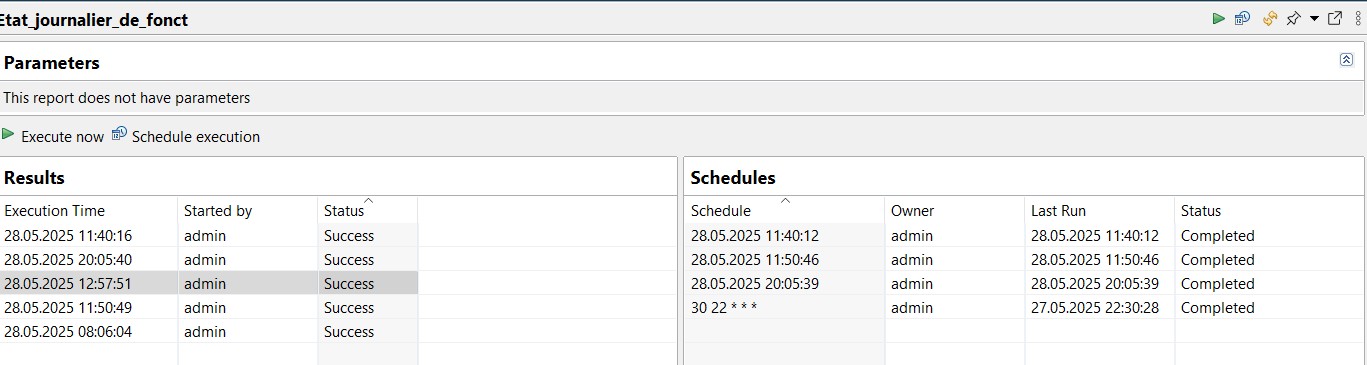
  • Reporting schedule complete but no email

    10
    1
    0 Votes
    10 Posts
    49k Views
    F
    What is your NetXMS Server version exactly? Can you show reporting server log for the moment when - if you are on Linux, this command will show it journalctl -u netxms-reporting.service Also note, that if you changed some parameters in SMTP-Text notification channel properties you need to restart reporting server for the changes to have effect
  • similar mysql queries behave differently

    4
    0 Votes
    4 Posts
    25k Views
    F
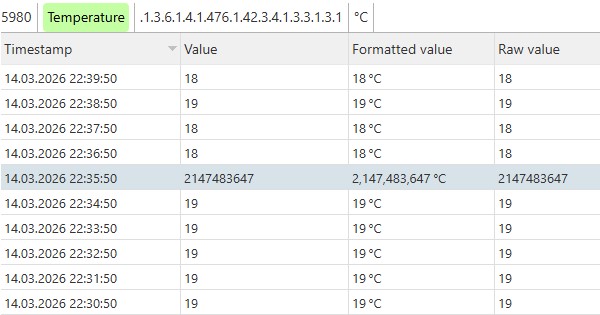
    Database query planning is a separate mystery on its own. Anyways, developers restored additional index as it was before v. 6.0, that will be included in next patch release.
  • Database Upgrade Fails

    4
    0 Votes
    4 Posts
    27k Views
    F
    raw_dci_values table is just a cache of most recent DCI values. You can just truncate it and proceed with the upgrade: TRUNCATE TABLE raw_dci_values;
  • Client timeouts and Alarms not processing in a timely manner

    4
    0 Votes
    4 Posts
    28k Views
    F
    Possible case could be a locking of some server thread. You can capture server threads when you see delays in working with the server from the GUI, here's the script: https://github.com/netxms/netxms/blob/master/tools/capture_netxmsd_threads.sh Script should be executed 3 times with 20-30 second interval. It needs gdb and netxms-dbg packages installed on the system. Also to check - on netxms server node there should be Server: Number of Processed Events (based on internal Server.TotalEventsProcessed metric) - just to verify that there we no sudden spikes in event quantity. In overall there's quite a few metrics there, e.g. Server QueueSize ones, it's worth checking them for any big spikes. If you don't have Server.ImportConfigurationOnStartup set to Always, you might not have the most recent template with above mentioned DCIs, you may want to import them from /usr/share/netxms/templates/netxms_server.xml
  • Strange state directory path since a few minor versions ago

    2
    0 Votes
    2 Posts
    24k Views
    F
    This should be fixed in the current version
  • How to delete value from data collection?

    6
    1
    0 Votes
    6 Posts
    48k Views
    S
    Thanks so much Filipp, I looked in the documentation but hadn't noticed it, Alessio.
  • NetXMS V5.2.3 - Data loss and requests not loading

    3
    0 Votes
    3 Posts
    32k Views
    F
    Sorry, this was overlooked for a while. First guess is that there are some issues with syncer thread. It's not visible in show threads, as there's just one syncer threads. In debug console there's netxmsd: sh sy Last run at .........: 16.Apr.2026 15:22:58 Last run time .......: 1 ms Average run time ....: 119 ms Max run time ........: 132 ms Min run time ........: 0 ms And System -> NetXMS Server -> Server Performance has metrics for it, specifically Server.SyncerRunTime.Last. Pls check if this metric looks reasonable. Slow log opening might indicate problems with DB performance, DB might need tuning. What are the specs on DB VM, is it dedicated to NetXMS or a shared database? How's CPU consumption and IO stats? How big is the database on disk? You can also use mysql subagent to collect stats about DB operation - https://netxms.org/documentation/adminguide/database-monitoring.html#mysql
  • The graph and current values ​​don't seem to match.

    2
    2
    0 Votes
    2 Posts
    24k Views
    F
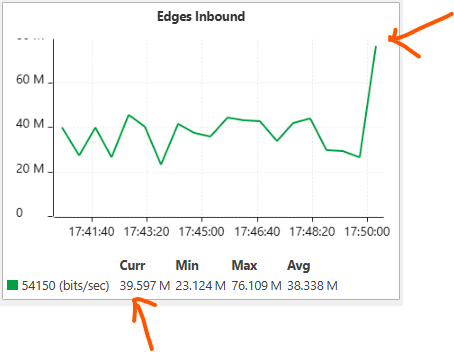
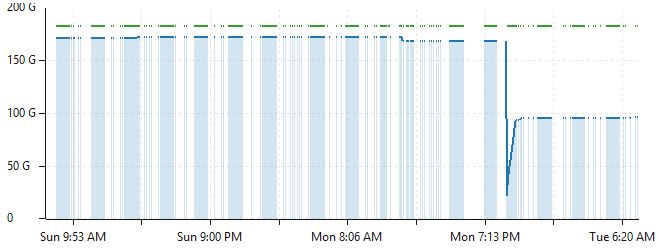
    Replicated this, created ticket: https://github.com/netxms/netxms/issues/3189
  • Port View is Blank

    10
    1
    0 Votes
    10 Posts
    217k Views
    P
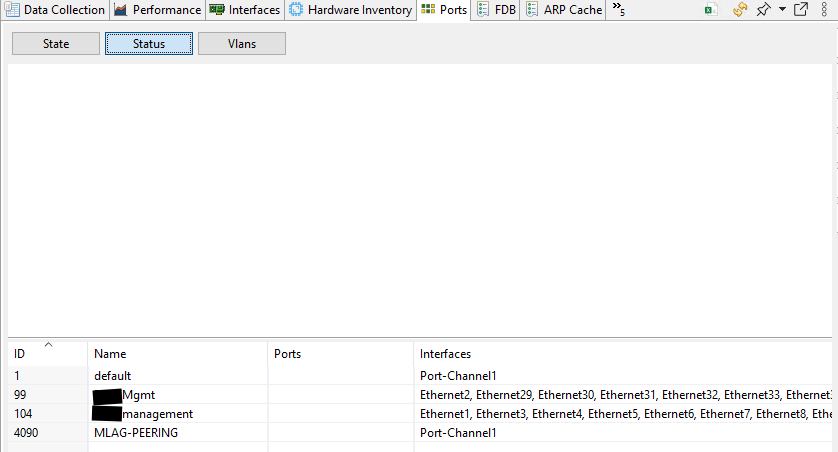
    I've just update to 6.1.0 and all works perfectly. Thank you for your works!!!
  • Dashboard Blanks Itself After 2 Days

    7
    0 Votes
    7 Posts
    62k Views
    F
    Thanks for the info, developers fixed a few resource leaks in maps, to that could have been it.
  • ssh does not work

    7
    1
    0 Votes
    7 Posts
    57k Views
    F
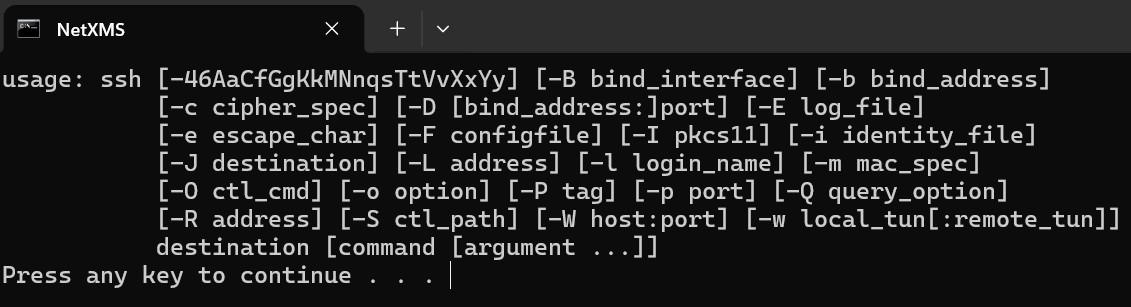
    Note the %(username) macro in object tool's command line. This object tool has an input field configured, so when tool is executed a dialog with input field should appear. Username should be entered there. If username is not entered, then command line is formed incorrectly. You can check actual command line by changing cmd /c "ssh %(in:username)@%u || pause" to echo cmd /c "ssh %(in:username)@%u || pause" it will just display the command line on the screen. Also, you can use ssh username specified in node properties, in this cause use this command: cmd /c "ssh %{ssh.login}@%u || pause" and remove input field from the object tool.
  • Filtering MikroTik Devices by IP Address Instead of Vendor

    5
    0 Votes
    5 Posts
    49k Views
    V
    And just for completeness, script above can be simplified to return InetAddress("192.168.56.0", 24).contains($node.ipAddress);
  • possible display problem within linechart legend

    2
    2
    0 Votes
    2 Posts
    26k Views
    F
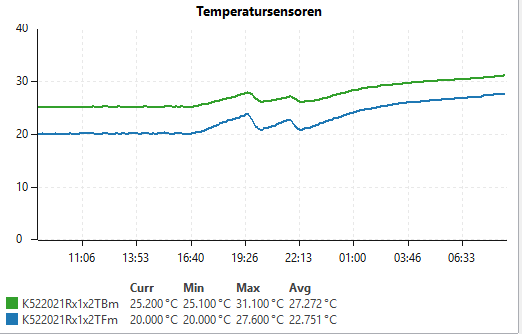
    Replicated that, forwarded to developers
  • It's not possible to download linux agent

    2
    0 Votes
    2 Posts
    37k Views
    A
    Thanks, link was incorrect. Site now updated.
  • NetXMS 6.04: Perfomance View drawing error

    7
    1
    0 Votes
    7 Posts
    59k Views
    S
    Just upgraded to 6.0.5 (server and webui), now it works as expected! Thanks Victor!
  • 0 Votes
    4 Posts
    33k Views
    F
    You can add this to agent config for additional debug: EnableSSLTrace = yes DebugTags = ssl:8 DebugTags = tunnel:8 Does roll-back to 5.2.8 help (agent protocol is backward and forward compatible, so you can use older agent with newer server).
  • ICMP.PacketLoss Not Working on Public IP CPE

    2
    0 Votes
    2 Posts
    11k Views
    N
    I think I’ve figured it out.  Disregard this
  • Tool OID Filter

    4
    0 Votes
    4 Posts
    14k Views
    G
    After deleting and re-creating the tool and filtering on OID it works as expected
  • help -network discovery

    3
    0 Votes
    3 Posts
    14k Views
    N
    Victor - this has been resolved.