
Maps, Offline Nodes and Data Sources
-
Hi,
When a node goes offline, it obviously drops off the Topology and is no longer detected.
As a result those nodes will be removed from Layer 2 and Layer 3 maps.In a setup with quite a few connected systems (be it including end nodes or only a whole range of switches, gateways, etc.), it would make more sense if the Node Down status would be displayed instead.
I guess this could be done by "caching" the previously known topology to some extent and checking if an interface on a Peer device that is expected to be Up and was connected to the device that's down is also down. Unless something else is suddenly detected on that same link, it would be more sensible to assume an outage than the device just having disappeared from the network.
As an example we had a switch failure which took half a site offline.
We of course received a number of alerts, but a look at the map resulted in only half the network showing. The rest was just gone and thus not suitable for a "quick glance" to detect where things had gone wrong.Similarly connected end nodes might go offline on a regular basis, e.g. printers or workstations, and then just disappear from the map.
Right now I'd have to create a Custom map that matches the automated one to be able to work the actual status of the network out.This also ties in with using Data Sources on connectors on those maps. On the automated maps those are semi-useful, as any
downtime on a device will cause the device to drop, the connector and the associated data sources to disappear.I also found that such data sources used on maps always show the Last Value, even if the value couldn't be queried for a while, leading to potentially stale data on maps. There appears to be no way to make it show something else (be it nothing at all, N/A or some other custom text) if the last update time was longer than a specified period (ideally a custom one).
Guess that's a number of feature requests around maps rolled into one post.
Not sure if anyone else is or would like to use maps in a similar way?

Cheers
-
Hi,
Just to answer my own question around devices dropping off maps when they go offline (in case anyone else stumbles over that): Setting the "TopologyExpirationTime" in the Server Configuration to a reasonably high enough value fixes that. Default value I believe was 3600, I changed it to 259200 at our end.
Cheers
-
Hi,
a short description of what I'm doing:- I create a dump of the netxms_db
- restore it on a test system
- and start NetXMS
On the test system all nodes are unreachable.
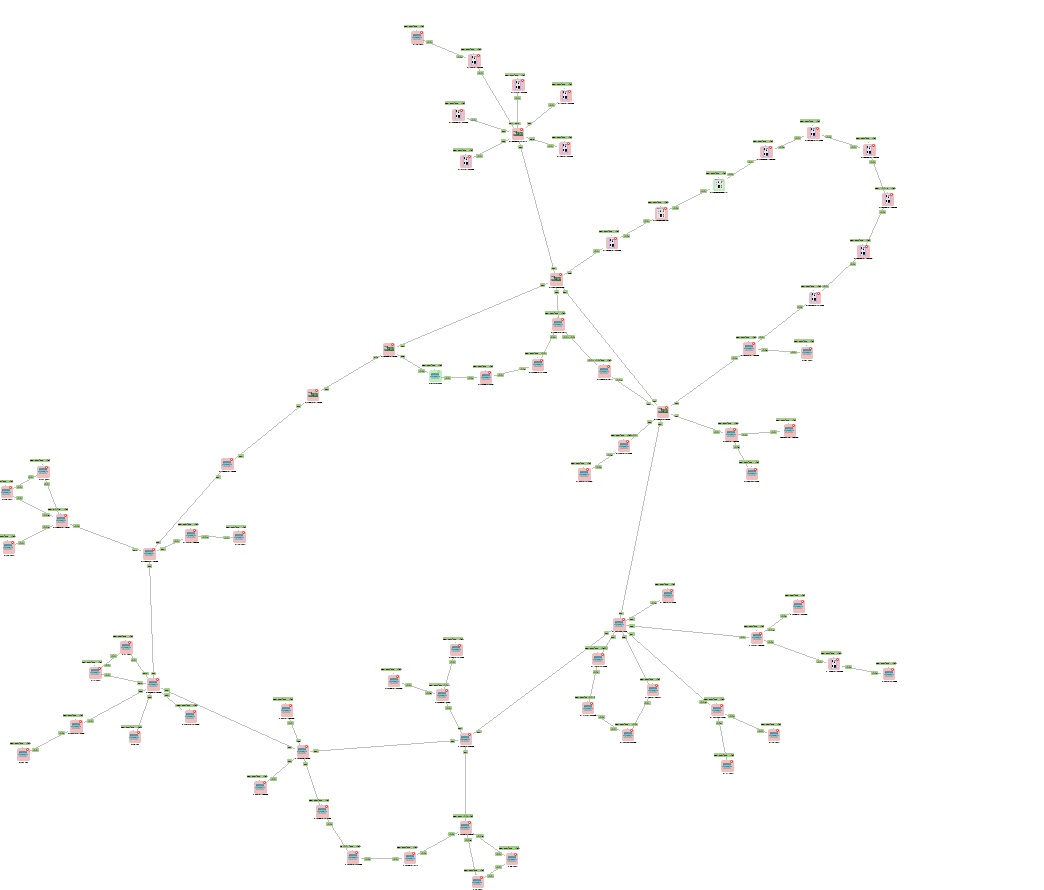
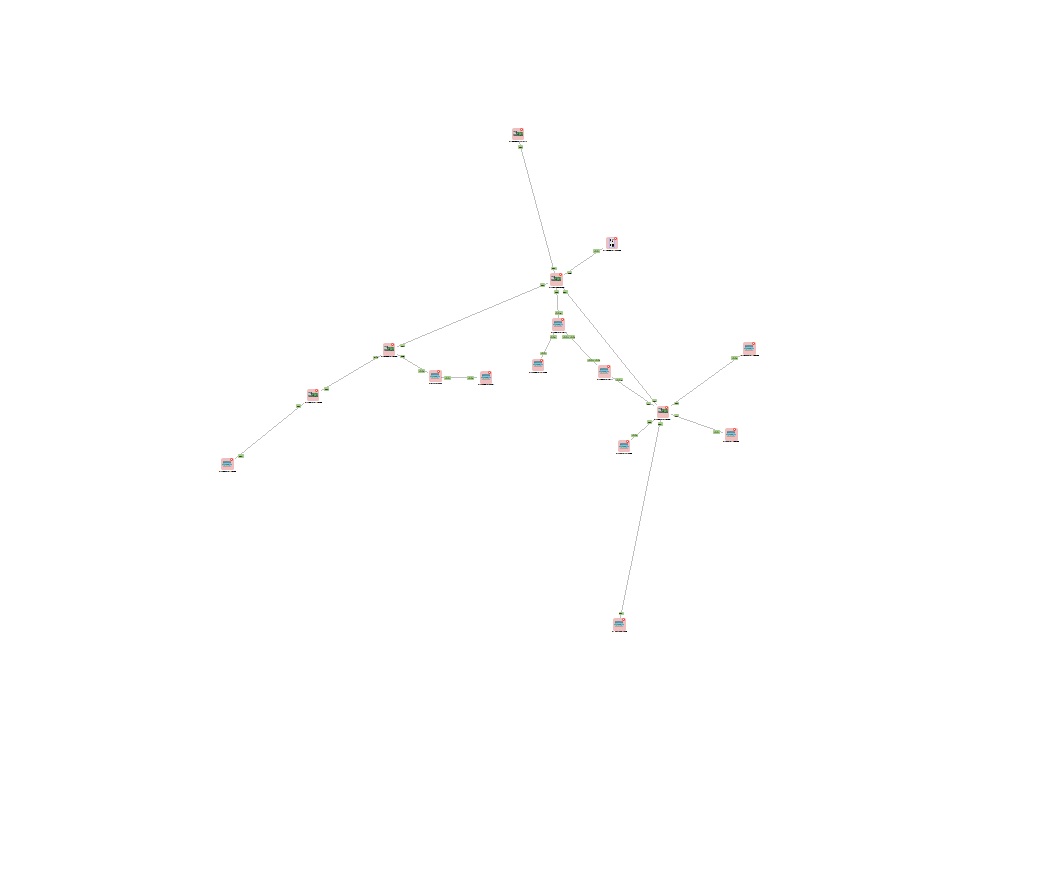
After a short time the network map looses allmost every information, as you can see in the pictures below.
On each restored database it is different which elements are removed and which remains on the map. ???It would be better when elements and links with their actual status remain on the map.
Changing "TopologyExpirationTime" seems to make no difference.
Best regards.

Hello! It looks like you're interested in this conversation, but you don't have an account yet.
Getting fed up of having to scroll through the same posts each visit? When you register for an account, you'll always come back to exactly where you were before, and choose to be notified of new replies (either via email, or push notification). You'll also be able to save bookmarks and upvote posts to show your appreciation to other community members.
With your input, this post could be even better 💗
Register Login