
Strange change of "Network discovery" behavior
-
Victor, I can send to you all of you need.
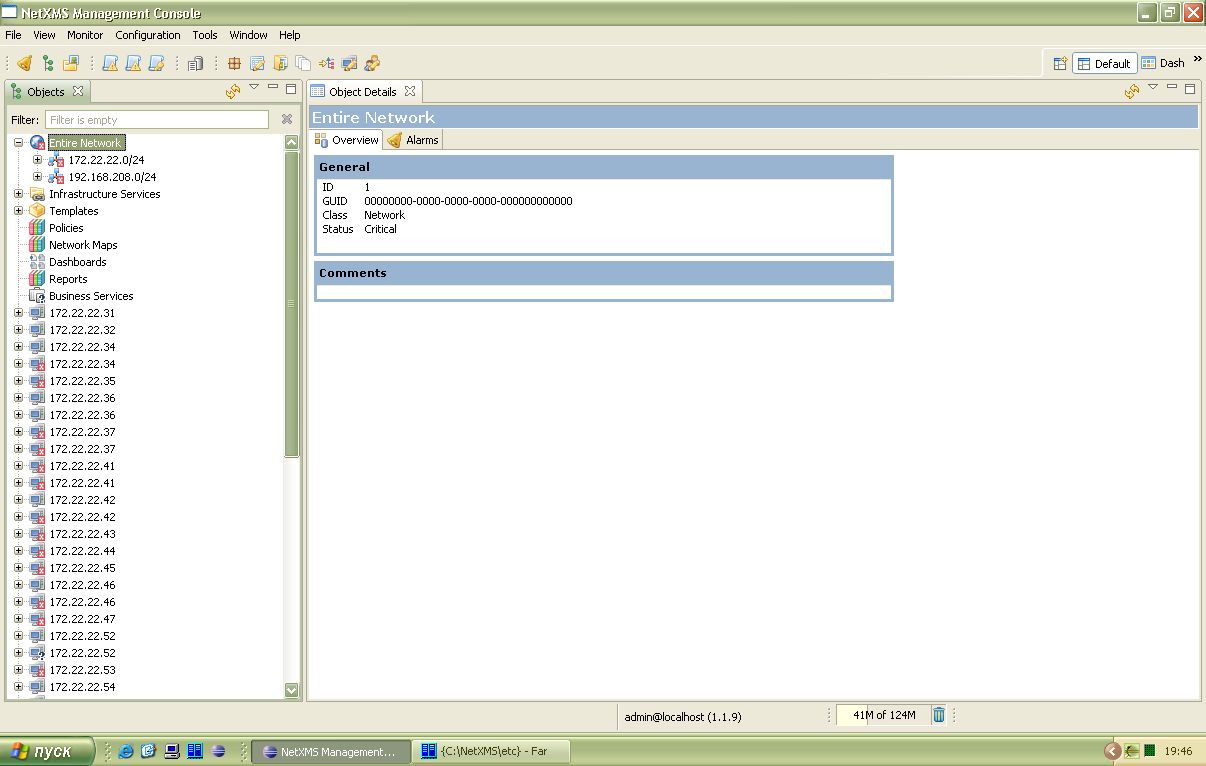
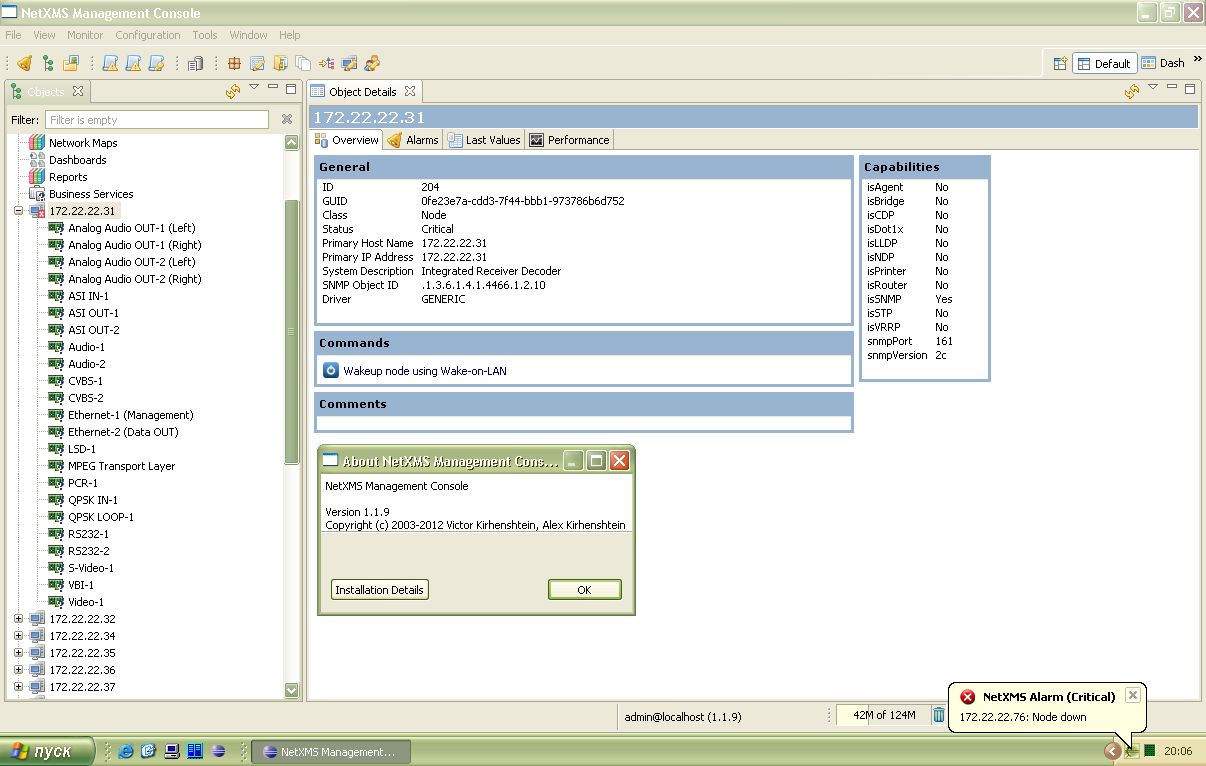
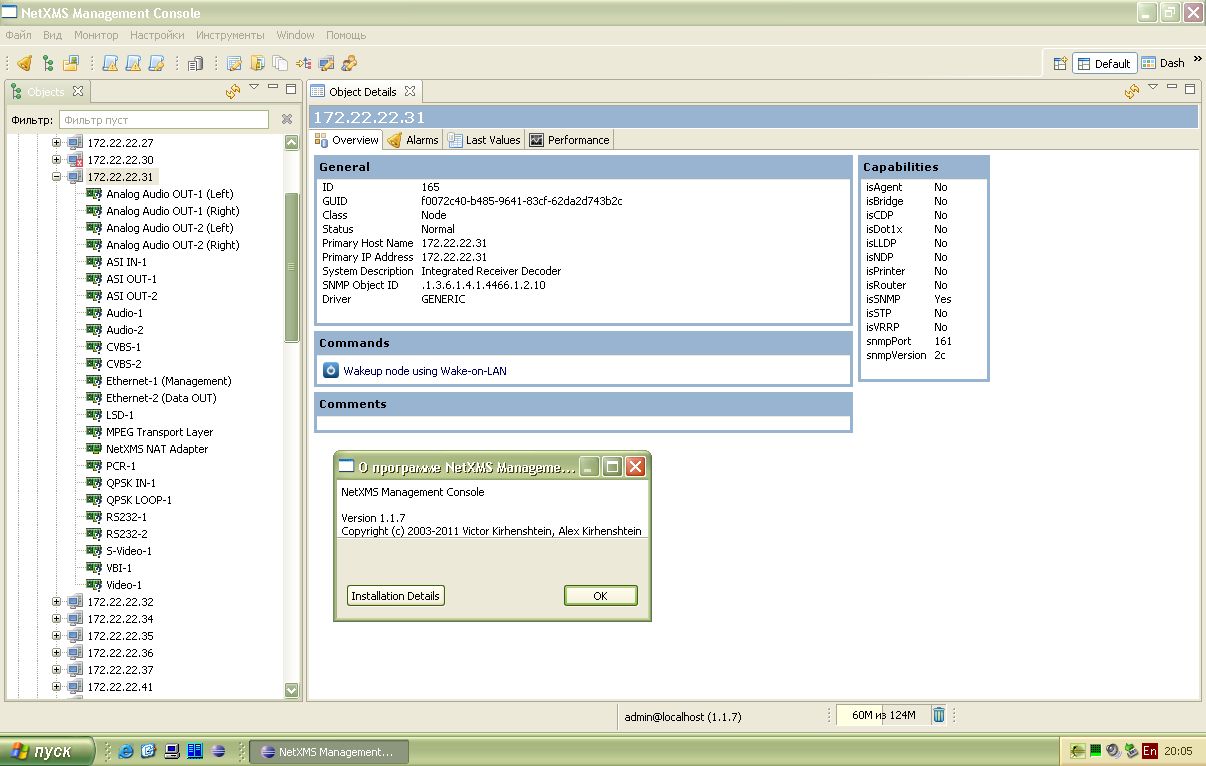
Not all device discovered incorrectly. But all of incorrectly discovered devices is the same type. It's an Integrated Receiver Decoder (IRD-2961 or SAT-Receivers if to tell simple words).
Screenshots in attached files.
NetXMS 1.1.9 Network discovery result.jpg
-
-
-
Hi!
I take a look at it, but didn't find problem so far. Unfortunately I cannot reproduce it in my test environment. I'll return to this problem next week, after web interface.
Best regards,
Victor -
-
Greetings,
I am seeing this same behavior on v1.2.3.1 - it seems to be nodes with "loopback" interfaces that are appearing in the root of the tree, and not within the proper subnet container of the console.
-Kevin
-
@millerpaint said in Strange change of "Network discovery" behavior:
Greetings,
I am seeing this same behavior on v1.2.3.1 - it seems to be nodes with "loopback" interfaces that are appearing in the root of the tree, and not within the proper subnet container of the console.
-Kevin
they knew, it nodes whiout ip addres on the interface.
-
Greetings,
I am seeing this behavior again on newly discovered devices, running NetXMS 1.2.6. We are adding 50 new Zebra printers to our network, and all of them are being discovered, but they show up in the root of the tree, not in the proper subnet. These devices have multiple interfaces showing (including loopback), as well as the active interface with an IP address. I have attached a screenshot of the console tree root.
-Kevin C.
-
Hi!
Can you confirm that problem on 1.2.7 as well? There was some fixes in node polling. This bug is so strange...
Best regards,
Victor -
-
I have not yet upgraded to 1.2.7, still on 1.2.6, but here is information on one of the many devices that are showing up in the root of the tree. This device happens to be a Zebra printer, we have about 50 of them, and as you can see, there is a subnet mask present:
System Name: ZBR4473616
Web Address: http://192.168.12.29
IP Address: 192.168.12.29
Subnet Mask: 255.255.255.0
Default Gateway: 192.168.12.1
Timeout Checking: Enabled
Trap Destination(s): 255.255.255.255-Kevin C.
Hello! It looks like you're interested in this conversation, but you don't have an account yet.
Getting fed up of having to scroll through the same posts each visit? When you register for an account, you'll always come back to exactly where you were before, and choose to be notified of new replies (either via email, or push notification). You'll also be able to save bookmarks and upvote posts to show your appreciation to other community members.
With your input, this post could be even better 💗
Register Login