
Object Filter in Layer3-Maps
-
This works for me:
parents = GetObjectParents($object);

foreach(p : parents)
{
   if (p->type == 5 && p->name == "Something") return true;
}
return false;
Two things to note:
- it only takes "direct" parents of the node, its not upwards recursive, so doesnt take parents of the node's parents into account
- CheckTrustedNodes (or equivalent security) will need to be correctly set
You can run the script directly on an object using "Execute server script" to check whats going on.
I suggest adding this into the foreach loop to make debug easier:println("Type: " . p->type . " Name: " . p->name); -
when I set sever variable 'CheckTrustedNodes' to 0 (and restart the NetXMS server of course), I get the nodes on the map. But I get no connectors on the map beside VPN-connectors. Why? Connectors are no NetObj objects.... so no filtering on that. Is this the same on your installation?
I don't understand exactly why 'CheckTrustedNodes' has an influence here.
But when I set all nodes in a container to the Trusted Nodes of this container, this nodes appear on the map.Thanks for the hint with the 'direct' parents.
-
-
Yes maybe Victor can give an answer.
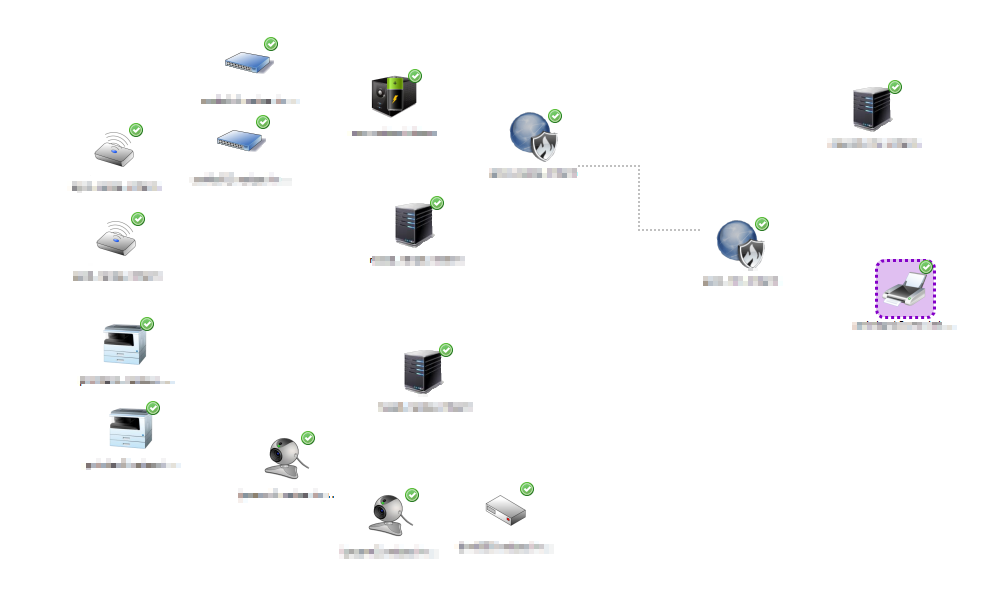
I only see one VPN connector but no other 'normal' connectors. See the attached printscreen. Strange. All nodes on the left side should be connected to one of the VPN endpoints and the two on the right side with the other. In the map without the filtering script all connectors are there
-
-
-
Hi,
links are not affected by map filter. Did you layout nodes by hand? If not, it seems as if links are there but just invisible. Just in case - check link color in map properties.
Best regards,
Victor -
-
currently all scripts are handled equally - so it doesn't matter if script is a network map filter or DCI transformation script for example. Reason is the same - imagine you have access only to network map object - if script do not have access checks you'll be able to access data for nodes you don't have access to. I thinking for some time already about more sophisticated access control within scripts, but don't have better solution yet.
Best regards,
Victor -
-
Did you check connector color in map properties? By objects' locations it seems that they are connected but connectors are invisible.
Best regards,
Victor -
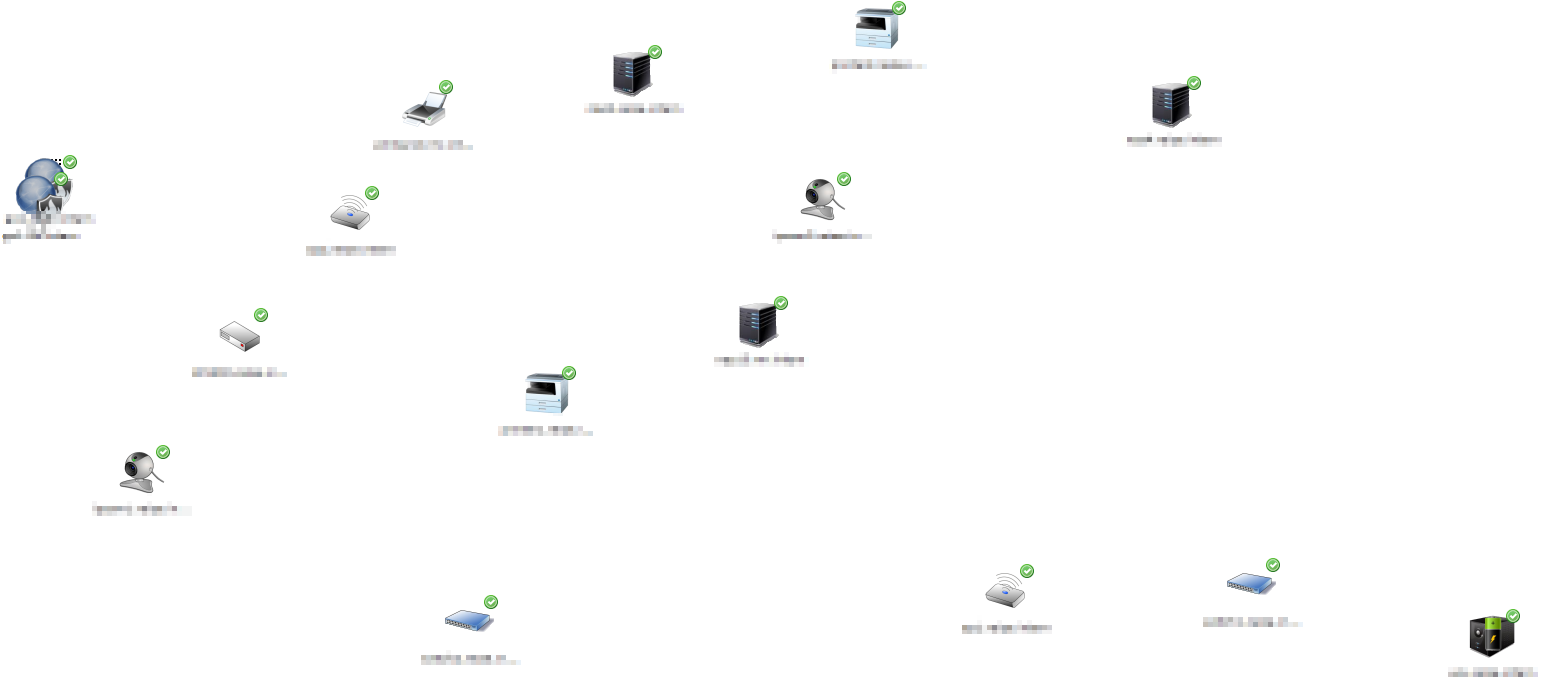
Default connection options are on default color. I also tried with manually set to black. VPN-connectors (dotted) and the 'normal' connectors always have the same color. The last printscreen was without automatic layout. Here is one with automatic layout. Here I can't see any arrangement. Everything is mixed up.
-
I probably understand it - nodes on L3 map re connected via subnet objects, not directly - and you filtered out subnet objects. You should change your filter to allow subnets or add relevant subnet objects to your container.
Best regards,
Victor -
Hi Victor
When I add the subnets to the containers, I got the connectors in Layer3 map. But that's not very elegant. The other solution seems to be better.
How can I change my filter to allow the necessary subnet objects?My current filter script is this:
parents = GetObjectParents($object); //if (parents == null) return false; foreach(p : parents) { if ((p->type == 5) && (p->name == "containerA" || p->name == "ContainerB")) return true; } return false; -
Hi,
it could be like this:
if ($object->type == 1)
   return true;  // allow all subnets

parents = GetObjectParents($object);
//if (parents == null) return false;
foreach(p : parents)
{
   if ((p->type == 5) && (p->name == "containerA" || p->name == "ContainerB")) return true;
}
return false;
You can also add additional contraints on subnet names as usual using $object->name.
Best regards,
Victor -
All my subnets has names like '10.1.17.0/24 (SiteA)' and all Containers are named like 'SiteA'. So I can filter like this:
// only Subnets with 'SiteA' oder 'SiteB' in name
if (($object->type == 1) && (($object->name ~= ".*(SiteA.*)") || ($object->name ~= ".*(SiteB.*)")))
   return true;
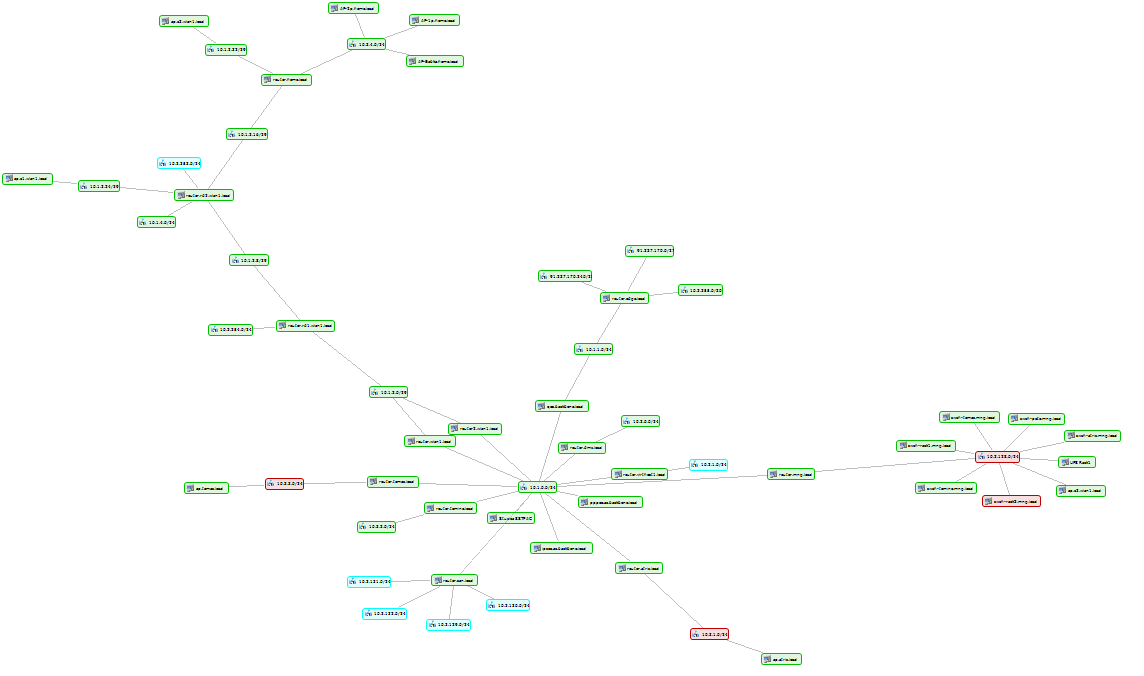
Now the filtered map looks ok! But...
...only one new problem. Cluster nodes:
I tried to make an extention of the filtering script to handle clusters. But I found with a test script that cluster nodes has no node parents.parents = GetObjectParents($object); foreach(p : parents) println("Type: " . p->type . " Name: " . p->name);Is this by design? With 'GetObjectParents' function I get neither the cluster-object nor the container as parent object. So all clusters nodes are missing on filtered maps.


Hello! It looks like you're interested in this conversation, but you don't have an account yet.
Getting fed up of having to scroll through the same posts each visit? When you register for an account, you'll always come back to exactly where you were before, and choose to be notified of new replies (either via email, or push notification). You'll also be able to save bookmarks and upvote posts to show your appreciation to other community members.
With your input, this post could be even better 💗
Register Login