
Successfull Raspberry Pi installation of GUI Managment Console without Wine/QEmu
-
Hi everyone!
After some research I managed to run the GUI Management Console on a RaspiPi 2 Model B (but I suppose it can be done with all the previews models) as native as it can get.
I did this by writing over the Eclipse installation that comes with Raspi with the Windows version java files of the console.
A rough guide is as follows:
Step 1. Download NetXMS source at your Pi and compile/install fully (server, client, agent)
Step 2. Install Eclipse with apt-get (sudo apt-get install eclipse)
Step 3. Download and install the same version of NetXMS in a Windows machine
Step 4. Copy from the bin folder of Windows installation the folders configuration, plugins and the file .eclipseproduct at /usr/lib/eclipse of your Pi and overwrite everything.
Step 5. Execute Eclipse at PiThat’s all
I have uploaded photos of my installation and I hope someone finds this helpfull.
I will try to write a more detailed guide when I have more time.Cheers to every one
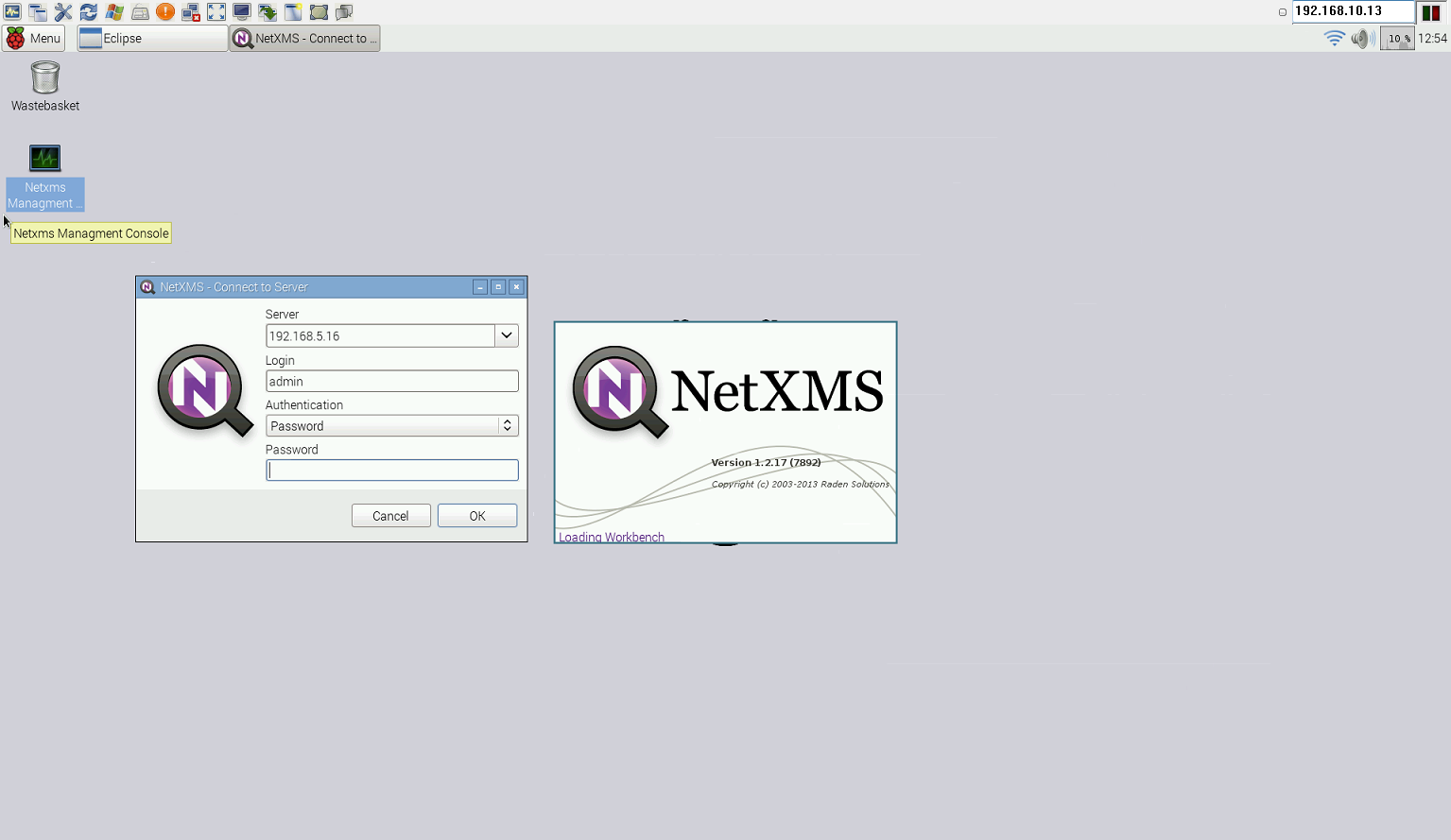
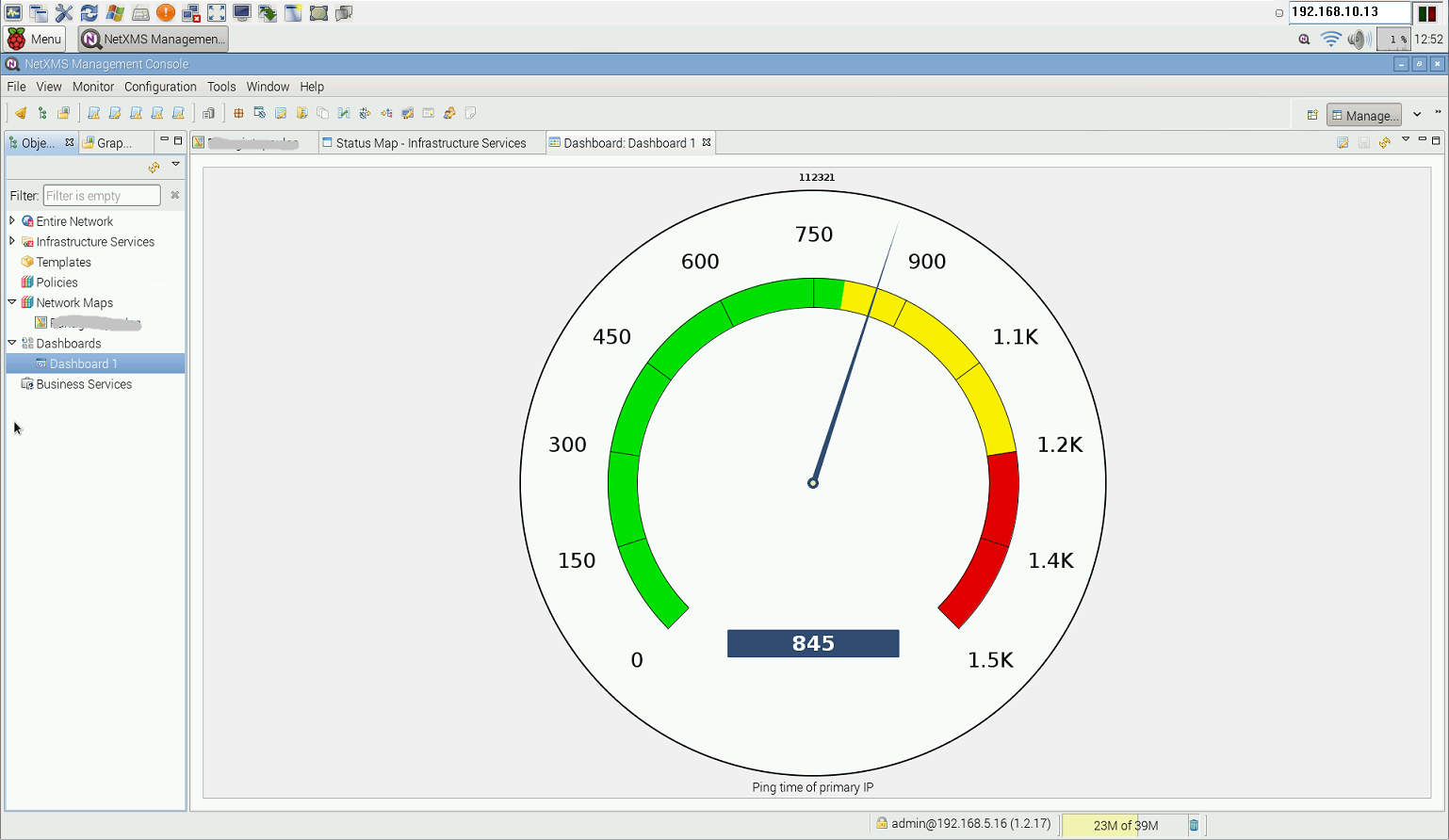
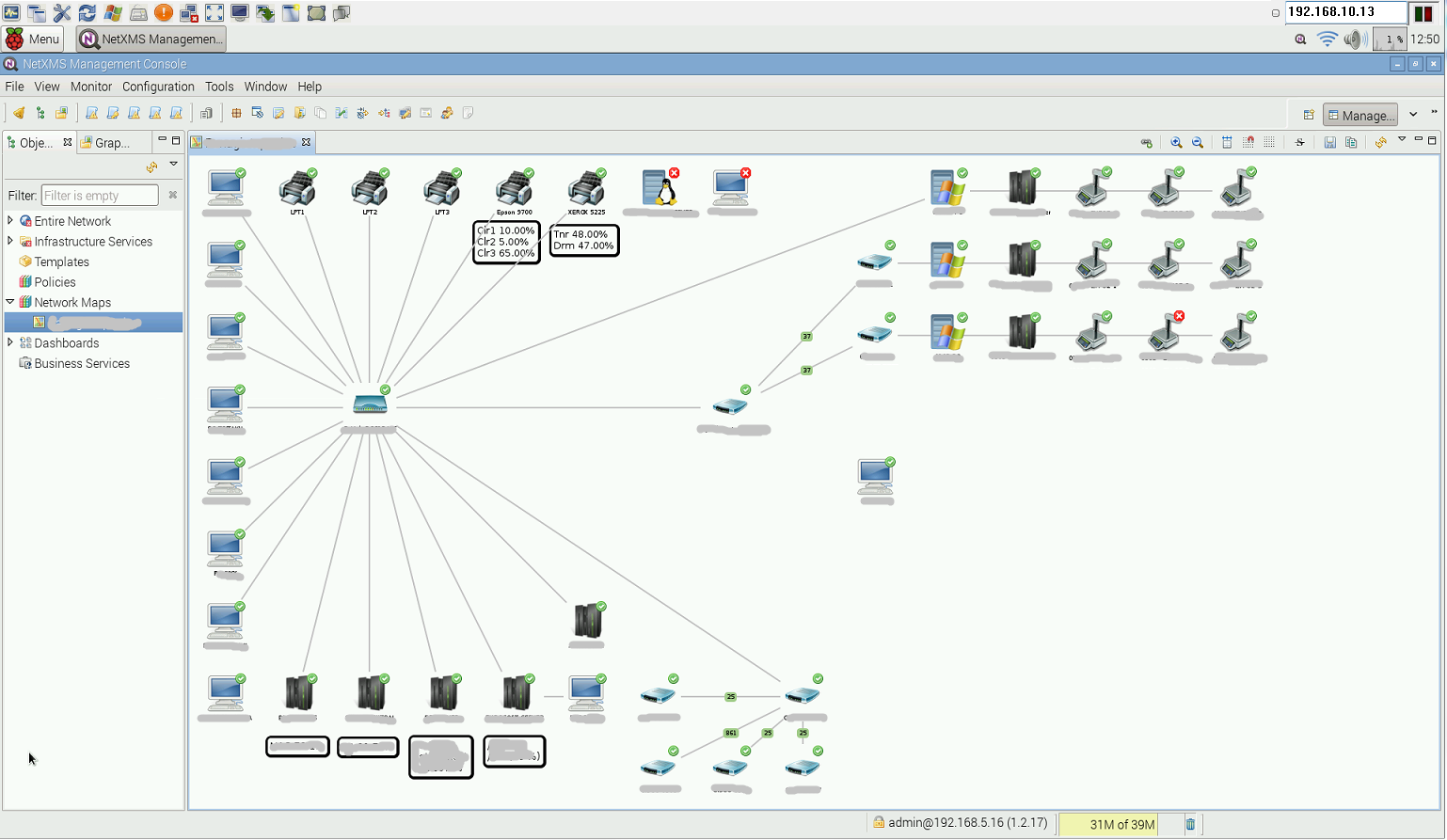
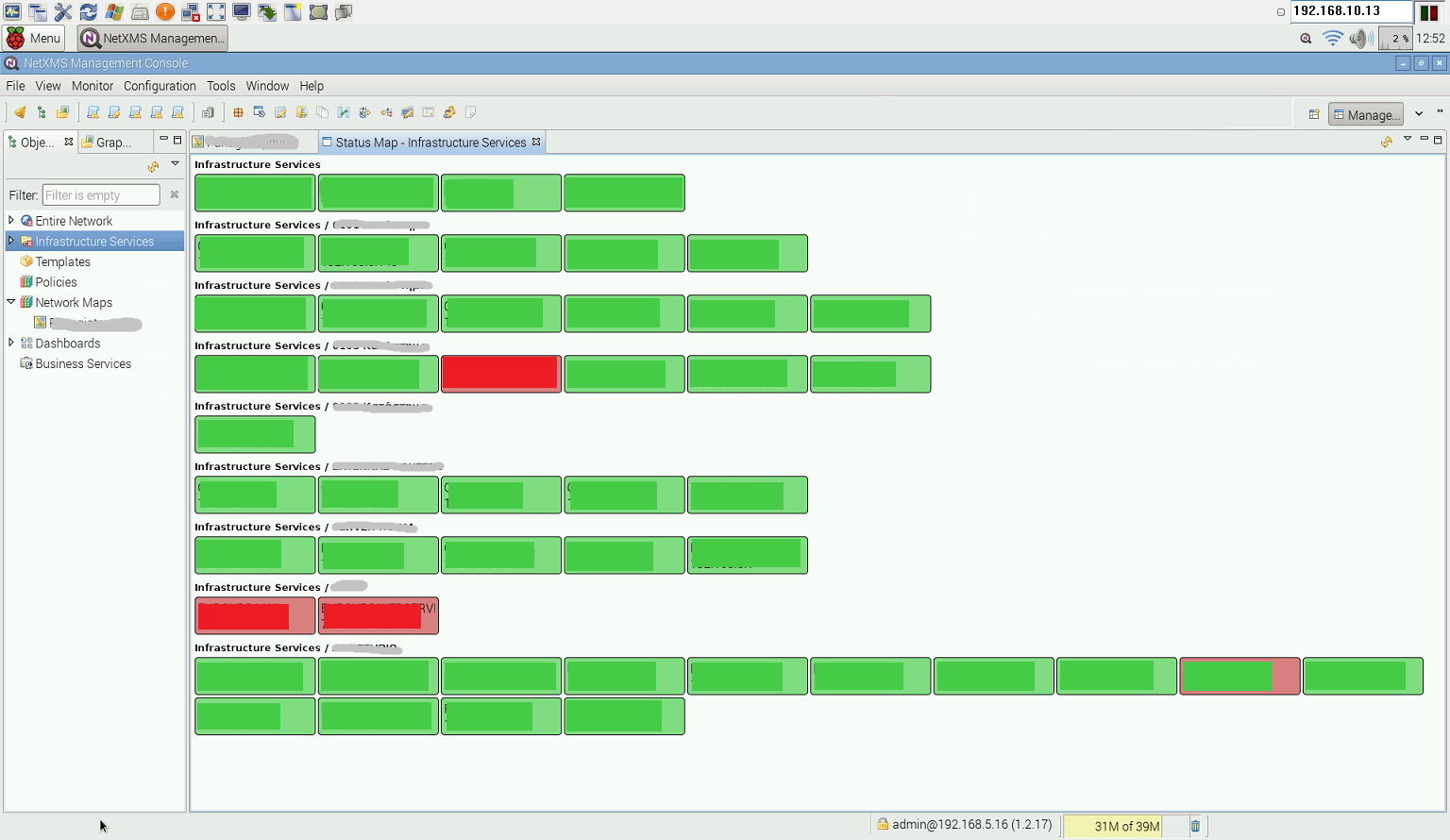
-
Hi,
thanks for the extremely useful info!
How do you find the overall performance and stability of the netxms console on the raspberry so far?
I want to do the same thing - install a big TV in the office with the RPi2 running the netxms console so it will work only if it is stable. Alternatively I will use a normal PC with Linux, but I really like the idea of the raspberry. -
The performance of the console is great without a single crash so far (two weeks) and responsive like the Windows version. Offcourse except VNC no other app is running and I havent overclocked the Pi.
I also, like you, have installed the Netxms Console/Pi on a permament wall mounted 42'' (1920x1080) TV and I am very pleased with it.
-

Hello! It looks like you're interested in this conversation, but you don't have an account yet.
Getting fed up of having to scroll through the same posts each visit? When you register for an account, you'll always come back to exactly where you were before, and choose to be notified of new replies (either via email, or push notification). You'll also be able to save bookmarks and upvote posts to show your appreciation to other community members.
With your input, this post could be even better 💗
Register Login