
Sharing Standard Templates for NetXMS
-
Hi
Dear forum members,kindly share more standard templates for benefit to all.
-
-
Infoblox NIOS
- CPU stats
- Memory stats
- Temperature stats
- DNS stats
- DHCP stats
- Grid stats
-
We currently have the Zabbix system in production monitoring our infrastructure for a few years now. We are currently looking at Netxms as an upgrade to our current system. We have installed the windows version of Netxms for Dev Testing, and was looking to those that have a system in place and already familiar with Netxms, to donate a couple of templates to get us started in the conversion.
Templates needed...
Windows Server baseline monitoring
MSSQL baseline and services
MSExchange 2010 baseline and servicesThese template would certainly get us started in the right direction.
Thanks in advance for any help you can give.
Ron.
-
-
-
-
-
@harun said in Sharing Standard Templates for NetXMS:
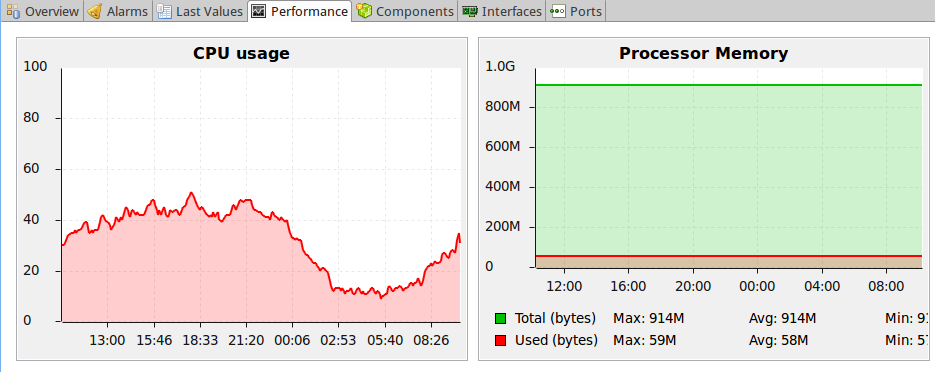
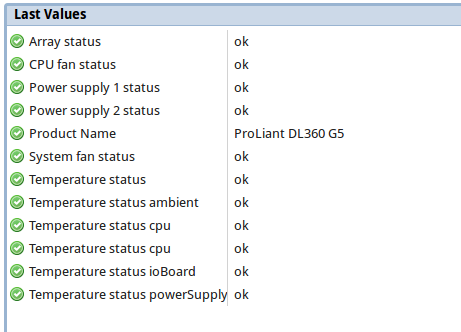
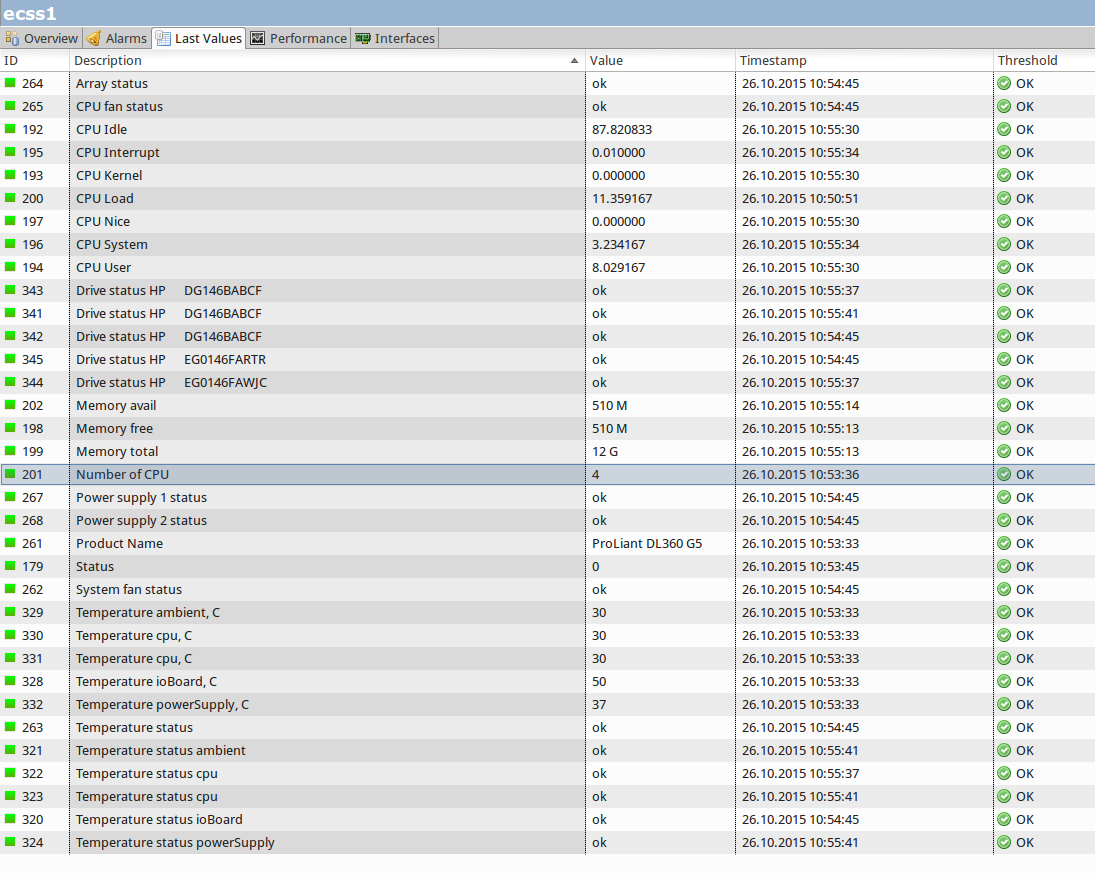
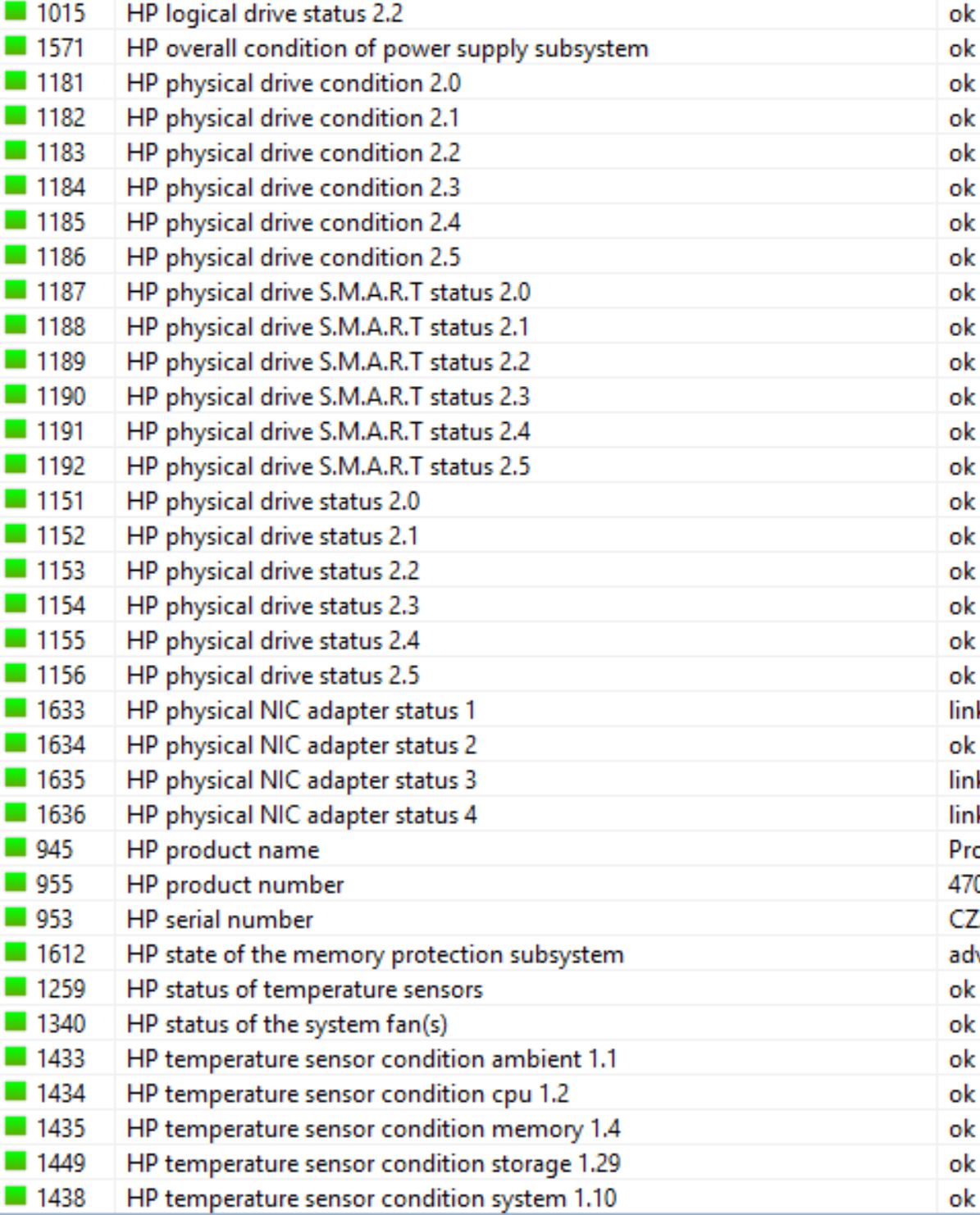
Template for HP servers (hp-snmp-agents)
UPDATING for DL360 Gen8, new oids and minor changes.
-
-
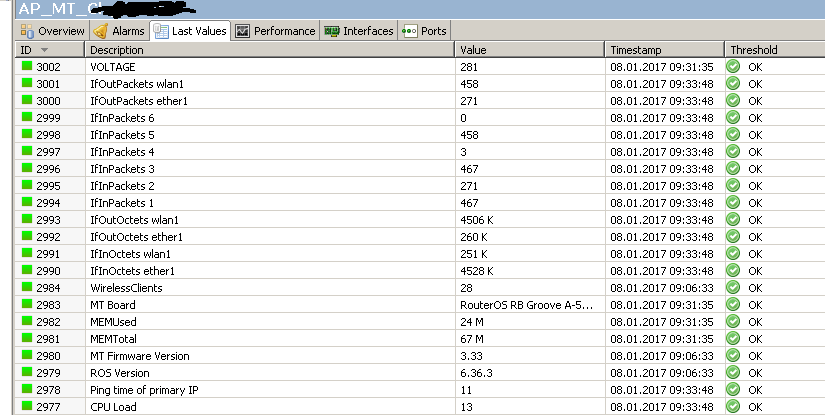
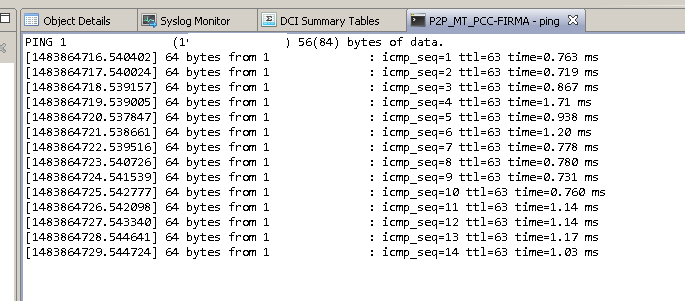
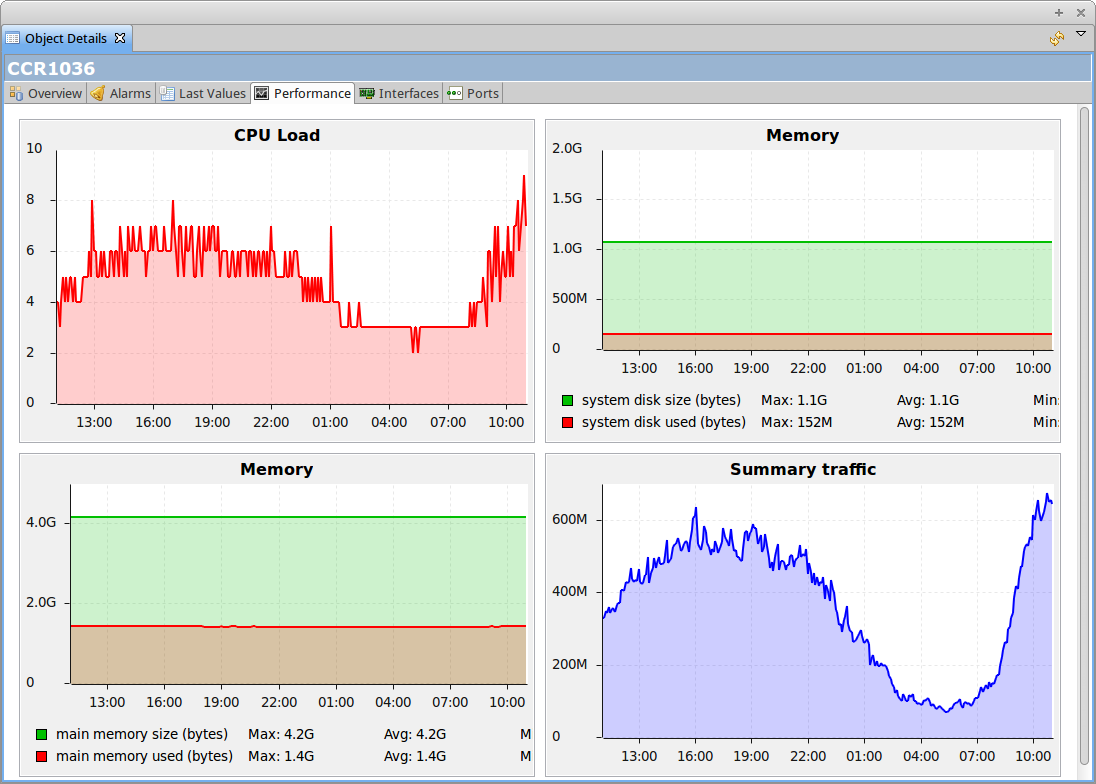
Hi, improved MT template with dci summary table and my definition of ping tool.
Please view code before import(Im still learning NetXMS)
I will also improve my upgrade tools from other topic(soon).
Best regards
netxms-templ-dci-tool-backup-2017-01-09.xml

-
-
hi
i have attached tempates, events and snmp traps for gamatronic power+ modular ups
Regards,
Lindeamon
-
@victor said in Sharing Standard Templates for NetXMS:
Hi all!
Attached are SNMP trap mappings for Dell and HP servers and APC devices, as well as data collection templates for Dell and HP servers.
Best regards,
VictorUpdated dell snmp with interface discovery rules.
-
-
-
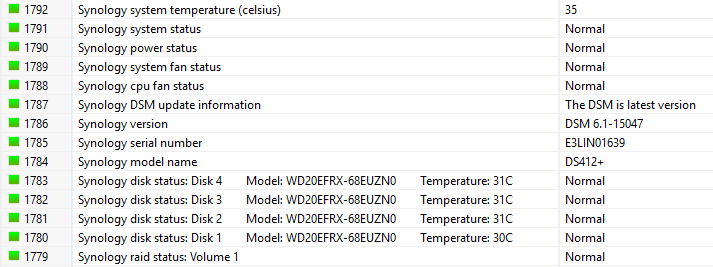
Next template is for synology nases out there

TODO: Find a way to show disk usage on ex. Volume 1
-
Hello,
I tried to use HP.xml for Import from Hanfelt (Post April 06, 2017).
* HP.xml (78.52 kB - downloaded 23 times.)The Import ends with error:
Cannot import configuration: Configuration cannot be imported because of validation errors
How can I import the XML-File?
I use version 2.1-RC1
Thank you

-
-
Hi,
download XML file to your workstation and choose Tools -> Import configuration from main menu, then choose XML file to import.
Best regards,
Victor
Hello! It looks like you're interested in this conversation, but you don't have an account yet.
Getting fed up of having to scroll through the same posts each visit? When you register for an account, you'll always come back to exactly where you were before, and choose to be notified of new replies (either via email, or push notification). You'll also be able to save bookmarks and upvote posts to show your appreciation to other community members.
With your input, this post could be even better 💗
Register Login