
WebAPI Struggles
-
Hi guys,
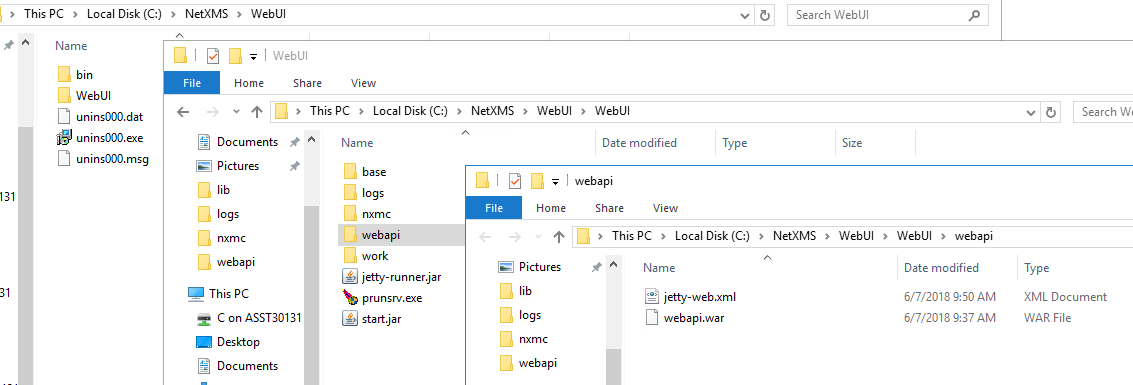
I'm trying to set up the WebAPI so I can use Grafana with NetXMS but I'm running into some issues. I have the netxms-websvc-2.2.6.war file (renamed to webapi.war) - tried both downloading it and building it myself with Maven, didn't make a difference. I've placed the file in the C:\NetXMS\WebUI\WebUI\webapi directory together with a jetty-web.xml file with the following content:
<Configure class="org.eclipse.jetty.webapp.WebAppContext">
  <Set name="contextPath">/webapi</Set>
  <Set name="war"><SystemProperty name="jetty.home"/>\webapi\webapi.war</Set>
  <Set name="tempDirectory">webapi</Set>
</Configure>
I've added the following line to the Params value under HKEY_LOCAL_MACHINE\SOFTWARE\WOW6432Node\Apache Software Foundation\Procrun 2.0\nxWebUI\Parameters\Start:
C:\NetXMS\WebUI\WebUI\webapi\jetty-web.xml
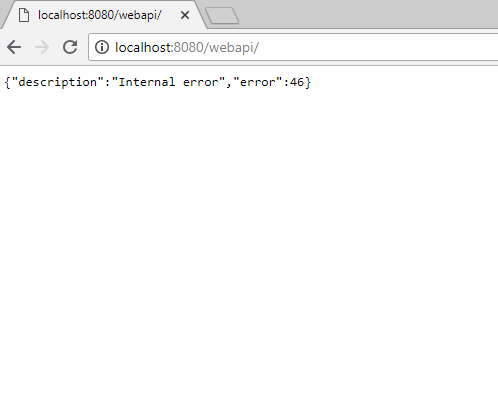
So far, so good, the problem is that when I open http://localhost:8080/webapi/ in the browser I get this:
{"description":"Internal error","error":46}
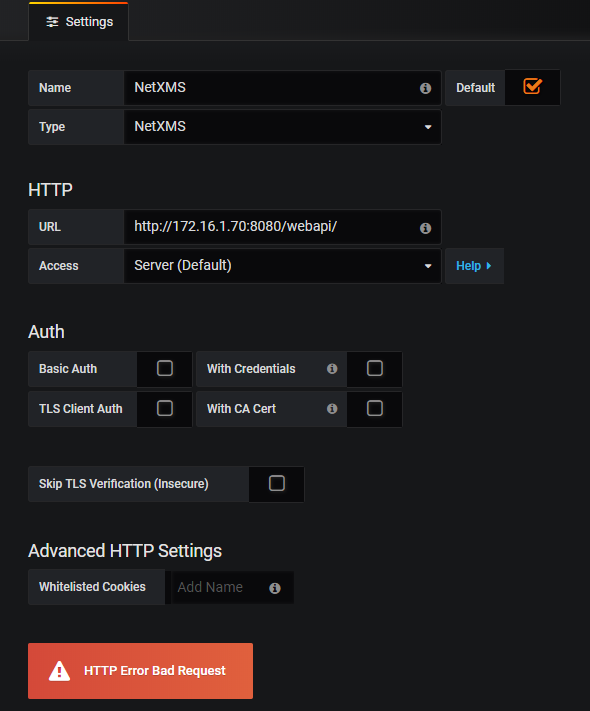
When I enter http://172.16.1.70:8080/webapi/ in the Grafana new datasource settings and click on "Save & Test", I get a "HTTP Error Bad Request" error.
Any ideas how to get this working?
Thanks
-
Hi,
you should turn on both "Basic Auth" and "With Credentials".
Best regards,
Victor -
Hello! It looks like you're interested in this conversation, but you don't have an account yet.
Getting fed up of having to scroll through the same posts each visit? When you register for an account, you'll always come back to exactly where you were before, and choose to be notified of new replies (either via email, or push notification). You'll also be able to save bookmarks and upvote posts to show your appreciation to other community members.
With your input, this post could be even better 💗
Register Login