
Disk space free? Volume...
-
Hello,
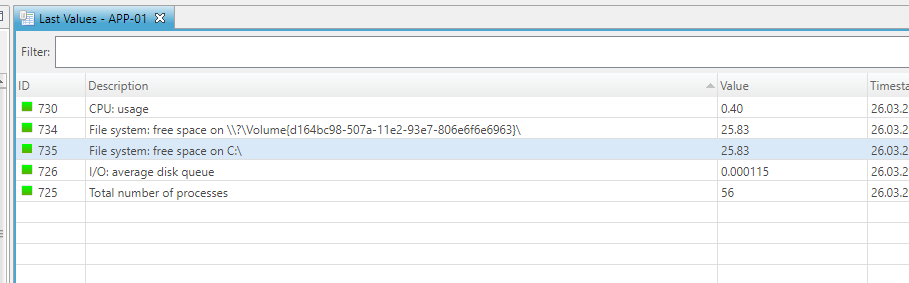
I am using the agent to monitor disk space on a few windows boxes. It's pulling in a drive called Volume. I'm not sure what this is I only want 'NORMAL' windows drives such as C:\ D:\ E:\ G:\ to be pulled in. Is there anyway to exclude the volume drives from the Windows Template?
See screenshot attached.
Also I've setup a generic email for LOW and NO DISK SPACE is it possible to have the node name in this email? If so what shortcode do I use to include this? It would just save creating multiple emails/actions for each node?
-
-
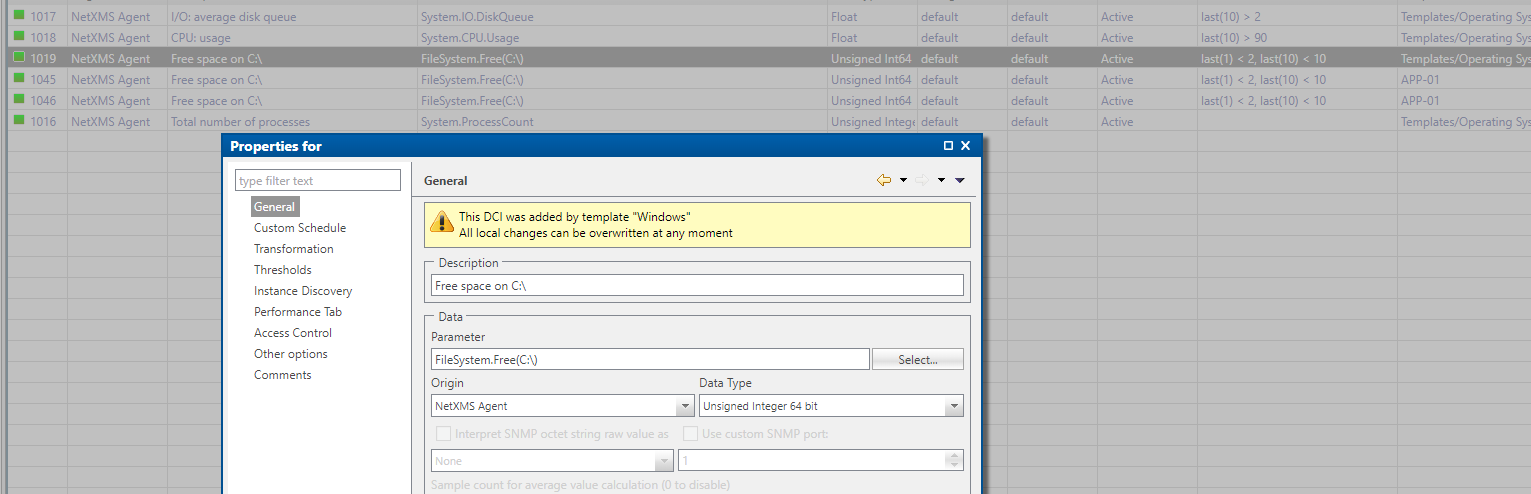
As the template is using instance discovery (https://www.netxms.org/documentation/adminguide/data-collection.html?highlight=instance discovery#instance), your data collection configuration will show:
- The {instance} DCI.
- Any DCIs created by instance discovery based on that {instance} DCI.
Last values will not show the {instance} one.
To filter out volumes you don't want to see, you will want to look at adding an instance discovery filter in the template.
Some examples around filtering file system monitoring can be found at https://www.netxms.org/forum/configuration/dci-filter-script-how-to-ignore-some-filesytems/To add the node name in the email, you'll want to use the %n macro (name of event source object), as per https://www.netxms.org/documentation/adminguide/event-processing.html#macros-for-event-processing
Hello! It looks like you're interested in this conversation, but you don't have an account yet.
Getting fed up of having to scroll through the same posts each visit? When you register for an account, you'll always come back to exactly where you were before, and choose to be notified of new replies (either via email, or push notification). You'll also be able to save bookmarks and upvote posts to show your appreciation to other community members.
With your input, this post could be even better 💗
Register Login