
Stacked graph error
-
I have probably found an error in stacked graph presentation.
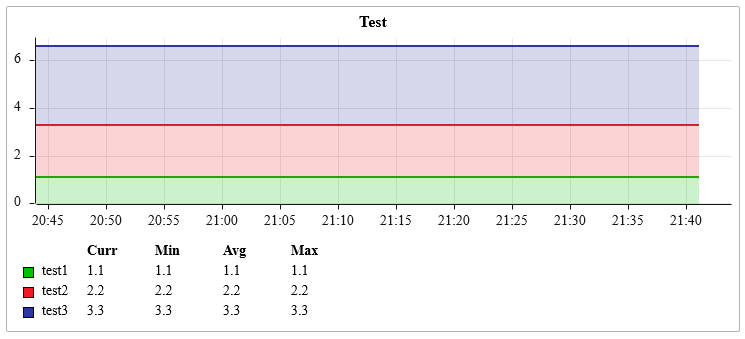
If I have a stacked graph on the Performance tab it is displayed correctly.
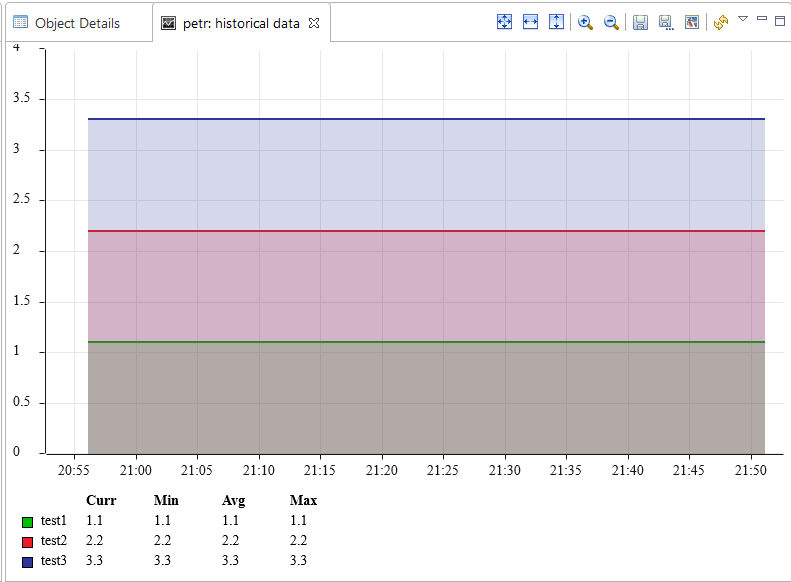
After double click on the graph a new tab with this graph is open but this new graph is not stacked.I can check the Stacked option in the Properties of the graph tab after opening and the graph is displayed correctly but I think it is an error that this setting is not taken from the original Performance tab. I think it is confusing that after double click on a performance graph a graph in another format is displayed.
I have attached a template with Dummy DCIs from my test therefore you can easily reproduce the problem.
-
Yes, it's a bug. Created https://track.radensolutions.com/issue/NX-1854 for that.
-
Hello! It looks like you're interested in this conversation, but you don't have an account yet.
Getting fed up of having to scroll through the same posts each visit? When you register for an account, you'll always come back to exactly where you were before, and choose to be notified of new replies (either via email, or push notification). You'll also be able to save bookmarks and upvote posts to show your appreciation to other community members.
With your input, this post could be even better 💗
Register Login