
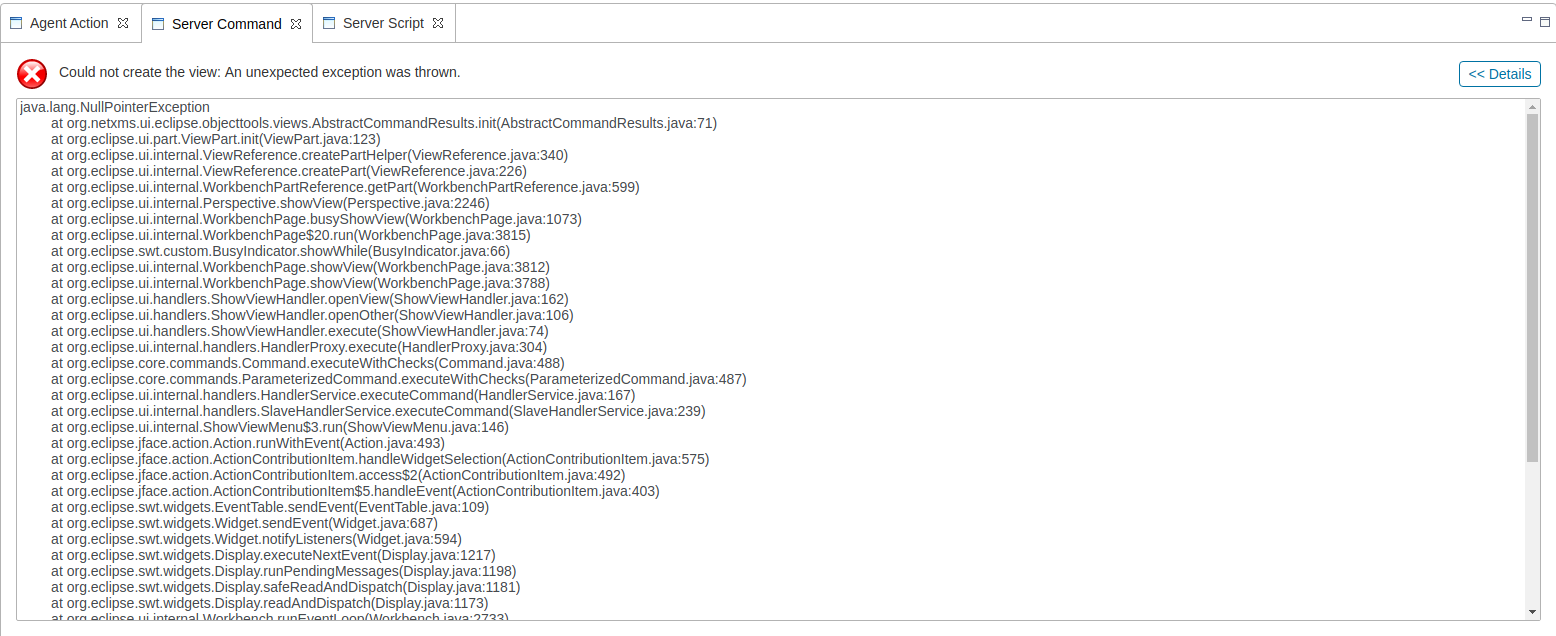
Server Command view
-
Hello all,
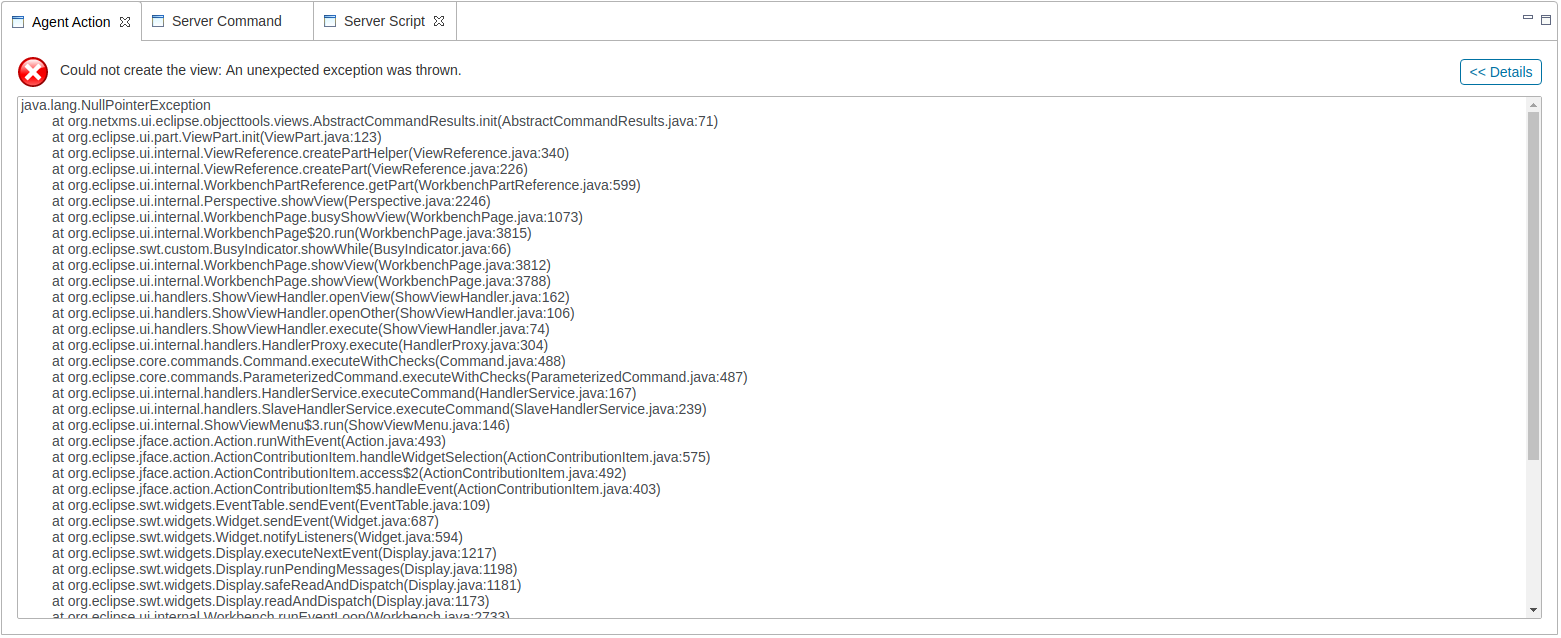
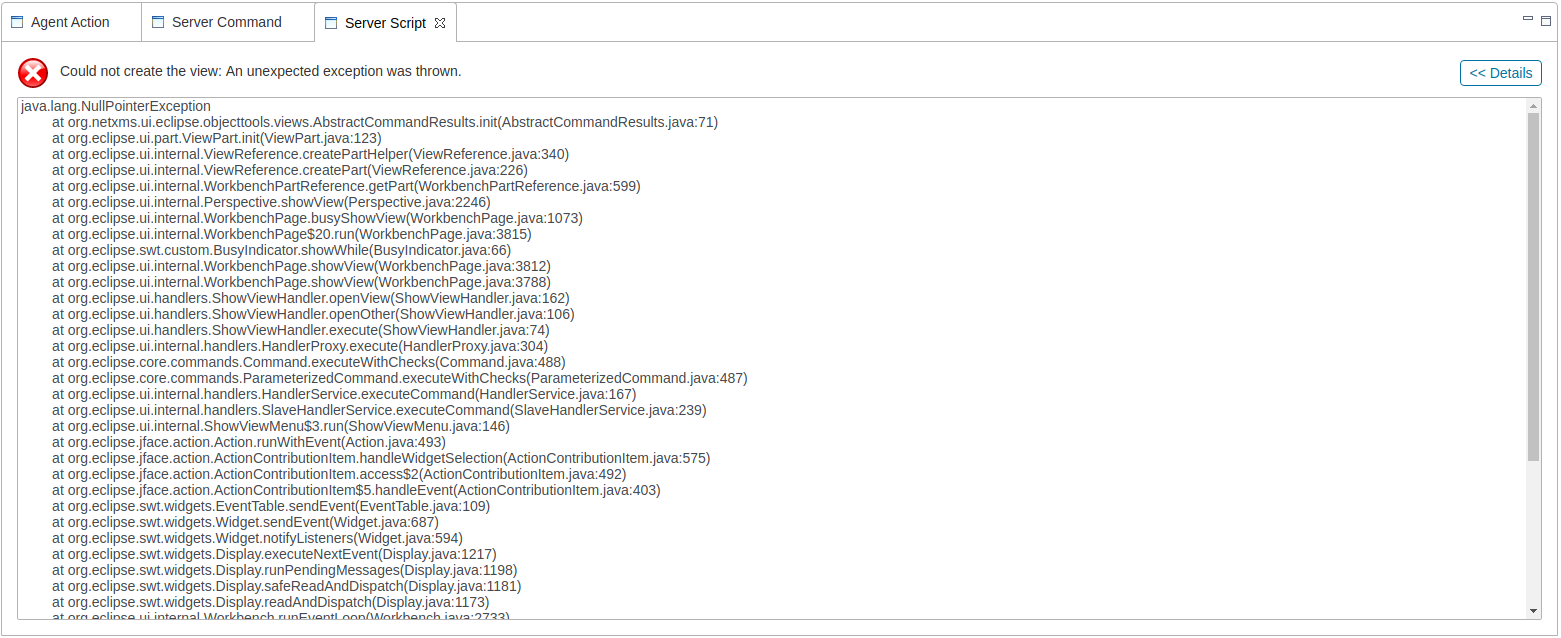
Whenever I try to open the Server Command view, I get the below error. I've already made sure I'm running the most up to date version of jdk. I'm not sure what else to look at.java.lang.NullPointerException at org.netxms.ui.eclipse.objecttools.views.AbstractCommandResults.init(AbstractCommandResults.java:71) at org.eclipse.ui.part.ViewPart.init(ViewPart.java:123) at org.eclipse.ui.internal.ViewReference.createPartHelper(ViewReference.java:340) at org.eclipse.ui.internal.ViewReference.createPart(ViewReference.java:226) at org.eclipse.ui.internal.WorkbenchPartReference.getPart(WorkbenchPartReference.java:599) at org.eclipse.ui.internal.Perspective.showView(Perspective.java:2246) at org.eclipse.ui.internal.WorkbenchPage.busyShowView(WorkbenchPage.java:1073) at org.eclipse.ui.internal.WorkbenchPage$20.run(WorkbenchPage.java:3815) at org.eclipse.swt.custom.BusyIndicator.showWhile(BusyIndicator.java:66) at org.eclipse.ui.internal.WorkbenchPage.showView(WorkbenchPage.java:3812) at org.eclipse.ui.internal.WorkbenchPage.showView(WorkbenchPage.java:3788) at org.eclipse.ui.handlers.ShowViewHandler.openView(ShowViewHandler.java:162) at org.eclipse.ui.handlers.ShowViewHandler.openOther(ShowViewHandler.java:106) at org.eclipse.ui.handlers.ShowViewHandler.execute(ShowViewHandler.java:74) at org.eclipse.ui.internal.handlers.HandlerProxy.execute(HandlerProxy.java:304) at org.eclipse.core.commands.Command.executeWithChecks(Command.java:488) at org.eclipse.core.commands.ParameterizedCommand.executeWithChecks(ParameterizedCommand.java:487) at org.eclipse.ui.internal.handlers.HandlerService.executeCommand(HandlerService.java:167) at org.eclipse.ui.internal.handlers.SlaveHandlerService.executeCommand(SlaveHandlerService.java:239) at org.eclipse.ui.internal.ShowViewMenu$3.run(ShowViewMenu.java:146) at org.eclipse.jface.action.Action.runWithEvent(Action.java:493) at org.eclipse.jface.action.ActionContributionItem.handleWidgetSelection(ActionContributionItem.java:575) at org.eclipse.jface.action.ActionContributionItem.access$2(ActionContributionItem.java:492) at org.eclipse.jface.action.ActionContributionItem$5.handleEvent(ActionContributionItem.java:403) at org.eclipse.swt.widgets.EventTable.sendEvent(EventTable.java:109) at org.eclipse.swt.widgets.Widget.sendEvent(Widget.java:687) at org.eclipse.swt.widgets.Widget.notifyListeners(Widget.java:594) at org.eclipse.swt.widgets.Display.executeNextEvent(Display.java:1217) at org.eclipse.swt.widgets.Display.runPendingMessages(Display.java:1198) at org.eclipse.swt.widgets.Display.safeReadAndDispatch(Display.java:1181) at org.eclipse.swt.widgets.Display.readAndDispatch(Display.java:1173) at org.eclipse.ui.internal.Workbench.runEventLoop(Workbench.java:2733) at org.eclipse.ui.internal.Workbench.runUI(Workbench.java:2694) at org.eclipse.ui.internal.Workbench.access$5(Workbench.java:2530) at org.eclipse.ui.internal.Workbench$5.run(Workbench.java:701) at org.eclipse.core.databinding.observable.Realm.runWithDefault(Realm.java:338) at org.eclipse.ui.internal.Workbench.createAndRunWorkbench(Workbench.java:684) at org.eclipse.ui.PlatformUI.createAndRunWorkbench(PlatformUI.java:157) at org.netxms.ui.eclipse.console.Application.start(Application.java:75) at org.eclipse.rap.ui.internal.application.EntryPointApplicationWrapper.createUI(EntryPointApplicationWrapper.java:38) at org.eclipse.rap.rwt.internal.lifecycle.RWTLifeCycle.createUI(RWTLifeCycle.java:177) at org.eclipse.rap.rwt.internal.lifecycle.RWTLifeCycle$UIThreadController.run(RWTLifeCycle.java:290) at java.base/java.lang.Thread.run(Thread.java:834) at org.eclipse.rap.rwt.internal.lifecycle.UIThread.run(UIThread.java:107)Thank you everyone!
-
Hi!
What exactly menus of management console are you using to get to this? What is NetXMS version?
-
-
Can you describe an exact sequence how you get to this - are you using a context menu on some node, or a menu on top of the screen (File, View, Monitor...)
-
-
This is sort of debug menu that has a list of all possible windows that management console can open. The thing is that some of windows only work when opened in some context, e.g. when executing some command using object tools.
This debug menu will be removed in a future version.
Hello! It looks like you're interested in this conversation, but you don't have an account yet.
Getting fed up of having to scroll through the same posts each visit? When you register for an account, you'll always come back to exactly where you were before, and choose to be notified of new replies (either via email, or push notification). You'll also be able to save bookmarks and upvote posts to show your appreciation to other community members.
With your input, this post could be even better 💗
Register Login