
Nodes DCI Timestamp incorrect
-
Hello,
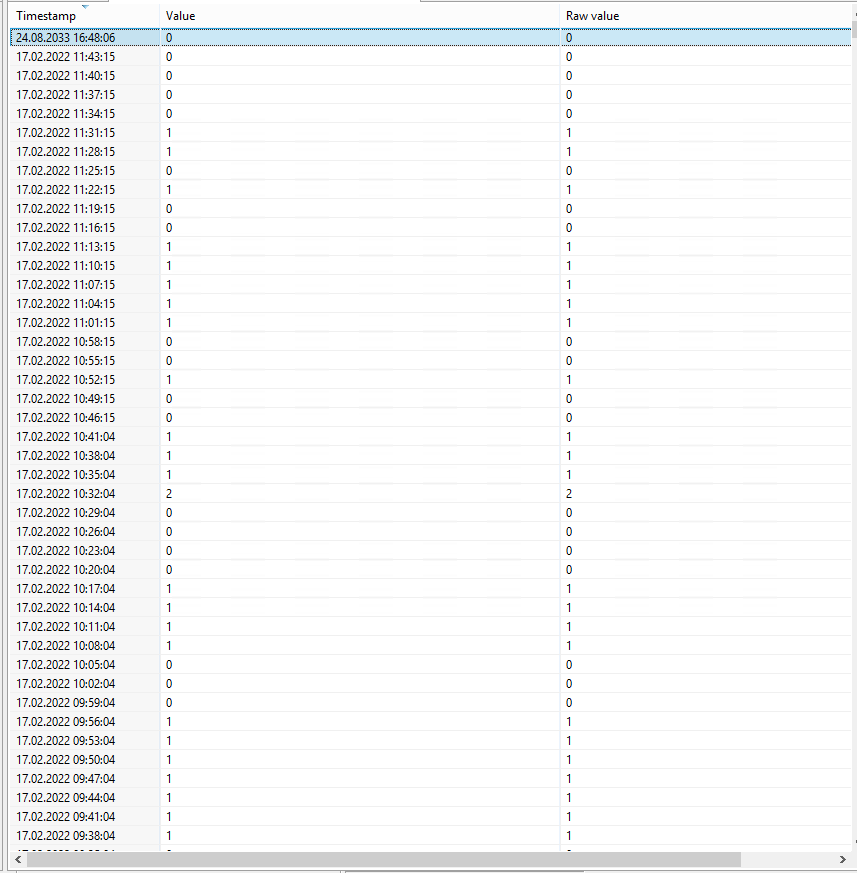
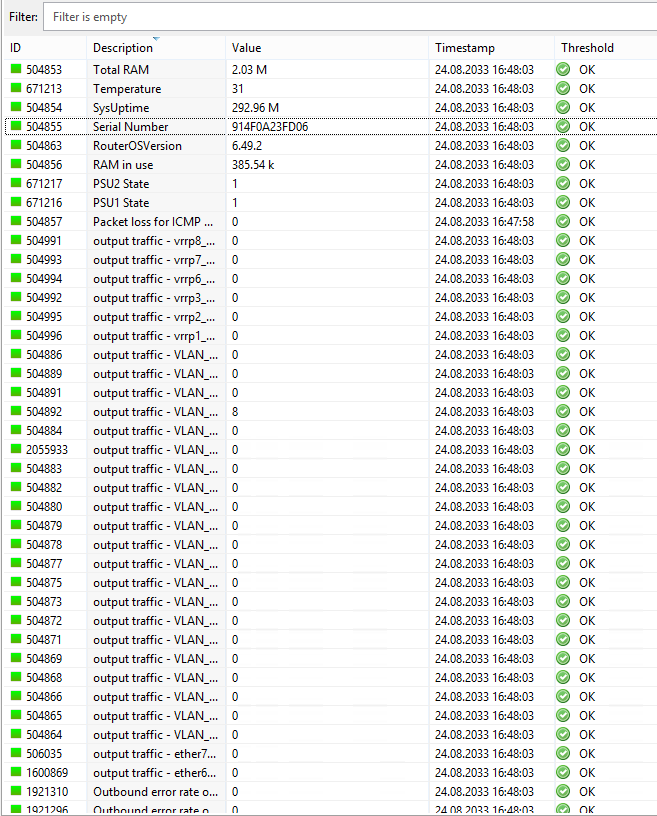
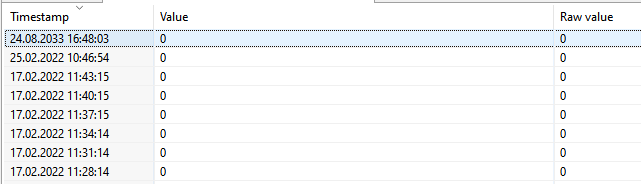
From 17.02.2022 11:40 EEST time to the moment I have seen strange problem with DCI timestamp. When I open on my some node DCI history I have seen that the last information is from 24.08.2033.
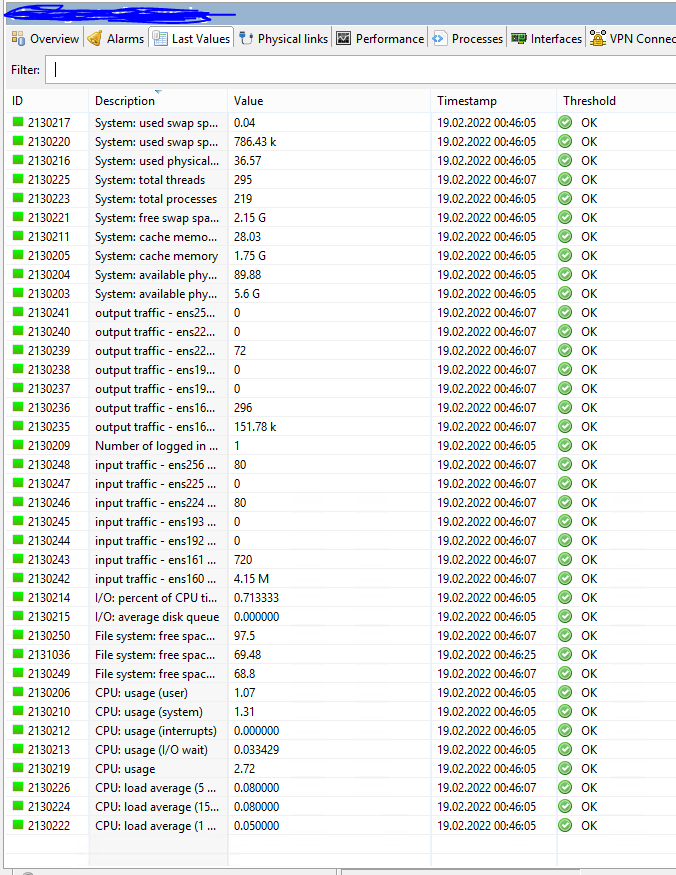
Even all DCI timestamp on my proxy node who collection information from all my nodes was from 24.08.2033. I have restarted few times proxy node, but without result. I deleted this proxy node object and re-created it again. After that on him all DCIs timestamp changed to normal timestamp. I assigned again this proxy node to my zone. After that on few my nodes timestamp is already fixed, but most of them is still not normal - 24.08.2033. I attach pictures.My NetXMS server version is 3.9.334 Build 3.9-334-g799c5eb953
My Proxy node - agent version - 4.0.2151
What could be the reason for this situation?
-
Hi,
most likely there was short period of time when system clock was set at 24.08.2033. Now server is not scheduling those DCIs to poll because current time is less than last value timestamp. Try to stop the server and run nxdbmgr check - it should delete incorrect records thus allowing normal data collection scheduling.
Best regards,
Victor -
-
Hello Victor,
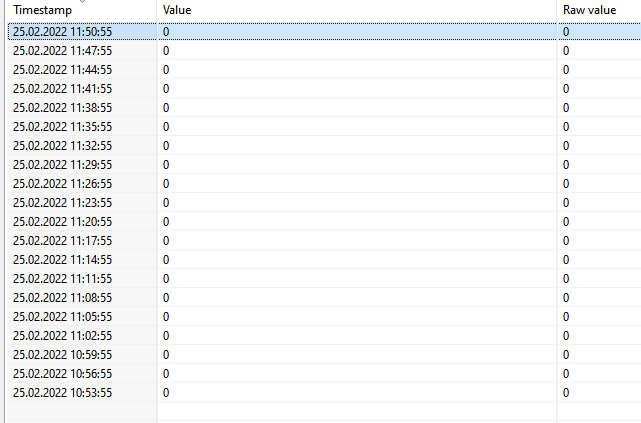
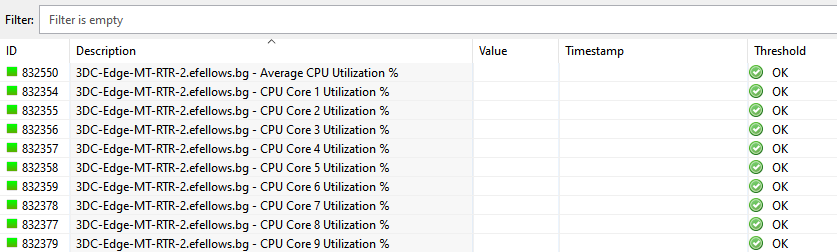
I did yesterday a nxdbmgr check. The check found 216 error which were fixed successfully. Now DCIs Timestamp is correct. Unfortunattly now all effected nodes DCI cannot pooling information. When I make force DCI pool, I succsessfull pool information, but when I check DCI history I have seen that the last timestamp is still 24.08.2033. May for that reason cannot work automatically DCI pooling. I attach pictures.
I found that when node is unbind from my template and bind again DCI auto pooling works fine. The problem is that this way I lose data for a previous time.
Is there a way to fix this issue?
-
When server starts it reads RAW_DCI_VALUES table from DB, takes last_poll_time and schedules polling based on that time. nxdbmgr should have fixed time value in that table, but you can double-check.
The other place where timestamp is stored is when you have cache mode turned on. In this case agent (which collects data from the system where it's running) or proxy (which collects data from SNMP devices) has a table in it's database where that timestamp is stored.
The simplest is to stop proxy, delete it's database (nxagentd.db file) and start the proxy again. Then run configuration poll for the proxy, it should receive data collection configuration form the server. -
Hello Filipp,
Actually on my proxy node cache mode is turned on. In /var/lib/netxms I really have seen nxagentd.db file:
root@Ubuntu20:/var/lib/netxms# ls -la
drwxr-xr-x 7 root root 4096 Mar 8 23:15 .
drwxr-xr-x 81 root root 4096 Jan 25 18:25 ..
drwxr-xr-x 2 root root 4096 Mar 5 23:28 certificates
drwxr-xr-x 2 root root 4096 Mar 21 2020 config_ap
drwxr-xr-x 2 root root 4096 Jan 28 2021 crl
drwxr-xr-x 2 root root 4096 Mar 21 2020 logparser_ap
-rw-r--r-- 1 root root 131072 Mar 8 23:15 nxagentd.db
drwxr-xr-x 2 root root 4096 Mar 21 2020 useragent_apSo, I will delete nxagentd.db file and will share the result.
-
Hello Filipp,
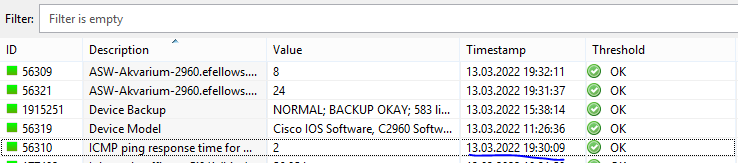
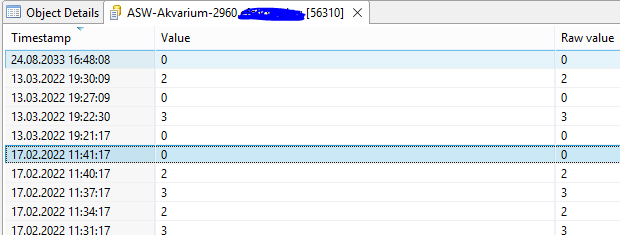
Today I deleted nxagentd.db file from my proxy node. Now timestamp on all DCI is already correct. I notice that in dci history on top I still have record with date 24.08.2033,, but I found that I can delete it manually.
Many thanks for your support.
Hello! It looks like you're interested in this conversation, but you don't have an account yet.
Getting fed up of having to scroll through the same posts each visit? When you register for an account, you'll always come back to exactly where you were before, and choose to be notified of new replies (either via email, or push notification). You'll also be able to save bookmarks and upvote posts to show your appreciation to other community members.
With your input, this post could be even better 💗
Register Login