
ISP Connectivity Monitoring with ICMP
-
I have wondered if there is a better way to monitor ISP connectivity using ICMP - latency, packet loss and RTT. The challenge is that when ICMP request is sent from netxms server to ISP, the result is usually affected by underlying LAN network and doesn't give true picture to measure from the Edge Router (Source) to ISP end (destination). Is there a way to achieve this using Netxms where the router becomes the source to send ICMP echo request.
-
Depending on what that router supports. If you could install NetXMS agent there, that would be the best way - e.g. this can be done with some newer Mikrotiks that support containers. If not, then you can collect data via snmp or ssh. Or you can put some machine with netxms agent in the proximity of this router.
-
@filipp-sudanov said in ISP Connectivity Monitoring with ICMP:
Depending on what that router supports. If you could install NetXMS agent there, that would be the best way - e.g. this can be done with some newer Mikrotiks that support containers. If not, then you can collect data via snmp or ssh. Or you can put some machine with netxms agent in the proximity of this router.
Thank you Filipp, nothing can be installed on the router. You mentioned this can be achieved using ssh and SNMP. Do you mind throwing more light.
-
NetXMS can connect via ssh, send some command and get first line of output of that command as DCI value. See more here: https://netxms.org/documentation/adminguide/ssh-monitoring.html
For SNMP you just need to create a new DCI with origin SNMP and put OID into the Metric field.
However, I can not tell if your specific device can perform pinging and report value via mentioned methods. Ssh is probably more promising, as typically ping command is present on devices.
-
@filipp-sudanov said in ISP Connectivity Monitoring with ICMP:
NetXMS can connect via ssh, send some command and get first line of output of that command as DCI value. See more here: https://netxms.org/documentation/adminguide/ssh-monitoring.html
For SNMP you just need to create a new DCI with origin SNMP and put OID into the Metric field.
However, I can not tell if your specific device can perform pinging and report value via mentioned methods. Ssh is probably more promising, as typically ping command is present on devices.Thank you for providing feedback.Am using Its HPE router and Cisco router . I will try the ssh versions as it appears to be more like what can be done easily. Do you also mean there is SNMP OID to use to extract ICMP data on remote device by this statement - "For SNMP you just need to create a new DCI with origin SNMP and put OID into the Metric field.".?
-
Hi,
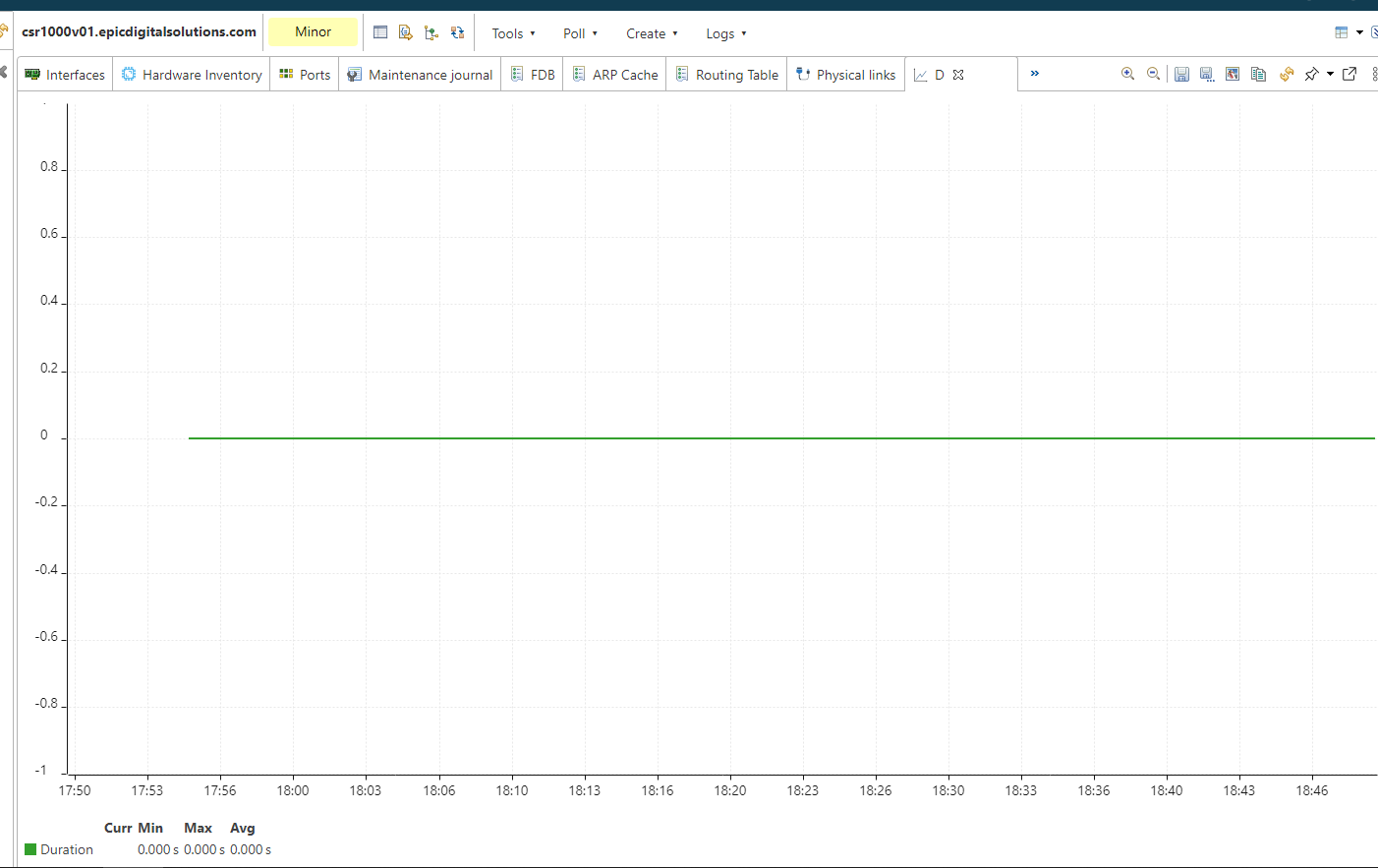
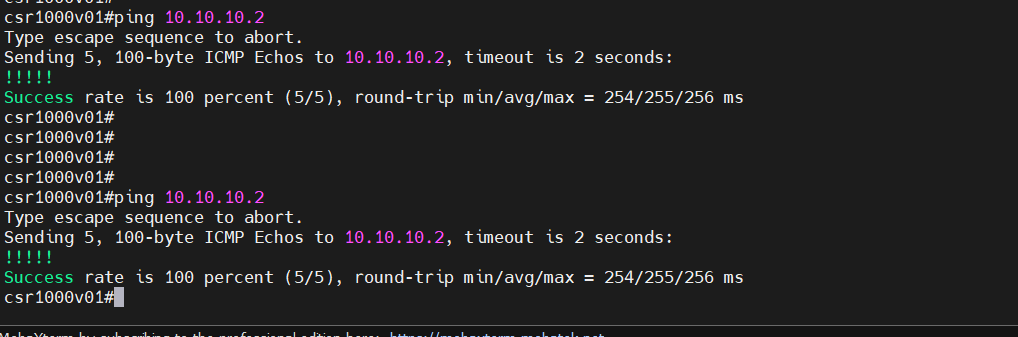
I tried testing with SSH and also debugging netxms agent at the same. I see the following debug output(ping) but the DCI just keep showing zero(ping2). When I ping the same remote endpoint from the source router(ping3) the response time is much higher. Not sure what the problem is. Or am I not outputting the result properly ?

-
It's probably taking the first line of the output that was obtained via ssh. In this case it's !!!!!, which might be interpreted as 0 if the DCI is Integer.
If you check history for this DCI, raw value column might have some clue.if your router supports i command which allows to filter the output, you can do something like this:
ping 8.8.8.8 repeat 3 timeout 1 | i SuccessThis would limit the output just to one line, which then can be parsed using transformation script. Note that I limited number of requests and timeout as by default there's 4 second limitation between netxms server and agent - result should be returned within that time.
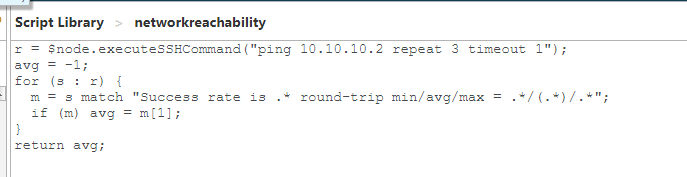
If above is not possible, the other approach is to call ssh command from NXSL script. In this case all lines of output are received (as array) and we can parse this array to extract data:
r = $node.executeSSHCommand("ping 8.8.8.8 repeat 3 timeout 1");
avg = -1;
for (s : r) {
  m = s match "Success rate is .* round-trip min/avg/max = .*/(.*)/.*";
  if (m) avg = m[1];
}
return avg;
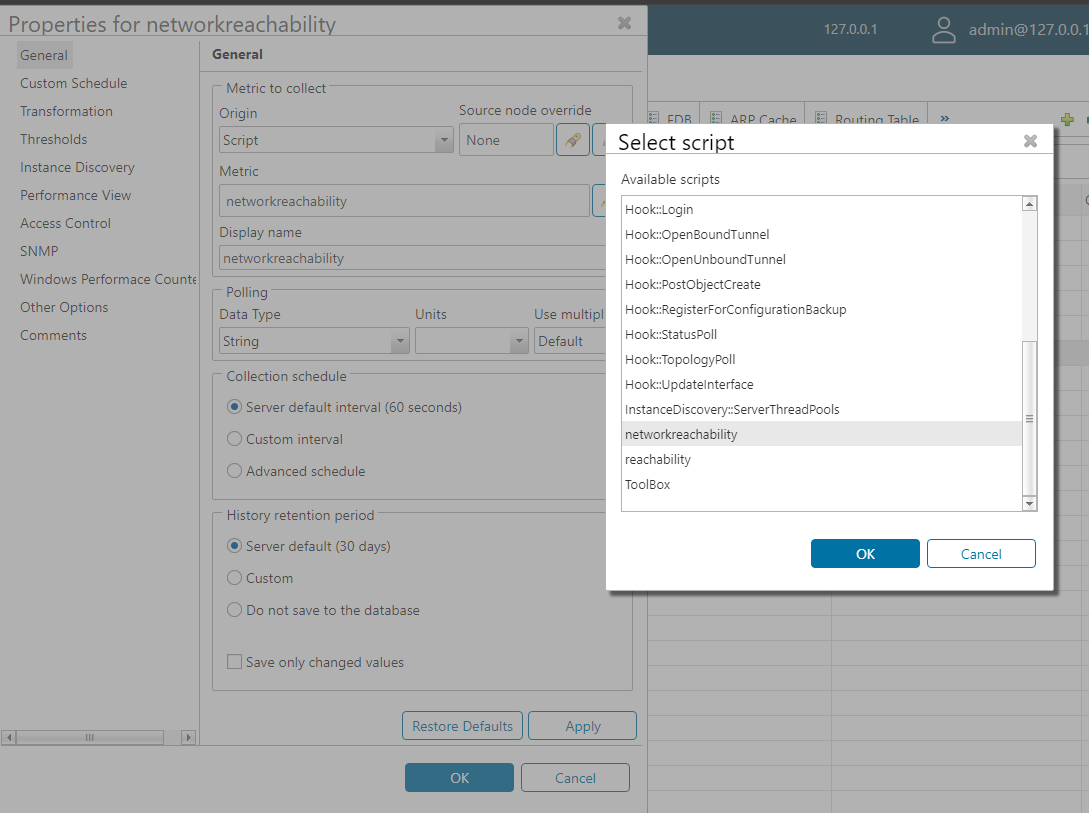
You can either put this script into script library and use it in Script DCI; or you can make Internal DCI with metric Dummy and put this into transformation script.
-
@filipp-sudanov said in ISP Connectivity Monitoring with ICMP:
It's probably taking the first line of the output that was obtained via ssh. In this case it's !!!!!, which might be interpreted as 0 if the DCI is Integer.
If you check history for this DCI, raw value column might have some clue.if your router supports i command which allows to filter the output, you can do something like this:
ping 8.8.8.8 repeat 3 timeout 1 | i SuccessThis would limit the output just to one line, which then can be parsed using transformation script. Note that I limited number of requests and timeout as by default there's 4 second limitation between netxms server and agent - result should be returned within that time.
If above is not possible, the other approach is to call ssh command from NXSL script. In this case all lines of output are received (as array) and we can parse this array to extract data:
r = $node.executeSSHCommand("ping 8.8.8.8 repeat 3 timeout 1");
avg = -1;
for (s : r) {
  m = s match "Success rate is .* round-trip min/avg/max = .*/(.*)/.*";
  if (m) avg = m[1];
}
return avg;
You can either put this script into script library and use it in Script DCI; or you can make Internal DCI with metric Dummy and put this into transformation script.
Thank you soo much Filipi, Am going to test this and come back. I know am quite new to NetXMS and learning. I will try this out..Thank you
-
Hi Filipp Sudanov
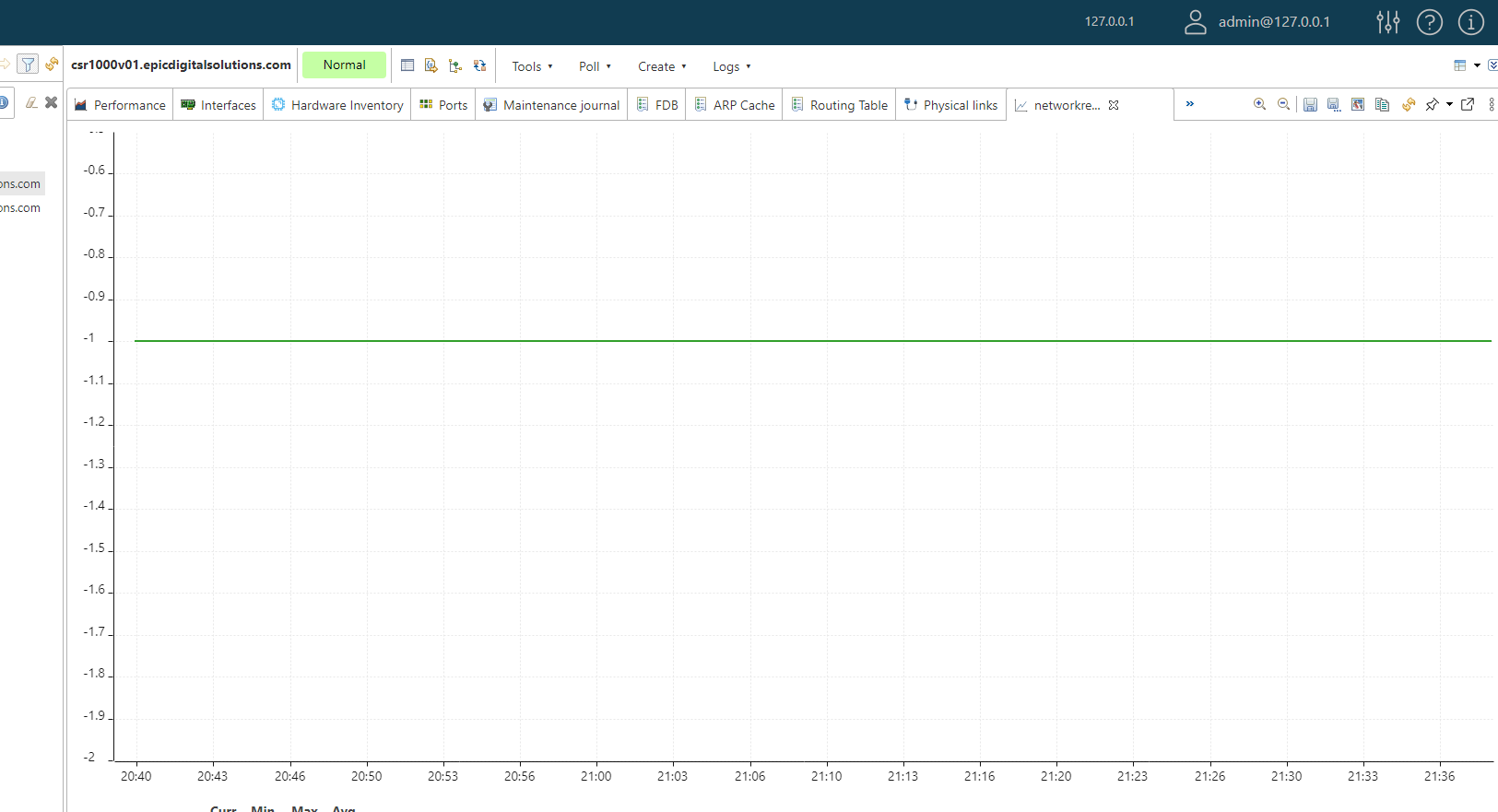
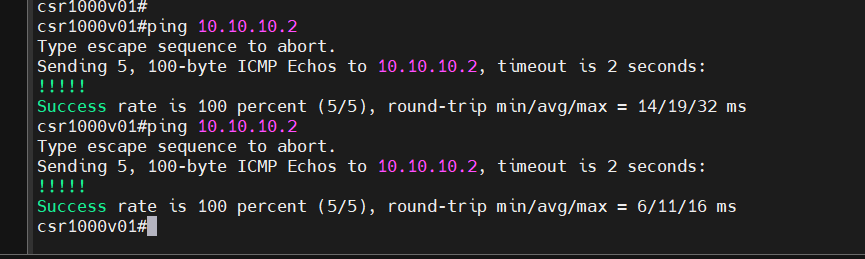
I have tried this and am really stuck. Picture A is the script in the script library, Picture B is the script in the source router DCI. However the value has remained -1 regardless in picture C. Picture D shows I can reach the ip 10.10.10.2 from the source router and this is the ip in the script destination. IS there anything am missing?
-
You can just do "Execute script" on your node and try the following script from there:
r = $node.executeSSHCommand("ping 8.8.8.8 repeat 3 timeout 1");
println(typeof(r));
println(r);
It will print the result of executeSSHCommand() function.
One probable issue is that ssh communication goes through the agent that runs along with the server. So this agent should have
SubAgent = ssh
in it's configuration file (make sure you restart the agent after making the changes).To debug you can add
DebugLevel = 6
to agent configuration file - agent log should give some information the moment when you execute your script.
Hello! It looks like you're interested in this conversation, but you don't have an account yet.
Getting fed up of having to scroll through the same posts each visit? When you register for an account, you'll always come back to exactly where you were before, and choose to be notified of new replies (either via email, or push notification). You'll also be able to save bookmarks and upvote posts to show your appreciation to other community members.
With your input, this post could be even better 💗
Register Login