
ssh does not work
-
-
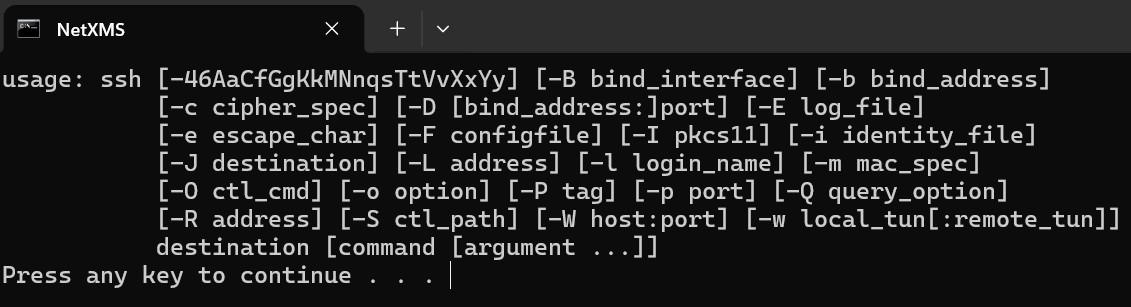
This screenshot looks like an output of the OpenSSH client (https://www.openssh.org), started without parameters.
What have you configured and what are you trying to achieve?
-
-
-
For SSH - please show how your object tool is currently configured.
For MikroTik - is it showing SNMP = Yes? What driver it currently uses (this is also visible in Overview tab).
There's currently no support for CAPsMAN
-
-
Note the %(username) macro in object tool's command line. This object tool has an input field configured, so when tool is executed a dialog with input field should appear. Username should be entered there. If username is not entered, then command line is formed incorrectly.
You can check actual command line by changing
cmd /c "ssh %(in:username)@%u || pause"
to
echo cmd /c "ssh %(in:username)@%u || pause"
it will just display the command line on the screen.Also, you can use ssh username specified in node properties, in this cause use this command:
cmd /c "ssh %{ssh.login}@%u || pause"
and remove input field from the object tool.
Hello! It looks like you're interested in this conversation, but you don't have an account yet.
Getting fed up of having to scroll through the same posts each visit? When you register for an account, you'll always come back to exactly where you were before, and choose to be notified of new replies (either via email, or push notification). You'll also be able to save bookmarks and upvote posts to show your appreciation to other community members.
With your input, this post could be even better 💗
Register Login