Skip to content
  • Categories
  • Recent
  • Tags
  • Popular
  • Users
  • Groups
Skins
  • Light
  • Brite
  • Cerulean
  • Cosmo
  • Flatly
  • Journal
  • Litera
  • Lumen
  • Lux
  • Materia
  • Minty
  • Morph
  • Pulse
  • Sandstone
  • Simplex
  • Sketchy
  • Spacelab
  • United
  • Yeti
  • Zephyr
  • Dark
  • Cyborg
  • Darkly
  • Quartz
  • Slate
  • Solar
  • Superhero
  • Vapor

  • Default (Flatly)
  • No Skin
Collapse
Brand Logo

NetXMS Forum

  1. Home
  2. Support
  3. Web console problem

Web console problem

Scheduled Pinned Locked Moved Support
14 Posts 3 Posters 79.2k Views
  • Oldest to Newest
  • Newest to Oldest
  • Most Votes
Reply
  • Reply as topic
Log in to reply
This topic has been deleted. Only users with topic management privileges can see it.
  • J
    J
    Marco Incalcaterra
    wrote on last edited by
    #1

    Hi Victor,

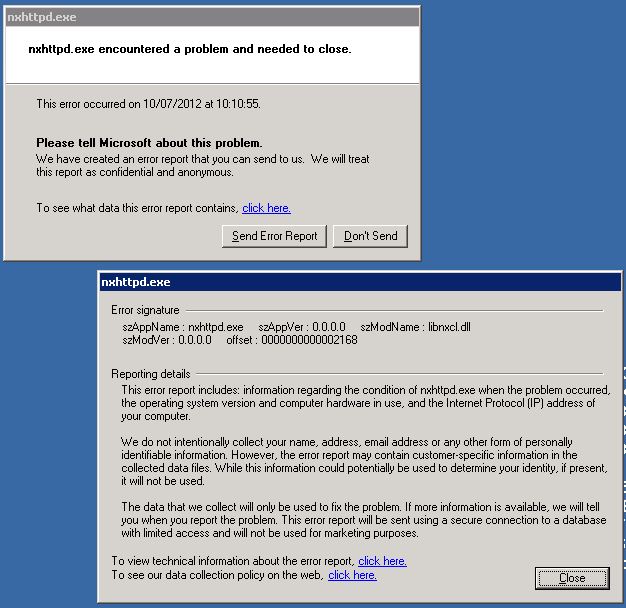
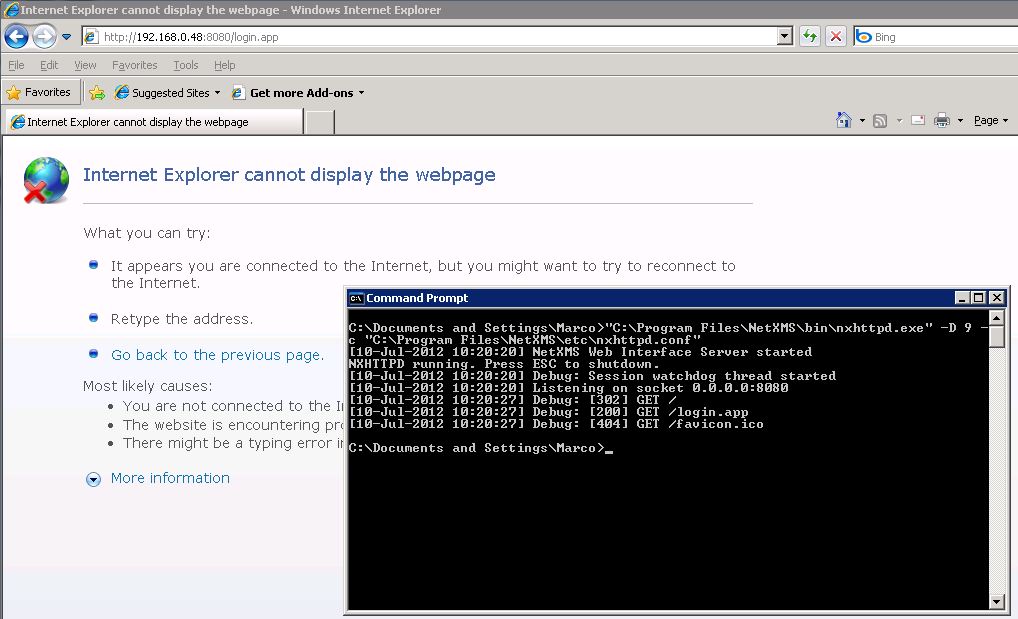
    I tried to use the web console, I'm unable to go beyond the login page, the service crashes. I tried to execute in debug mode but I didn't get any useful info. Server is Win2003 R2 x64 DB is MS-SQL 2008 R2 SP1 on the same machine.
    Do you have any hints?

    Best regards,
    Marco


    nxhttpd-error.JPG

    debug-mode.JPG

    1 Reply Last reply
    0
    • V
      V
      Victor Kirhenshtein
      wrote on last edited by
      #2

      Hi!

      You should not use nxhttpd. It is deprecated, and will be removed in 1.2.2. You should use new web UI, which comes in separate installation package: https://www.netxms.org/download/webui/netxms-webui-1.2.1-x64.exe. It basically contains Jetty and NetXMS web UI war file. You can also deploy war file to existing Java application server. See this for few more details: http://wiki.netxms.org/wiki/Web_Interface_Installation_Guide.

      Best regards,
      Victor

      1 Reply Last reply
      0
      • J
        J
        Marco Incalcaterra
        wrote on last edited by
        #3

        @victor said in Web console problem:

        Hi!

        You should not use nxhttpd. It is deprecated, and will be removed in 1.2.2. You should use new web UI, which comes in separate installation package: https://www.netxms.org/download/webui/netxms-webui-1.2.1-x64.exe. It basically contains Jetty and NetXMS web UI war file. You can also deploy war file to existing Java application server. See this for few more details: http://wiki.netxms.org/wiki/Web_Interface_Installation_Guide.

        Best regards,
        Victor

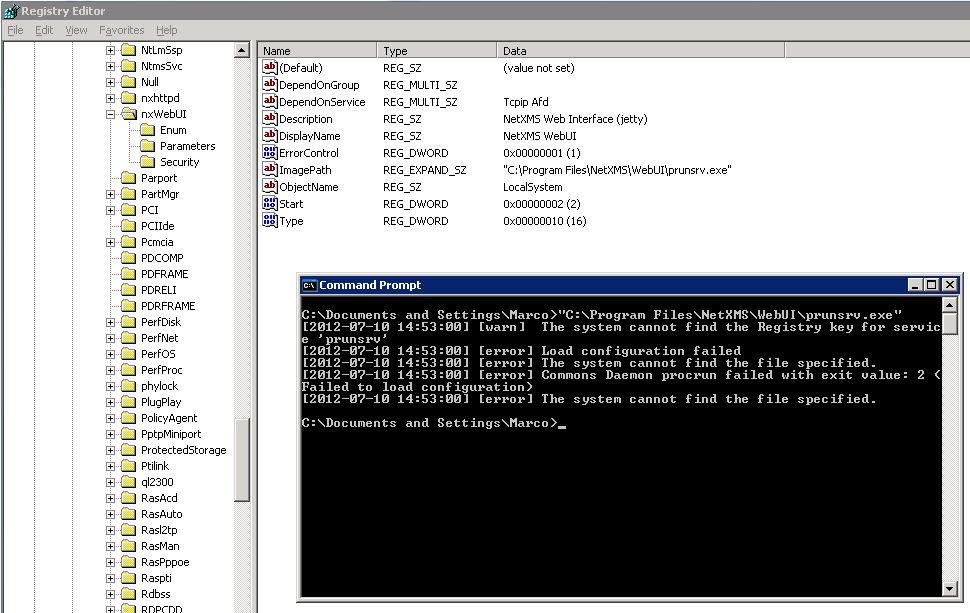
        Thank you very much for your support, I guess that the installer doesn't like the spaces in the path 🙂 If you can tell me the string to fix I'll put it manually into the registry.

        Best regards,
        Marco
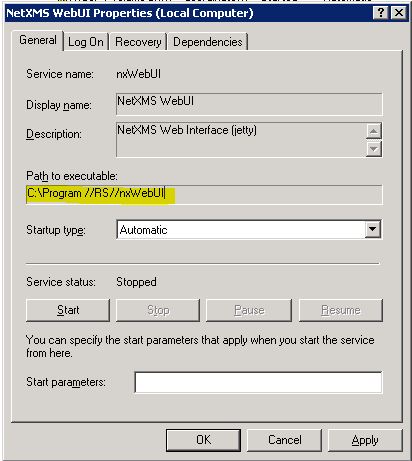

        service.JPG

        1 Reply Last reply
        0
        • V
          V
          Victor Kirhenshtein
          wrote on last edited by
          #4

          You should put as service executable

          {your install directory}\WebUI\prunsrv.exe

          If it will not work, I'll build a new installer with fixes.

          Best regards,
          Victor

          1 Reply Last reply
          0
          • J
            J
            Marco Incalcaterra
            wrote on last edited by
            #5

            @victor said in Web console problem:

            You should put as service executable

            {your install directory}\WebUI\prunsrv.exe

            If it will not work, I'll build a new installer with fixes.

            Best regards,
            Victor

            I'm sorry but it doesn't work 😞


            registry.JPG

            1 Reply Last reply
            0
            • V
              V
              Victor Kirhenshtein
              wrote on last edited by
              #6

              I update 64bit installer on download page (netxms-webui-1.2.1-x64.exe). MD5 checksum for updated file is 7dd61e35d0c7251713ccfe3e3ca8835a.

              Best regards,
              Victor

              1 Reply Last reply
              0
              • J
                J
                Marco Incalcaterra
                wrote on last edited by
                #7

                @victor said in Web console problem:

                I update 64bit installer on download page (netxms-webui-1.2.1-x64.exe). MD5 checksum for updated file is 7dd61e35d0c7251713ccfe3e3ca8835a.

                Best regards,
                Victor

                Now it works properly! 😄

                Thank you very much.

                Bye,
                Marco

                1 Reply Last reply
                0
                • J
                  J
                  Marco Incalcaterra
                  wrote on last edited by
                  #8

                  @jmp_3f8h said in Web console problem:

                  Now it works properly! 😄

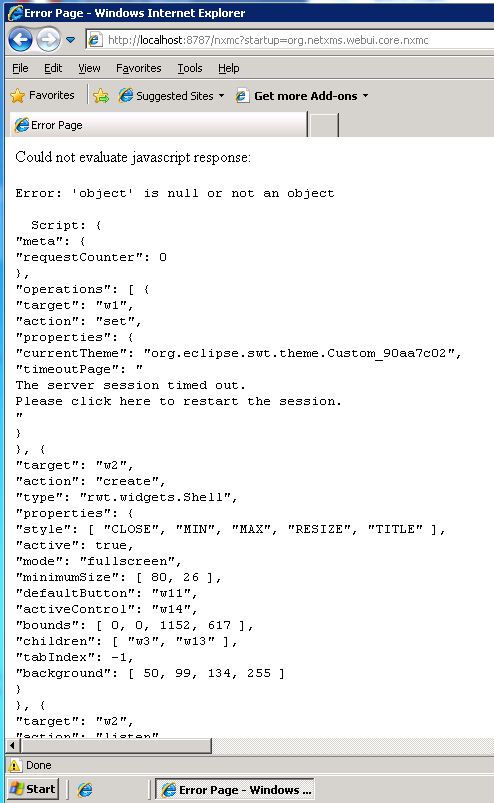
                  I have another little problem that seems related to IE8, I got it on Windows 2003 R2 x64 and Windows XP (no problem on same platforms using Chrome).

                  Do you have any suggestion?

                  Best regards,
                  Marco

                  error-ie8.JPG

                  1 Reply Last reply
                  0
                  • J
                    J
                    Marco Incalcaterra
                    wrote on last edited by
                    #9

                    @jmp_3f8h said in Web console problem:

                    I have another little problem that seems related to IE8, I got it on Windows 2003 R2 x64 and Windows XP (no problem on same platforms using Chrome).

                    Do you have any suggestion?

                    Best regards,
                    Marco

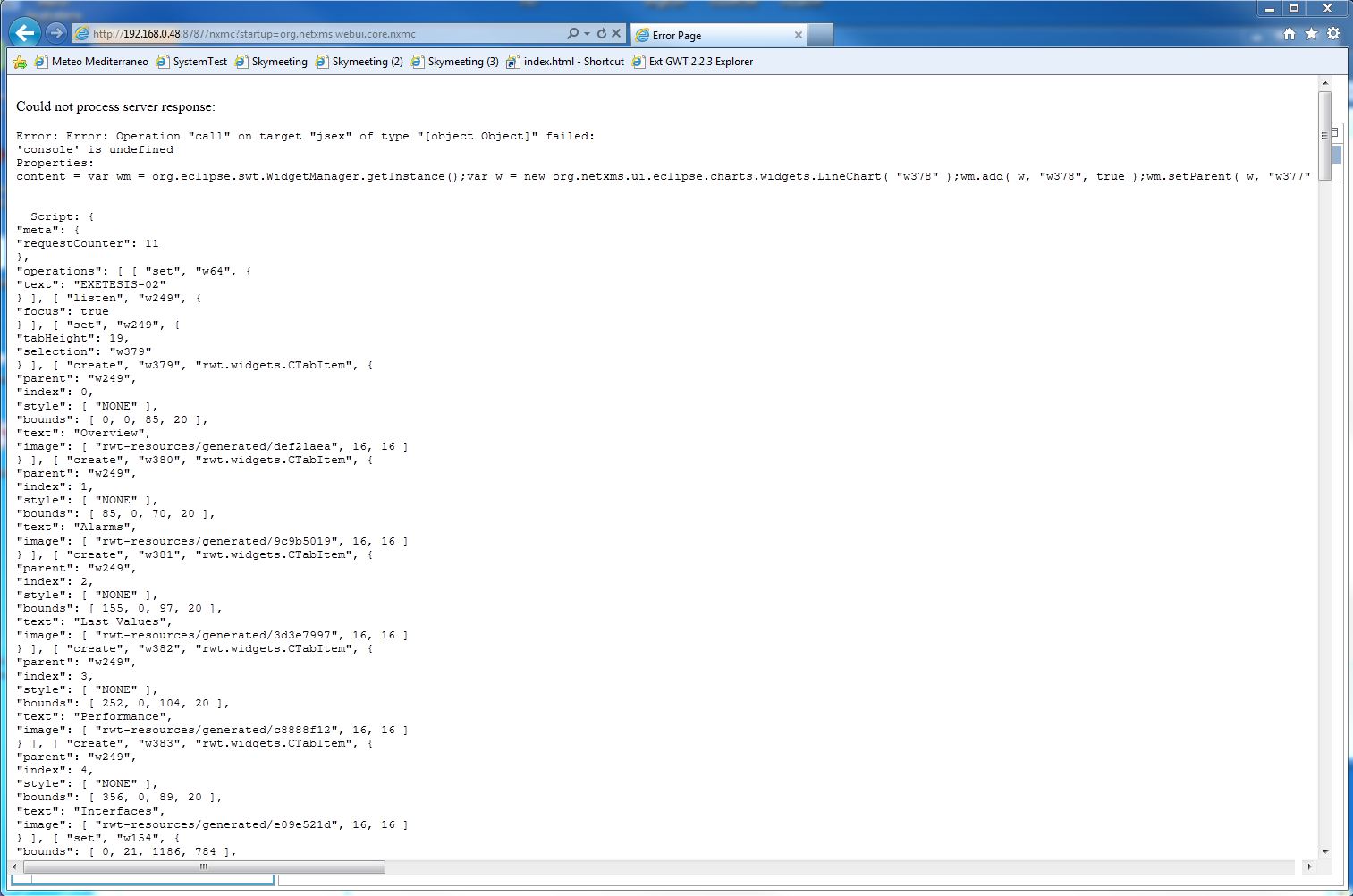
                    After upgrading to version 1.2.2 the problem seems worsened: now appears before the login interface on IE8 (Win 2003R2 x64) and also appears in IE 9 (Win 7 x64) when walking objects with Object Details pane opened. Still no problem with Firefox or Chrome on both platform.

                    Any hints?

                    Bye,
                    Marco

                    IE9-webui-problem.JPG

                    1 Reply Last reply
                    0
                    • V
                      V
                      Victor Kirhenshtein
                      wrote on last edited by
                      #10

                      Hi!

                      We are using newer version of Eclipse RAP in 1.2.2, and looks like we got same problem as here: https://bugs.eclipse.org/bugs/show_bug.cgi?id=379325. I'll try to fix this in a next few days.

                      Best regards,
                      Victor

                      1 Reply Last reply
                      0
                      • J
                        J
                        Marco Incalcaterra
                        wrote on last edited by
                        #11

                        @victor said in Web console problem:

                        I'll try to fix this in a next few days.

                        Best regards,
                        Victor

                        Hi Victor,

                        Ok, glad to know; it's not urgent, I'll use Firefox in the meanwhile.

                        Best regards,
                        Marco

                        1 Reply Last reply
                        0
                        • V
                          V
                          Victor Kirhenshtein
                          wrote on last edited by
                          #12

                          Hi!

                          Fixed finally 🙂 You can try 1.2.3-rc2 from here: https://www.netxms.org/download/rc/nxmc-1.2.3-rc2.war. I also tweak CSS a bit - what do you think about it?

                          Best regards,
                          Victor

                          1 Reply Last reply
                          0
                          • J
                            J
                            Marco Incalcaterra
                            wrote on last edited by
                            #13

                            @victor said in Web console problem:

                            Hi!

                            Fixed finally 🙂 You can try 1.2.3-rc2 from here: https://www.netxms.org/download/rc/nxmc-1.2.3-rc2.war. I also tweak CSS a bit - what do you think about it?

                            Best regards,
                            Victor

                            Downloaded and installed. Works great, good job! I like much the new CSS.

                            Marco

                            1 Reply Last reply
                            0
                            • L
                              L
                              little
                              wrote on last edited by
                              #14

                              Hi.
                              I have same problem with webUI.
                              I update netXMS to 1.2.3 and decide to install webUI.

                              Service was installed with out any problems but it wont start.
                              The service has this "Path to executable:C:\NetXMS\WebUI\prunsrv.exe //RS//nxWebUI"
                              When im trying to run prunsrv im get the following error

                              H:\>C:\NetXMS\WebUI\prunsrv.exe
                              [2012-09-24 15:39:33] [warn]  The system cannot find the Registry key for servic
                              e 'prunsrv'
                              [2012-09-24 15:39:33] [error] Load configuration failed
                              [2012-09-24 15:39:33] [error] The system cannot find the file specified.
                              [2012-09-24 15:39:33] [error] Commons Daemon procrun failed with exit value: 2 (
                              Failed to load configuration)
                              [2012-09-24 15:39:33] [error] The system cannot find the file specified.

                              Server 2003 x86
                              webui installer : https://www.netxms.org/download/webui/netxms-webui-1.2.3.exe

                              1 Reply Last reply
                              0

                              Hello! It looks like you're interested in this conversation, but you don't have an account yet.

                              Getting fed up of having to scroll through the same posts each visit? When you register for an account, you'll always come back to exactly where you were before, and choose to be notified of new replies (either via email, or push notification). You'll also be able to save bookmarks and upvote posts to show your appreciation to other community members.

                              With your input, this post could be even better 💗

                              Register Login
                              Reply
                              • Reply as topic
                              Log in to reply
                              • Oldest to Newest
                              • Newest to Oldest
                              • Most Votes


                              • Login

                              • Don't have an account? Register

                              • Login or register to search.
                              Powered by NodeBB Contributors
                              • First post
                                Last post
                              0
                              • Categories
                              • Recent
                              • Tags
                              • Popular
                              • Users
                              • Groups