
Web Interface Installation Issue
-
Hi all,

I am using Centos 7, I have installed Server and Agent for netxms on one server by using the below command :
sh ./configure --with-server --with-mysql --with-agent --disable-encryption
after that I deploy the Web Interface Installation War file on the same server but when I tried to open the website, it did not load and it kept loading on blank page for a while then it gave server busy. I searched tomcat, netxms log for any errors but nothing is there. see below files info :
- tomcat
- netxms-2.0.4.tar.gz
- Mysql :Mariadb
- netxmsd config file:
DBDriver = /usr/local/lib/libnxddr_mysql.so
DBServer = localhost
DBName = netxms
DBLogin = netxms
DBPassword = PaSsWd
LogFailedSQLQueries = yes
LogFile = /var/log/netxmsd-nxagentd confi:
Servers = 127.0.0.1, 172.16.16.86,
ControlServers = 127.0.0.1, 172.16.16.86,
MasterServers = 127.0.0.1, 172.16.16.86,my server IP is : 172.16.16.86
on more question regarding the Web interface installation guide .. it says :
http://SERVER_IP:SERVER_PORT/nxmc/
what port should i used ? i used 8080 , it is correct
please help

Regards
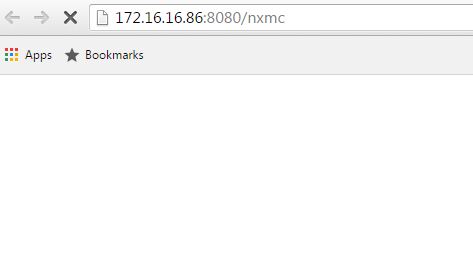
-
I suggest installing the manager app on Tomcat, and checking out how things look like in the manager.
(if the nxmc app is deployed and started, what path, etc.)Default port for Tomcat is 8080, but your OS might package it differently.
After manager is installed/deployed, it should be available at "http://server:8080/manager" -
thanks
I was just missing the addition of my server to the proxy exception :-X
Regards
Hello! It looks like you're interested in this conversation, but you don't have an account yet.
Getting fed up of having to scroll through the same posts each visit? When you register for an account, you'll always come back to exactly where you were before, and choose to be notified of new replies (either via email, or push notification). You'll also be able to save bookmarks and upvote posts to show your appreciation to other community members.
With your input, this post could be even better 💗
Register Login