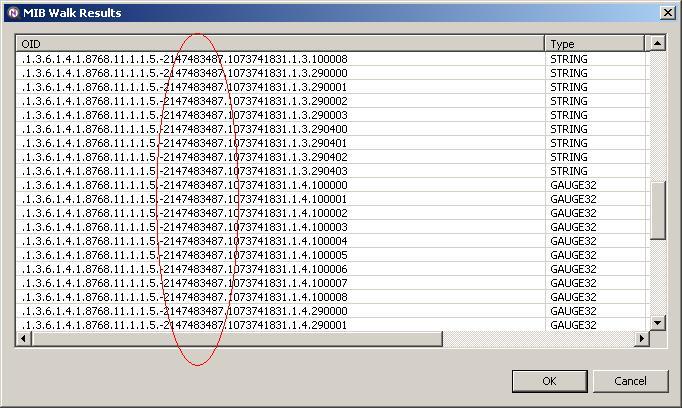
I was not able to replicate this. What kind of ID do you have in m variable, is it decimal number or hex?
I'd try a few things:
executing this script via "Execute server script" from node context menu. May be you'll see some errors there.
you can try removing the dot from the beginning of custom attribute name - in this case custom attribute will be visible in node properties. Does setCustomAttribute actually add custom attribute to the node?
Hi,
you can create object tool that will execute NXSL script, and use SNMPSet function or set method in SNMP transport object (see reference here: https://www.netxms.org/documentation/nxsl-latest/#func-snmpset).
Best regards,
Victor
Dear support,
I have upgraded my NetXMS server to v2.2.12 about one month ago. Now (yesterday and today) the NetXMS core unexpected crashed. The dump files generated during the first event is possible to download from https://we.tl/t-hMaJ2UWn5y. Could you investigate the reason of this issue.
Thank you in advance.
Best regards,
Zsolt
Hi Victor,
One more comment regarding this issue:
As I wrote the problematic nodes works properly but after all I found that in case of nodes with question mark the trap processing based event generation does not work. Only the threshold based DCI alarms works.
BR,
Zsolt
Hi,
We are operating about five years a large NetXMS system.
The current version of our NetXMS server is v2.0.8 I have tried
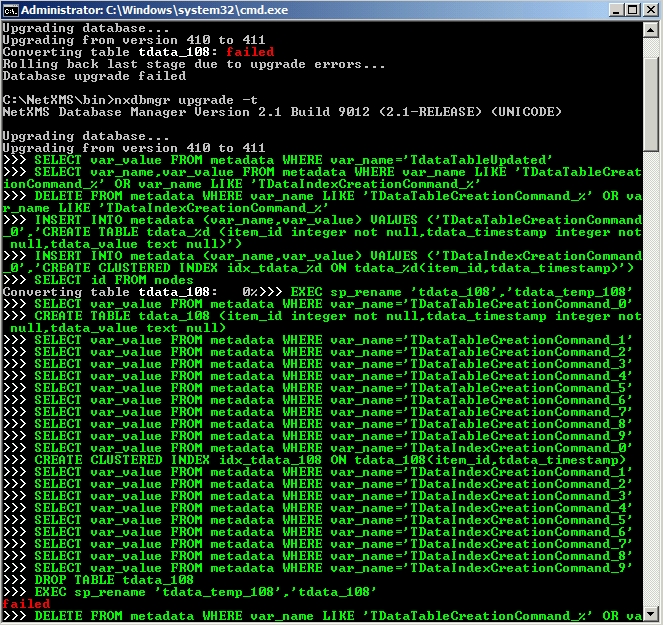
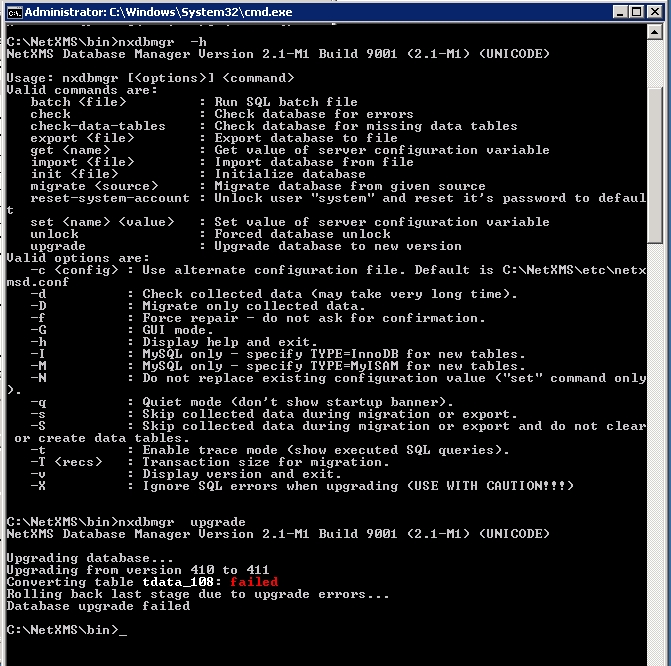
to upgrade this to v2.1, but the upgrade process was not successfuly.
Please find in the attachement the screenshot about it.
We use the MSSQL 2012 SP3 database engine.
Do you have any idea how is possible to correct this issue?
Thank you in advance.
[image: netxms_error.jpg]
The issue with the Alarm Browser is most likely due to you not having the "View all alarm categories" permission.
This was added in 2.1 and is not enabled by default on an upgrade. A lot of people ran into this one.
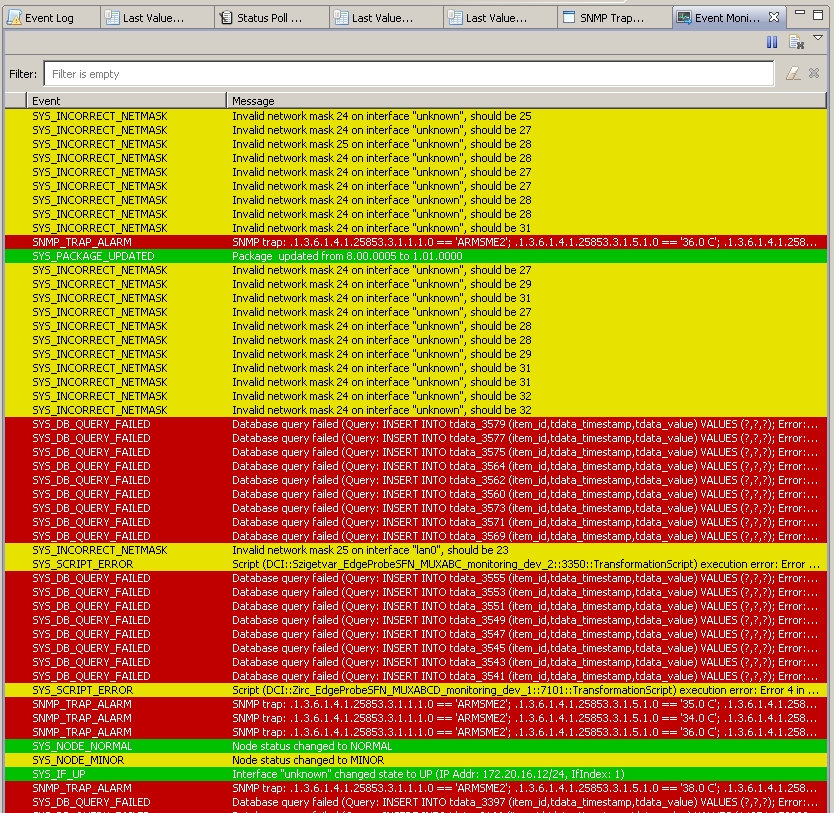
The errors in the screenshot appear unrelated (inability to store Table DCI data? Maybe some issue with the database upgrade or some table locks?).
Hi,
it is know issue with table DCI performance when accessing historical data. We change the way how table DCIs data is stored in 2.1, so upgrade may help.
Best regards,
Victor
Hi,
yes, you need to create separate user with limited access rights. Workstation itself is not important - access control is done on user level.
Best regards,
Victor
Iam not really shure why its not working correctly and only with the standards ... did u try it on a other device ? or maybe just do a new poll after setting it up so the node is refreshed ?....
From now i cant help anymore sorry mate