
Hello,
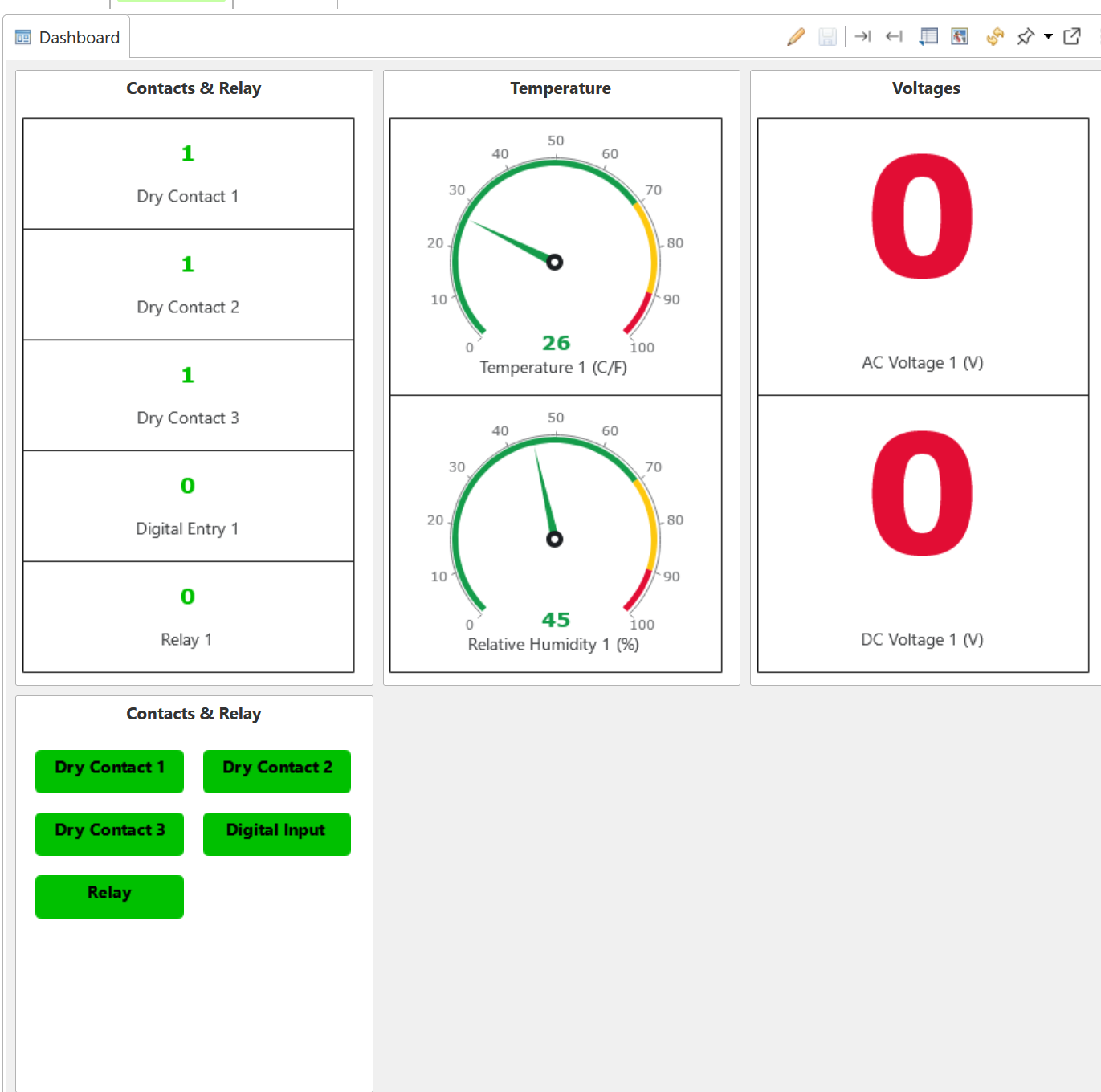
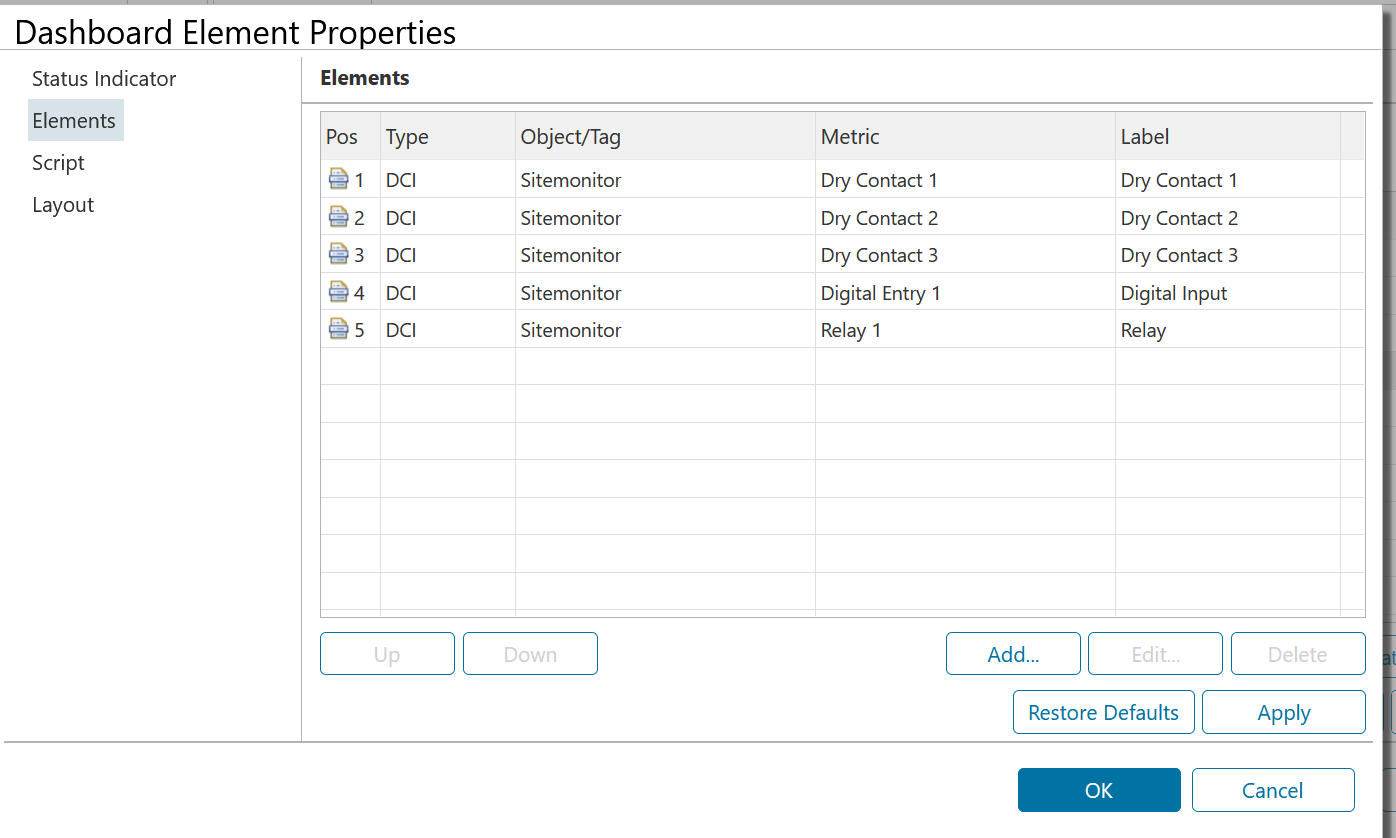
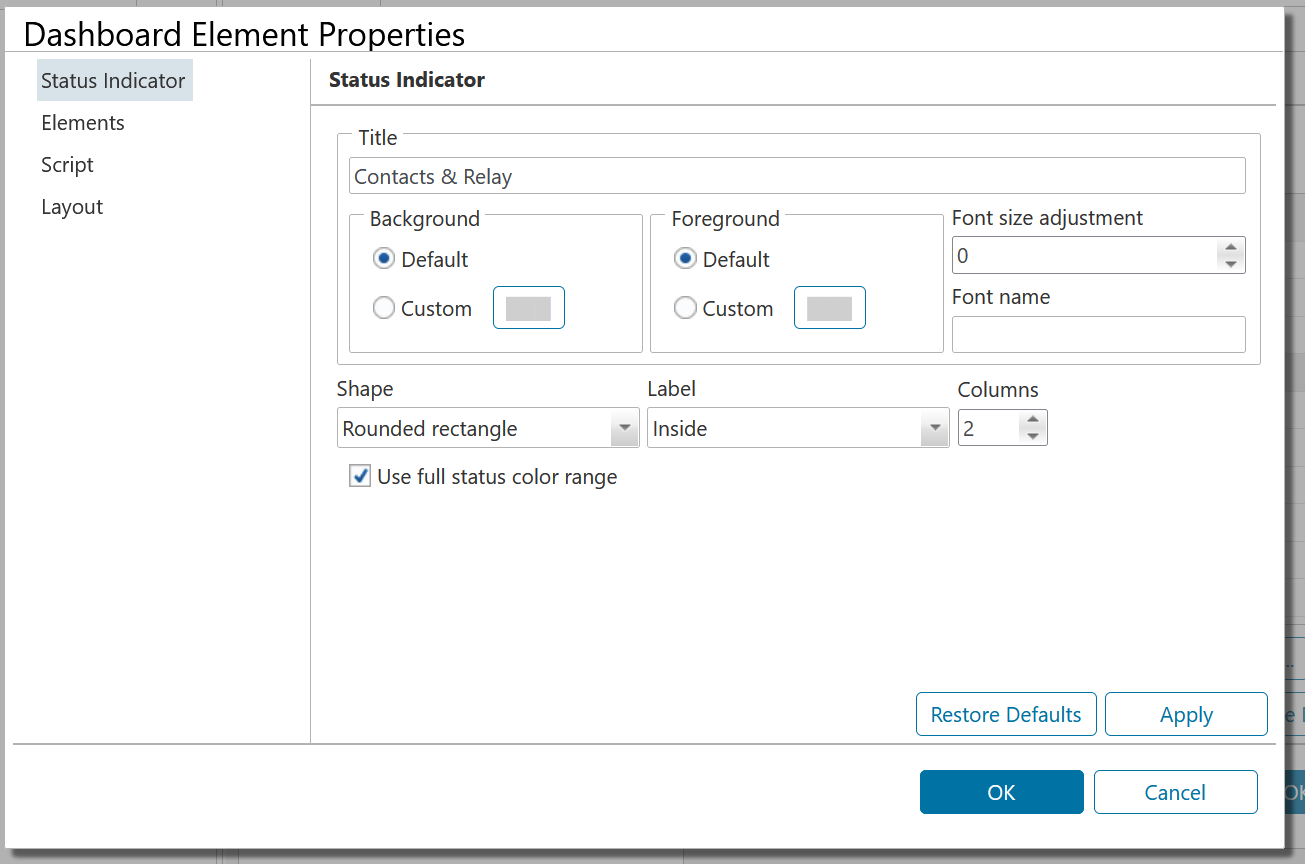
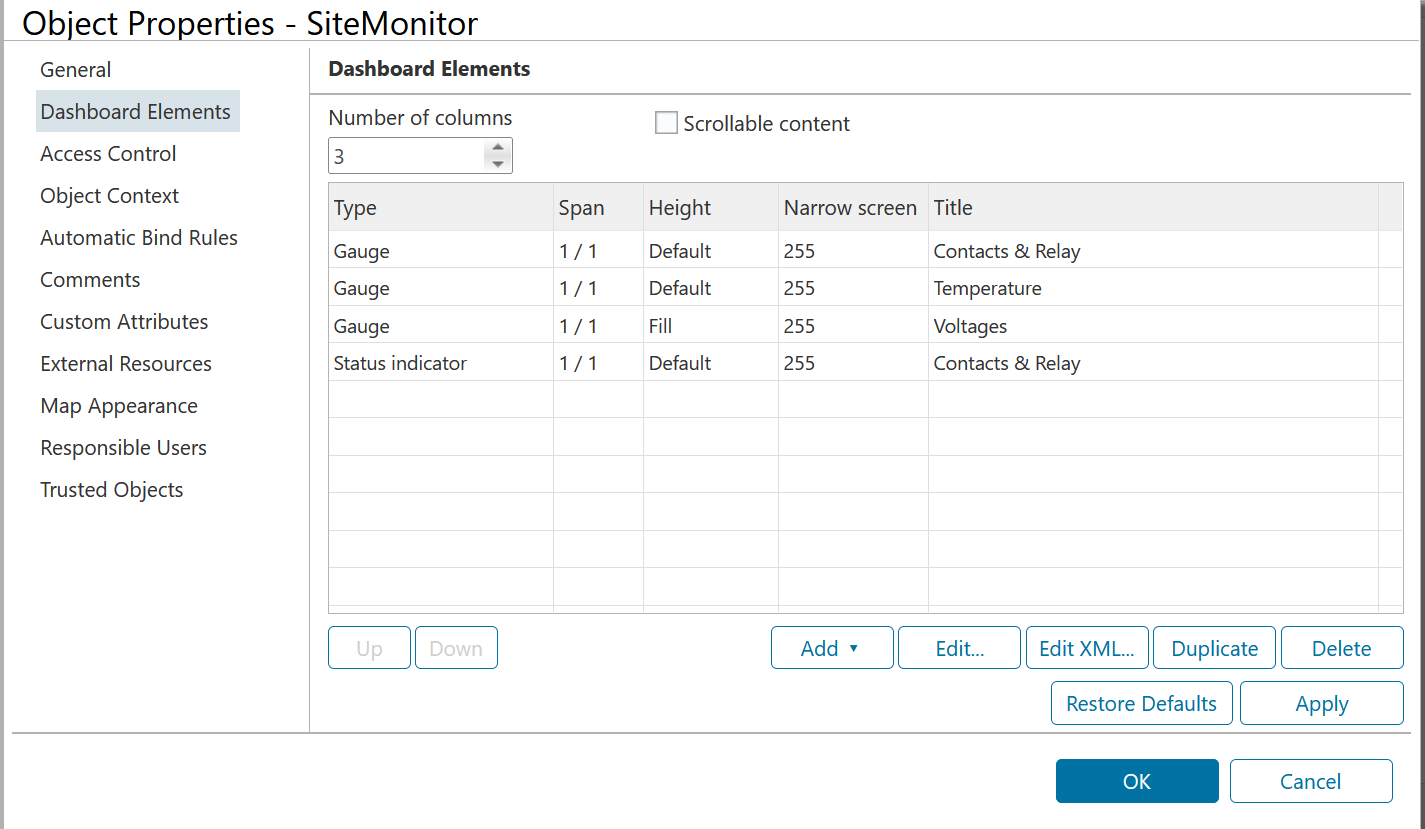
I am trying to create a Status Icon on the Dashboard.
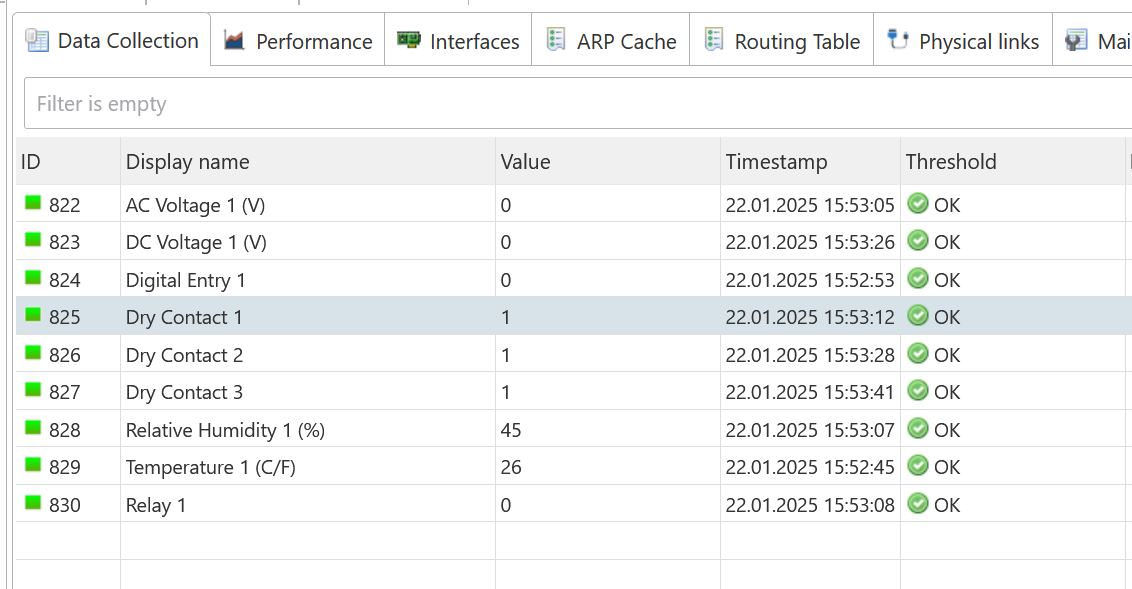
The DCI is reading Dry Contact / Relay status (0 or 1) .
How ever I am missing on how to get the Colors to change based on the DCI value being 0 or 1 ..
Thank you in advance.
Hello,
I am trying to create a Status Icon on the Dashboard.
The DCI is reading Dry Contact / Relay status (0 or 1) .
How ever I am missing on how to get the Colors to change based on the DCI value being 0 or 1 ..
Thank you in advance.
Yep, I found that in the docs.
Thank you.
Faisal
Update:- Ignore the above ..
I found the issue:-
For anyone who may run into this issue.
It has to do with resolve.conf , how it was setup automatically "Search" using a default domain name..
i.e. the machine was resolving NETXMS_SERVER ....
==========
Faisal.
Hello,
New install, Debian 12, Netxms ver 5.1.3, openjdk ver 17.0.3
------------------
catalina.out shows it trying to connect to org.netxms ?
Any suggestions on how to fix this ?
Thank you in advance.
-------------
20:12:30.375 [UIThread [1b0deb40]] INFO org.netxms.nxmc.Startup - NetXMS Management Console version 5.1.3 starting
20:12:30.375 [UIThread [1b0deb40]] INFO org.netxms.nxmc.Startup - State directory: /opt/tomcat9/work/Catalina/localhost/nxmc/state
20:12:30.375 [UIThread [1b0deb40]] INFO org.netxms.nxmc.Startup - Registered themes: org.eclipse.rap.rwt.theme.Fallback, org.eclipse.rap.rwt.theme.Default, org.netxms.themes.light
20:12:30.376 [UIThread [1b0deb40]] DEBUG org.netxms.nxmc.PreferenceStore - Calling preference initializer org.netxms.nxmc.base.BasePreferenceInitializer@1d3d5d73
20:12:30.376 [UIThread [1b0deb40]] DEBUG org.netxms.nxmc.PreferenceStore - Calling preference initializer org.netxms.nxmc.modules.networkmaps.NetworkMapPreferenceInitializer@18e7cdba
20:12:30.376 [UIThread [1b0deb40]] DEBUG org.netxms.nxmc.PreferenceStore - Calling preference initializer org.netxms.nxmc.modules.charts.ChartPreferenceInitializer@26826532
20:12:30.376 [UIThread [1b0deb40]] DEBUG org.netxms.nxmc.PreferenceStore - Calling preference initializer org.netxms.nxmc.modules.objects.ObjectsPreferenceInitializer@3ebee0b6
20:12:30.376 [UIThread [1b0deb40]] INFO org.netxms.nxmc.Startup - Language: en
20:12:30.383 [UIThread [1b0deb40]] DEBUG org.netxms.nxmc.tools.FontTools - Selected font Metropolis Medium
20:12:30.383 [UIThread [1b0deb40]] DEBUG org.netxms.nxmc.tools.FontTools - Selected font Metropolis Medium
20:12:30.387 [UIThread [1b0deb40]] INFO org.netxms.nxmc.AppPropertiesLoader - Property file nxmc.properties not found in classpath
20:12:30.452 [UIThread [1b0deb40]] INFO org.netxms.nxmc.AppPropertiesLoader - Server address resolved from NETXMS_SERVER: 143.244.220.150
20:12:38.606 [ModalContext] INFO org.netxms.nxmc.base.login.LoginJob - Connecting to 143.244.220.150 port 4701
20:12:38.606 [ModalContext] INFO org.netxms.client.NXCSession - Connecting to 143.244.220.150:4701
--------------------
Thank you Victor.
Faisal
From a previous thread:-
--------------------------------
In 4.2 support for TCP proxying was added into agent and desktop management client (and was not yet documented)
Agent should have EnableTCPProxy=yes in it's config
In management client it's done via Object Tools, there's "Setup TCP tunnel..." checkbox.
There are two macros - ${local-address} and ${local-port} which are replaced by actual local IP and port
So Local Command object tool with command
mstsc /v:${local-address}:${local-port}
should work for RDP
----------------------------------
Is this function now documented ?
I am able to 'sort' of figure it out and make it work , however I have some questions.
Q: it is possible to define the web port on a per device basis ? (i.e. some devices have web interface on port 9000 and some on 9010 etc) so that a single Object tool entry can be used for all devices ?
Q: Is there way to control / mange what ports are being used for TCPProxy ? (so that we can allow those ports on the Firewall running on Netxms server)
Thank you very much in advance.
Thank you very much, I suspected that from some of the java logs.
Removing Java 11 and installing Java 17 solved the issue.
Regards.
Hello,
We upgraded a running instance, and now having issues with nxmc-4.4.2.war file and Tomcat 9
----
Tomcat Web application manager, show application reports: FAIL - Application at context path [/nxmc-4.4.2] could not be started.
----
Any suggestion on how to go about trouble-shooting and fixing this would be greatly appreciated.
Thank you in advance.