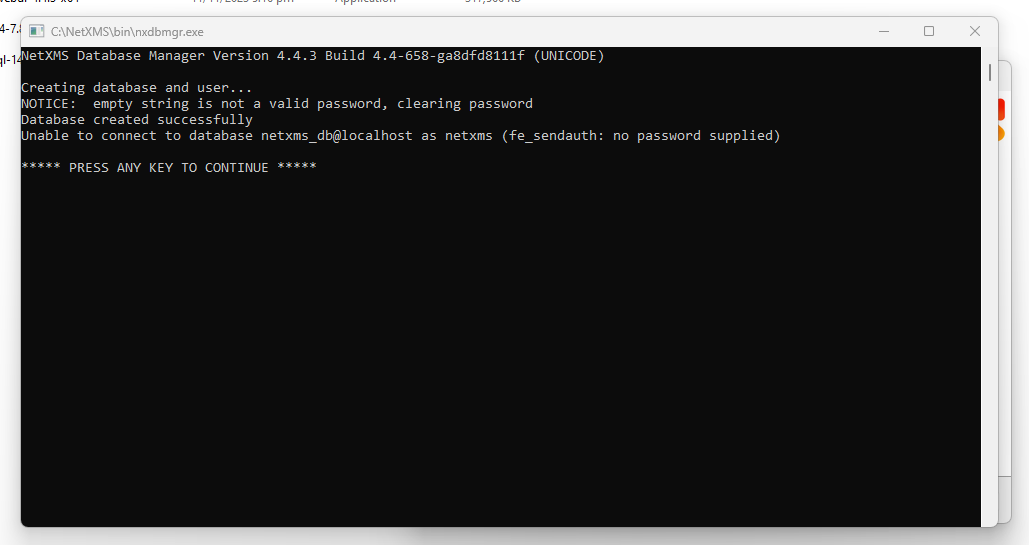
You have to fill in all the fields:
Database server: 127.0.0.1
Database name: any name - a new DB with this name will be created
Login name: any name, postgres user with this name will be created
Password: any password for the above user
Hi,
is it possible to organize SNMP access for us to few TPLink devices so we can test how server see them and fix any discovered issues?
Best regards,
Victor
Hi,
Was Firewall on Linux machine - for some reason although the rule was set for both directions it wasnt working inbound - created two seperate rules inbound and outbound and it started working !!.
Try installing this runtime - it's required for Postgres client but is not currently included in the installer.
https://support.microsoft.com/en-us/help/3138367/update-for-visual-c-2013-and-visual-c-redistributable-package