Thanks Victor, its unlock now
Regards,
Junoonguy
Thanks Victor, its unlock now
Regards,
Junoonguy
Hello Alex / Victor,
Whenever i use upgrade command on, "Database is locked"
C:\NetXMS\bin>.\nxdbmgr.exe upgrade
Upgrading database...
Database is locked
Please help,
Thanks in advance
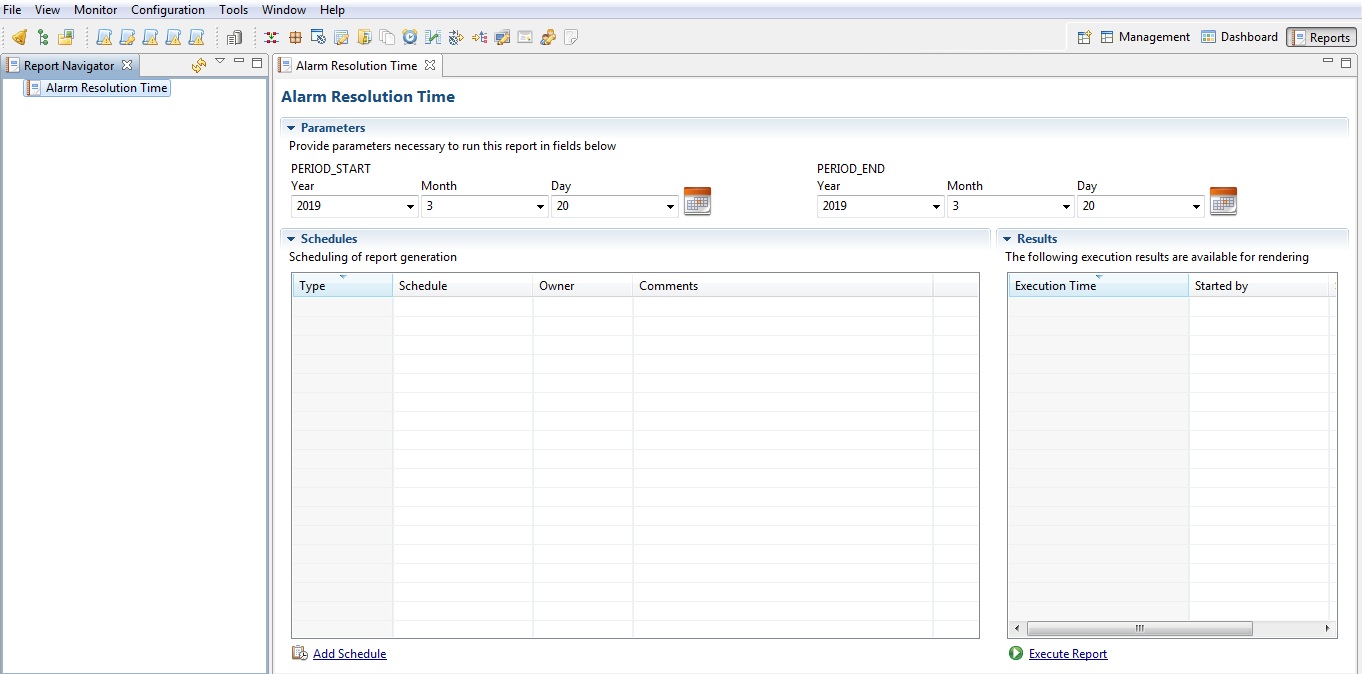
Please see the Server Report attached. When ever I run "Execute Report" nothing shows up on "Result"
After a long process of working, googling and thanks to troffasky & Luis Montano
Here is the scenario :
NetXMS Server IP Add 192.168.25.10 (Window 2012 on Physical Host)
Database - MySQL - IP Add 192.168.25.12 (Ubuntu 18.04 on Virtual Box)
Created following folders on C:\ drive (in Bold)
a) C:\NetXMS\Reporting
b) C:\NetXMS\Reporting\conf
c) C:\NetXMS\Reporting\workspace
d) C:\NetXMS\Reporting\workspace\definitions e)C:\NetXMS\Reporting\workspace\output
Download "netxms-reporting-server-2.2.12.zip" https://netxms.org/download/releases/2.2/2.2.12/netxms-reporting-server-2.2.12.zip and extract on C:\NetXMS\Reporting.
Go to command line (Ubuntu) and use below command to get updated sql script and execute them before configure reporting server.
user@server:$ sudo git clone https://gitbub.com/netxms/netxms.git
From MySQL Database (Virtual Box – Ubuntu). Import quartz.sql & nxreporting.sql to netxms_db (database).
a)user@server:/etc/netxms/src/java/nxreporting/sql/mysql$ mysql –u root –p netxms_db < nxreporting.sql
b) user@server:/etc/netxms/src/java/nxreporting/sql/mysql$ mysql –u root –p netxms_db < quartz.sql
Download both .xml file change the path of logs, modify users and password and also IP addresss of your SQL database and should work.
a) Configuration file C:\NetXMS\Reporting\conf\nxreporting.xml. (file attached)
b) Logger configuration C:\NetXMS\Reporting\conf\logback.xml. (file attached)
download & use the complete “workspace” folder including “definitions & output folders” (attached)
Also download nxreporting.bat attached in “Reporting” folder (C:\NetXMS\Reporting\nxreporting.bat)
8 ) Enable reporting server, set EableReportingServer to 1 (in GUI - Server Configuration) then restart server.
Start reporting server - C:\NetXMS\Reporting> java -jar reporting-server-2.2.12.jar
Log on to NetXMS, you can able to see Reporting Server up and running but I can’t able to “Execute Report”
Thanks troffasky,
Here is the scenario :
NetXMS Server IP Add 192.168.28.12 (Window 2012 on Physical Host)
Database - MySQL - IP Add 192.168.28.14 (Ubuntu 18.04 on Virtual Box)
Created following folders on C:\ drive
a) C:*opt*
b) C:\opt*nxreporting*
c) C:\opt\nxreporting*conf*
d) C:\opt\nxreporting*workspace*
e) C:\opt\nxreporting\workspace*definitions*
Download "netxms-reporting-server-2.2.8.zip" from https://www.netxms.org/download/releases/2.2/2.2.8/ and extract on C:\opt\nxreporting.
Create configuration file C:\opt\nxreporting\conf\nxreporting.xml. (file attached Please check file for any mistake and also for "workspace" & DB path"
Create Logger configuration C:\opt\nxreporting\conf\logback.xml. (file attached please check)
Download "ldz-alarm-resolution-time-1.0.0.jar" on C:\opt\nxreporting\workspace\definitions\ from https://www.netxms.org/forum/installation/reporting-server-4315
Enable reporting server, set EableReportingServer to 1 (in GUI - Server Configuration) then restart server.
Start reporting server - C:\opt\nxreporting>java -jar reporting-server-2.2.8.jar (Result attached - NetXMS Report Result)
8- Checked Reports Perspective on NetXMS Server , message appear " Load Reports has encountered a problem - Failed to load reports from the server: Communication failure"
No such luck - Please let me know what am i missing
Appreciate if any one can help out.
Junoon.
Did you able to resolve the problem ???
Hello Everyone,
I look everywhere but couldn't to find any step by step "Reporting Server" installation of NetXMS. And I seen pretty much everyone is facing the same issue. Well this platform is my last hope for setting up a reporting server. Instruction from user guide no help at all.
I have NetXMS server on window 2012 (physical host) and mysql database on ubuntu 18.4 (virtualbox).
I downloaded netxms-reporting-server-2.2.8
Thanks in advance
Junoon
Thanks Tursiops,
Regards,
JunoonGuy
Hi Yulian,
I am having a same issue, just wondering if you can able to resolve this issue.
Thanks,
Hello,
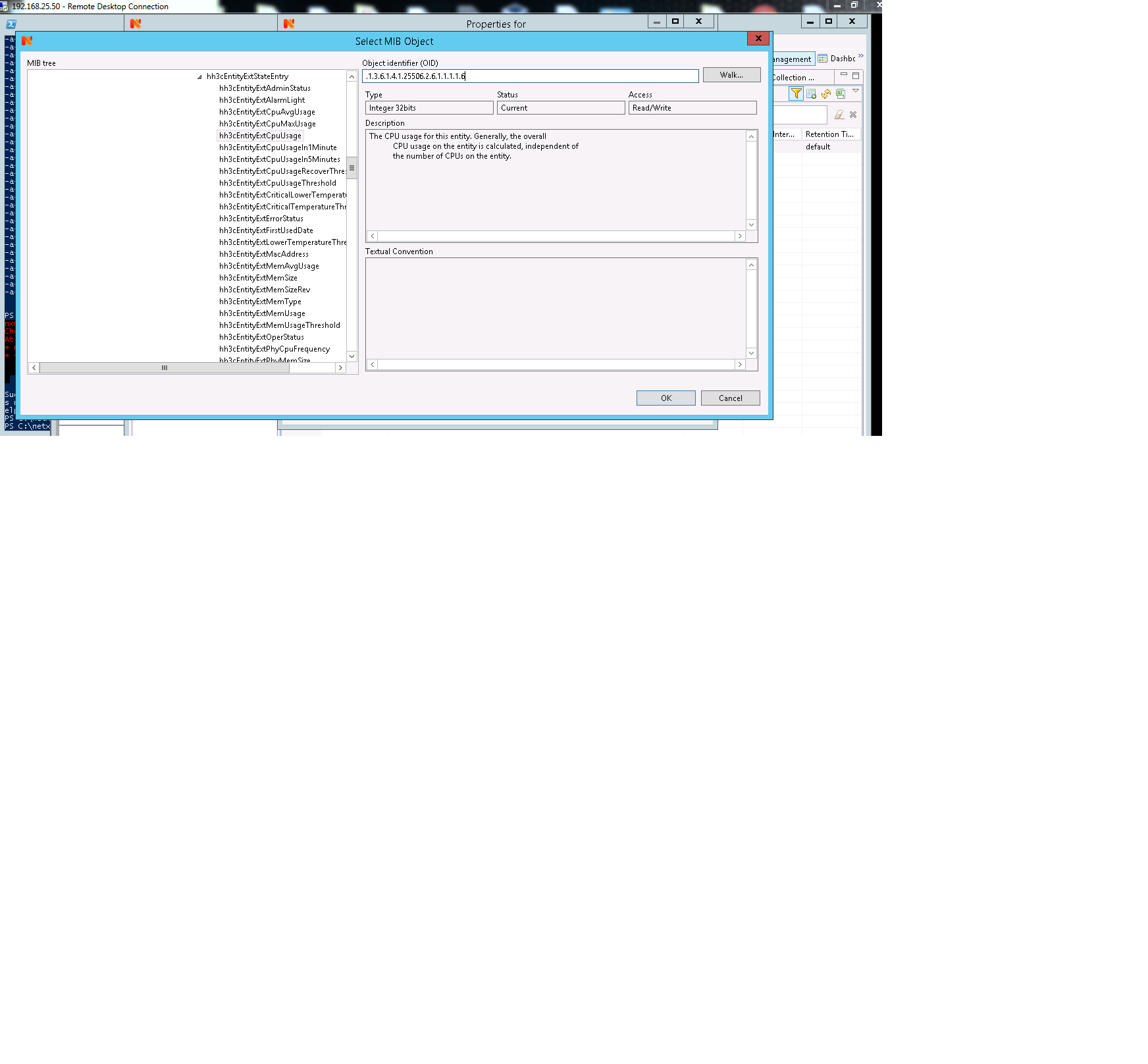
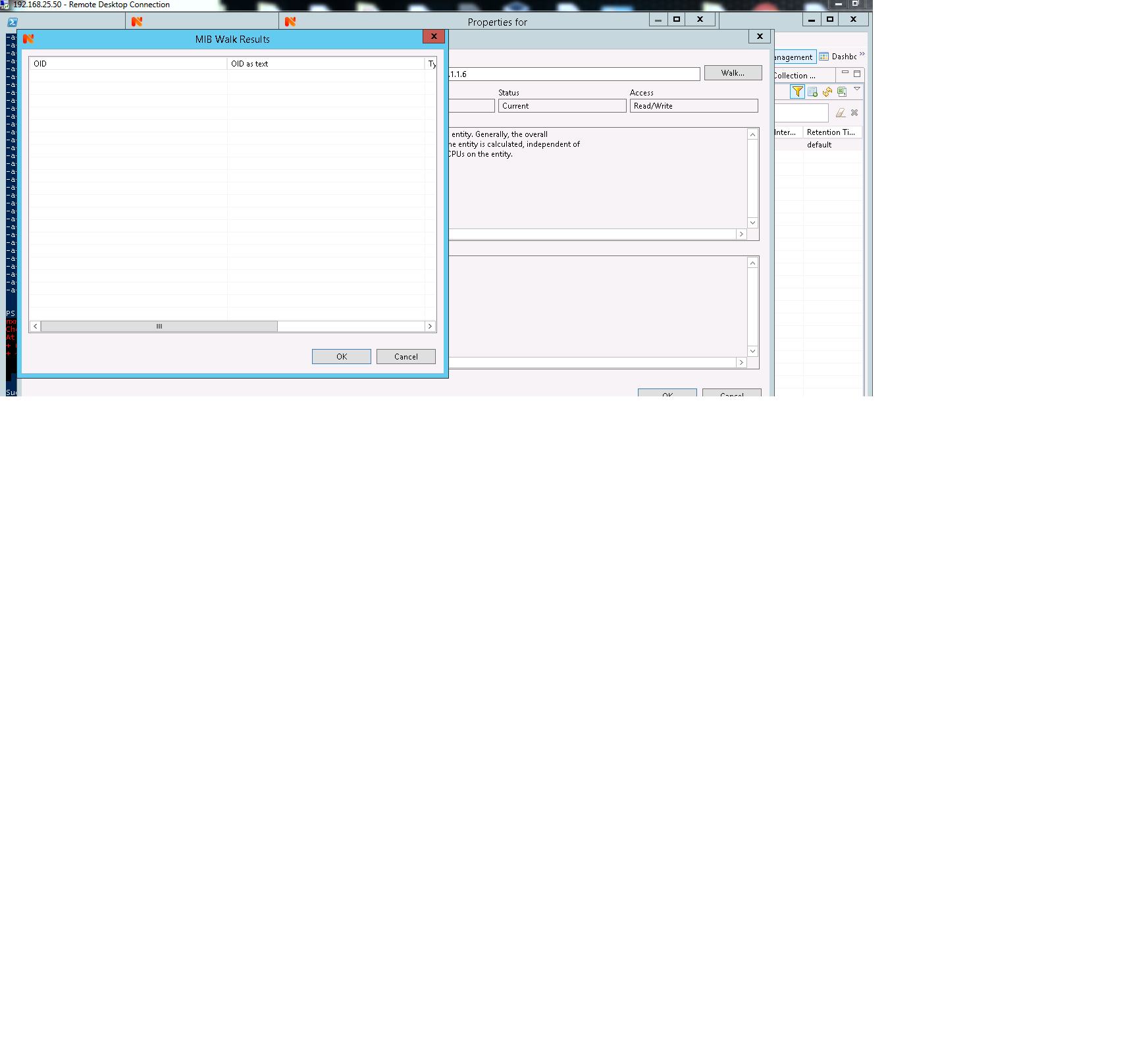
I have install NetXMS 2.2.10 in Window Server 2012 (Physical Host) and for Database MySQL in Ubuntu (VirtualBox VM). Everything is working fine expect when i try to do Data Collection of simple as "CPU usage" of any nodes it come up blank. Router-1 (Node) --> Data Collection Configuration --> new parameter --> Select --> OID : .1.3.6.1.4.1.25506.2.6.1.1.1.1.6 (CPU Usage) --> Walk, then results come up BLANK.
Thanks in advance
JunoonGuy