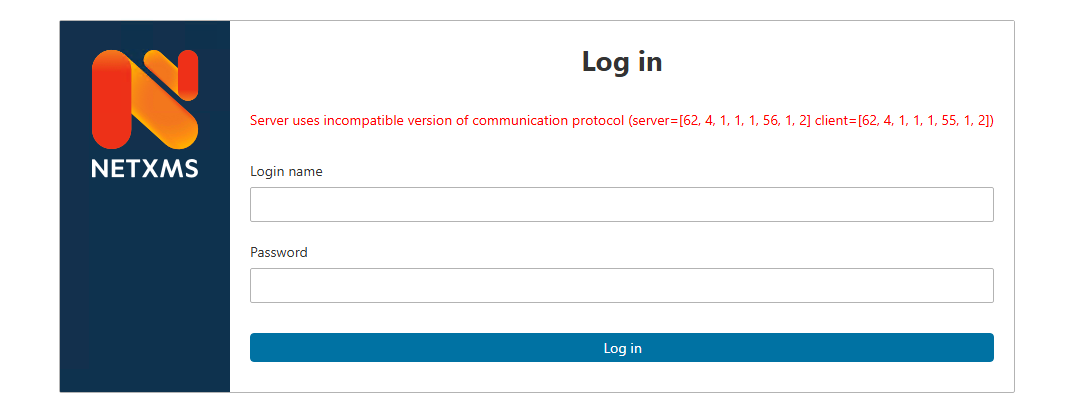
If it was upgraded and the version is still stuck, the servlet container is most likely serving the old version from its work directory. In that case:
Stop the container (the NetXMS WebUI service, if installed with the Windows installer)
Delete the contents of the work directory — C:\NetXMS-WebUI\jetty-base\work with the installer's default prefix; the location may differ for other containers or a custom setup
Start the container again
After that, do a full page reload in the browser.