@borgso said in Triggerhappy "Node Down" alarm:
Anyone having same problem?
Yep. Its quite random. Seems like if it misses 1 ping, it calls it down.
@borgso said in Triggerhappy "Node Down" alarm:
Anyone having same problem?
Yep. Its quite random. Seems like if it misses 1 ping, it calls it down.
I found a bit of a bug (I think)..
When some nodes change their IP address, rather than the address changing in NETXMS, some nodes get an extra network card showing, with the old IP address on one, and the new IP address on the other leading to false alarms about a down node, and false node up indicators. Both show the same MAC address in Netxms with different IP addresses. To clear them, I do a ping to the machine name to get the right IP address and then delete the incorrect interface in NETXMS. This happens whenever a node gets a new IP address.
Another related issue is that if I do not get a duplicate NET adapter, I get a duplicate NODE with the same name, but a new GUID, ID, and IP address.
Ideas?
I have installed NETXMS and it seems to be working fine, but I am having an issue with the maps. They do not seem to be able to display only items attached to a single switch at a time.
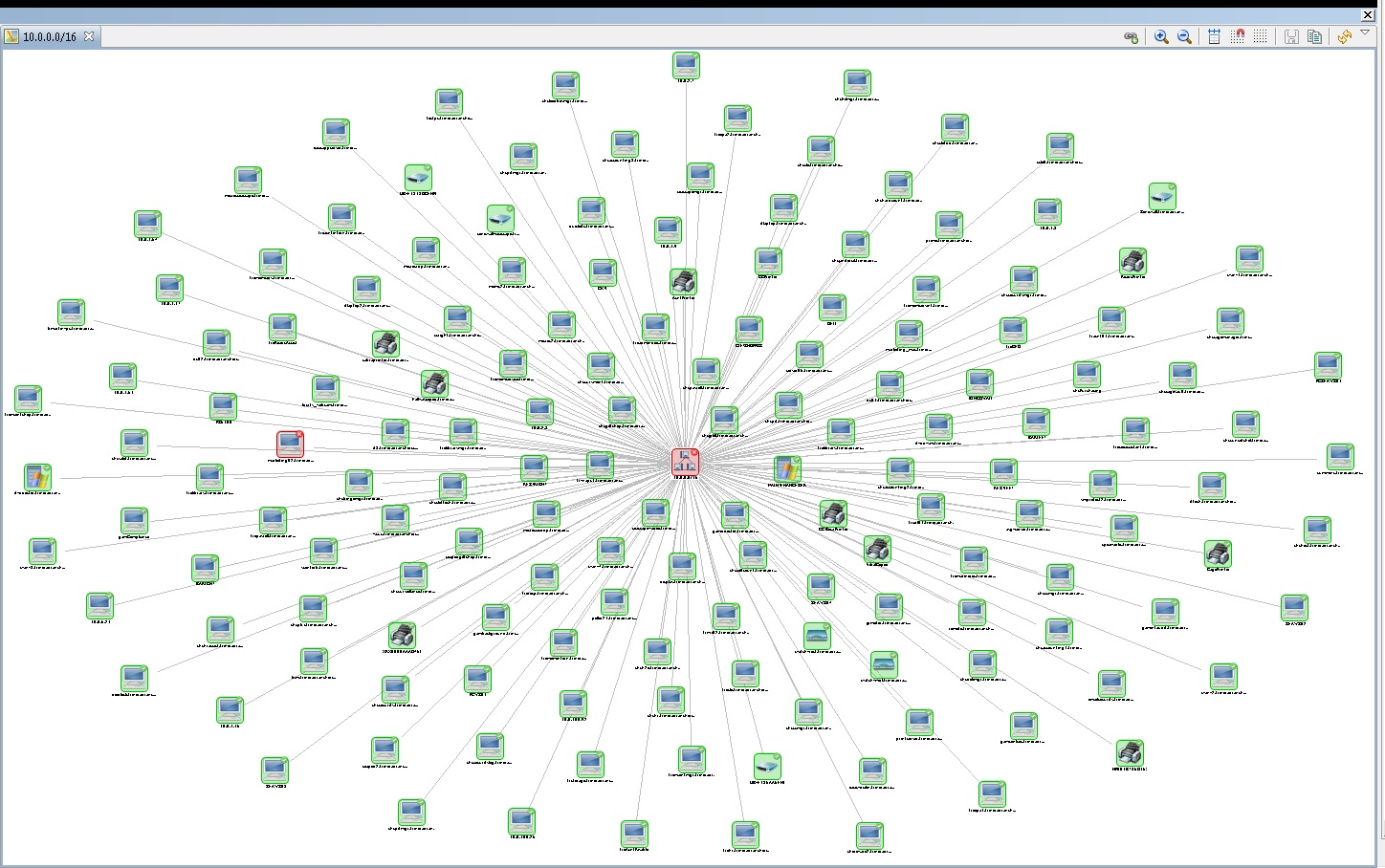
For example: We have 6 switches. I select a switch as the seed node for an IP topology map. No matter what switch I select, it shows all of the machines in the network, even if I set the map options to topology radius discovery of 1.
Also, when I want to find what switch port something is connected to, I either get the port that goes to the switch the device is connected to (if not the same switch I am looking at), or something like the node is indirectly connected to network switch xxx port gi0/1 (the link to another switch), or connection point information cannot be found.
Attached is a screenshot of a map with the topology set to 1. from a single switch as the seed node. The devices seen are from ALL the switches 
Is there a cisco setting I need to apply to get the topology to report correctly?