Skip to content

Support

5.1k Topics 22.0k Posts

Questions about installing, configuring and using NetXMS.

  • Upgrade to 6.0.2 - Database upgrade fails

    7
    0 Votes
    7 Posts
    21k Views
    V
    Just published 6.0.3 - it should have the fix.
  • Can't see AI Assistant view in 6.0.1

    12
    0 Votes
    12 Posts
    31k Views
    J
    Wow, that's awesome, thank you so much!
  • AI Skills not loading.

    4
    0 Votes
    4 Posts
    13k Views
    D
    Thanks for the quick response. I've got the files downloaded and the skills have loaded OK now.
  • Syslog retention when deleting a node

    2
    0 Votes
    2 Posts
    13k Views
    F
    Audit log is retained after node deletion, same for syslog. For event log there's Events.DeleteEventsOfDeletedObject setting in Configuration->Server Configuration, if set to true (default), they are deleted. And there's similar setting for alarms - Alarms.DeleteAlarmsOfDeletedObject. DCI data is deleted. If database is Postgres Timescale, then event log and DCI history is not deleted. In all above situations when data is not deleted, it would be problematic to view it since you need to know node's ID. New decommissioning functionality is basically node unmanage with addition of automatic deletion at later time. So for now you can just unmanage your nodes.
  • Oracle 26ai monitoring CDB and PDB´s with common user

    3
    0 Votes
    3 Posts
    16k Views
    E
    @filipp-sudanov said in Oracle 26ai monitoring CDB and PDB´s with common user: You can enquote the whole value: Database = "id=CDB0;driver=oracle.ddr;server=//hostABC:1521/CDB0;login=c##netxms_agent;Password=mypassword" Thank you Filipp. This was the missing hint. I tried to enqoute only username. Now it works like a charme. Thank you verry much!
  • Upgrade to 6.0.0 - Database upgrade fails

    30
    0 Votes
    30 Posts
    73k Views
    A
    In general I always recommend to start with https://pgtune.leopard.in.ua, when using Postgres
  • Mac version 6.0.0 not downloading

    5
    0 Votes
    5 Posts
    17k Views
    A
    https://netxms.com/download/releases/6.0/nxmc-6.0.2.dmg just published
  • NetXMS Server 6.0.0 Memory Leak

    7
    0 Votes
    7 Posts
    13k Views
    N
    Hello, PostgreSQL is using it's default settings for a system with 16GB of RAM. I googled the recommended sizes for shared_buffers, effective_cache_size, work_mem, maintenance_work_mem, max_connections, and the current settings for those parameters are less than the recommended for a dedicated PostgreSQL server. Currently shared_buffers is at 2GB, work_mem is at 3MB, max_connections is 100, effective_cache_size is 7GB, maintenance_work_mem is 1GB. I'm probably going to have to adjust the settings around to see what fixes it. I might have to reduce the number of worker processes. Currently the set maximum is 27, and the top command confirms there are a lot of them.
  • NetXMS V5.2.8: Background Upgrades pending

    7
    0 Votes
    7 Posts
    15k Views
    S
    Hi Filipp, it worked!! Background Update has completed the task ... :~$ nxdbmgr background-upgrade NetXMS Database Manager Version 5.2.8 Build 5.2-506-g7d4137c08a Background upgrade is locked by another process Are you sure you want to start background upgrade? (Yes/No) yes Running background upgrade procedure for version 52.24 Background upgrade procedure for version 52.24 completed ...and the update to V6.0.1 worked without any error messages... Many thanks for the support... Greetings Marco
  • Object Type "Collector"

    3
    0 Votes
    3 Posts
    38k Views
    D
    Thanks for the explanations. Now I understand... best... Detlev
  • Netxms agent 5.2.8 missing from debian repo for ARM

    6
    0 Votes
    6 Posts
    70k Views
    F
    Just RPi
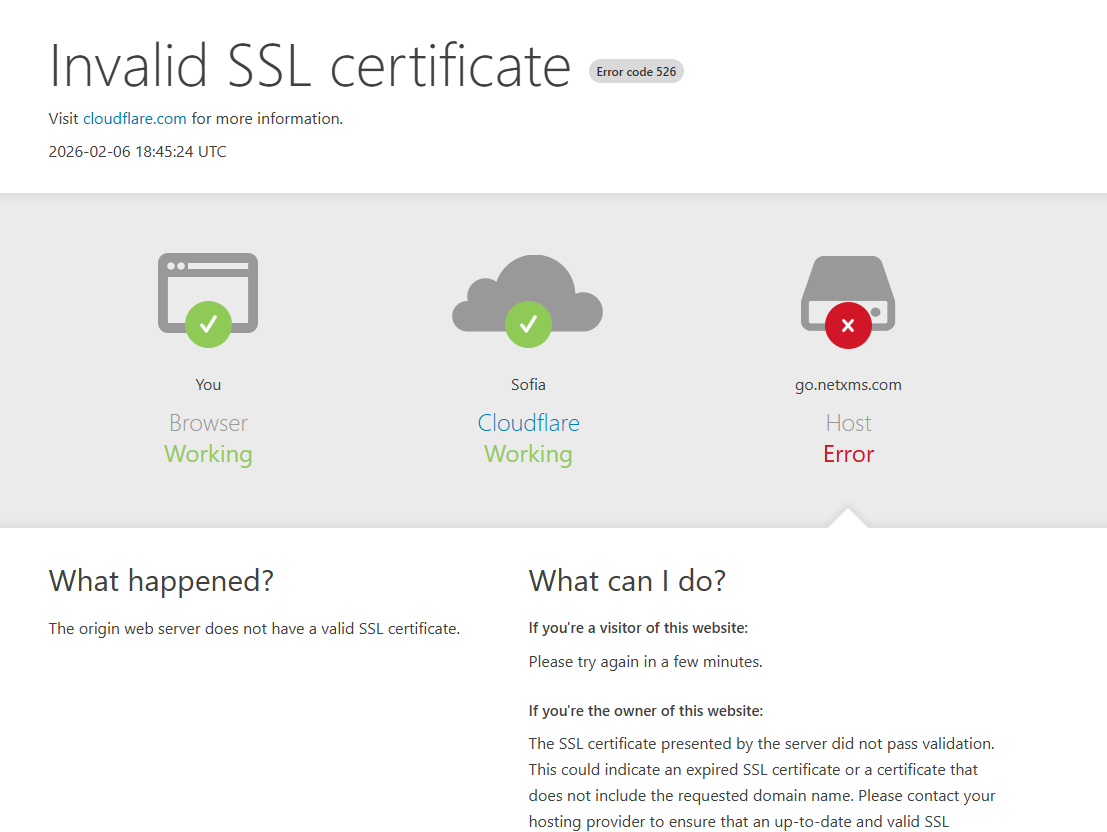
  • go.netxms.com Invalid SSL certificate

    4
    1
    0 Votes
    4 Posts
    53k Views
    A
    fixed
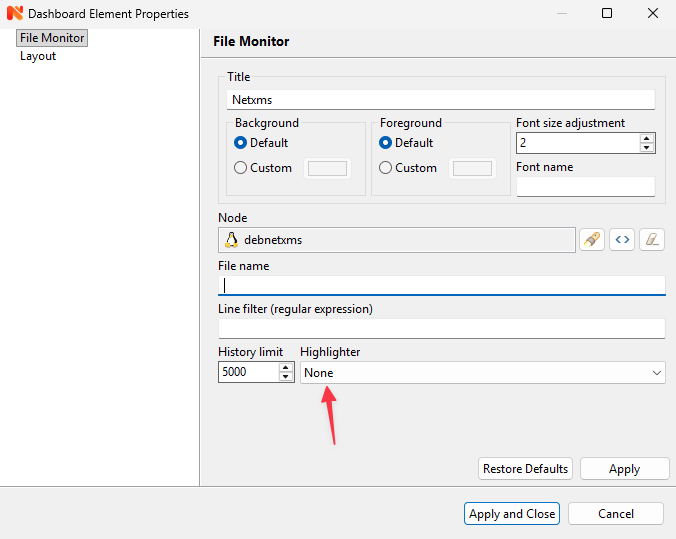
  • Dashboard -> File Monitor -> Highlighter?

    2
    1
    0 Votes
    2 Posts
    42k Views
    F
    Highlighters need to be implemented in code to be present in this list. Currently not a single one is present. What's you file format that you'd want to highlight, how complicated it is?
  • Anyone used netxms agent to get Proxmox VE guest details?

    3
    0 Votes
    3 Posts
    50k Views
    F
    I've heard of two approaches - via web api and using pvesh command line utility. Both can be used - web services are supported in NXSL and there's now external data provider in agent that can parse json data (and pvesh provides json output). https://www.netxms.org/documentation/adminguide/agent-management.html#externaldataprovider I'd suggest you to check what data proxmox provides via these two interfaces, as these may differ and also may depend on proxmox's version. I can help with template developing, specifically with instance discovery part.
  • nxmc 5.2.8 standalone jar core dump

    4
    0 Votes
    4 Posts
    68k Views
    K
    @filipp-sudanov said in nxmc 5.2.8 standalone jar core dump: The reason seems to be with the framework used to build the GUI. Here's Anthropic's Claude's comment on this, pls give us update if any of this helps: ● This is a SWT/GTK compatibility crash on ARM64 (Raspberry Pi 5). The segfault occurs in GTK's native code when rendering the          Infrastructure view. Here are potential fixes:                                                                                                                                                                                                                              Quick Fixes to Try Hi Filipp, Thanks for the feedback. Given that I am using KDE then that may further explain the issues as there is not much by way of GTK installed on this machine, though the core libraries are present. I will try the suggestions and revert. Best, Alex
  • logging entries netxmsd.log

    2
    0 Votes
    2 Posts
    40k Views
    F
    The error is "Data too long for column 'lldp_id' at row 1". NetXMS found some new snmp device, for some reason the value for lldp_id column is too long and is not fitting into 255 chars. It would be good to understand which exactly is that device on your network. You can enable debug for poll.discovery tag by issuing debug poll.discovery 6 in Tools -> Server Debug Console. Then you should see some IP address being polled prior to the SQL error in the log. Once you know the IP address, please do a walk for 1.0.8802.1.1.2.1.3 branch and share the output. You can use nxsnmpwalk for that
  • User Sessions > Log to Events

    2
    0 Votes
    2 Posts
    33k Views
    F
    We have this information in Audit log, but if you need it in Event Log - there's Hook::login script in script library that you can use for that. Make sure that this script returns true, otherwise it will prevent users from logging in. To see what attributes are available in this script you can try this - it will log details to server log: for (a : $user.__class.attributes) trace(0, "$user." .. a .. " = " .. $user.__get(a)); for (a : $session.__class.attributes) trace(0, "$session." .. a .. " = " .. $session.__get(a)); return true; Then you can use PostEvent() or PostEventEx() to create the event (https://netxms.org/documentation/nxsl-latest/#func-postevent), drop us a line if you need more help with scripting.
  • Client Install Windows ARM / Snapdragon device

    2
    0 Votes
    2 Posts
    20k Views
    A
    There are no arm installer (yet), but you can download standalone jar file, install java, and launch jar file directly
  • re trigger alarms and alerts

    2
    0 Votes
    2 Posts
    23k Views
    R
    I have managed to resolves this by resetting it in the database then restarting the netxms service
  • NetXMS REST-API

    3
    3
    0 Votes
    3 Posts
    35k Views
    M
    Hi Tatjana, many thanks for your explanation! With your Info, I've got it working Best Wishes, Manuel