
Hello Victor,
return real(res)
Doesn't work also.
Have you any other suggestions.
Thanks and Regards
José
Hello Victor,
return real(res)
Doesn't work also.
Have you any other suggestions.
Thanks and Regards
José
Yesss it shows....
I was thinking it recognize the datatype itself.
Can i make a strong type convert in transformation script?
Thanks again.
Regards
José
Hello Victor,
It seems i have still something going wrong.
My DCI History is still 0.0.
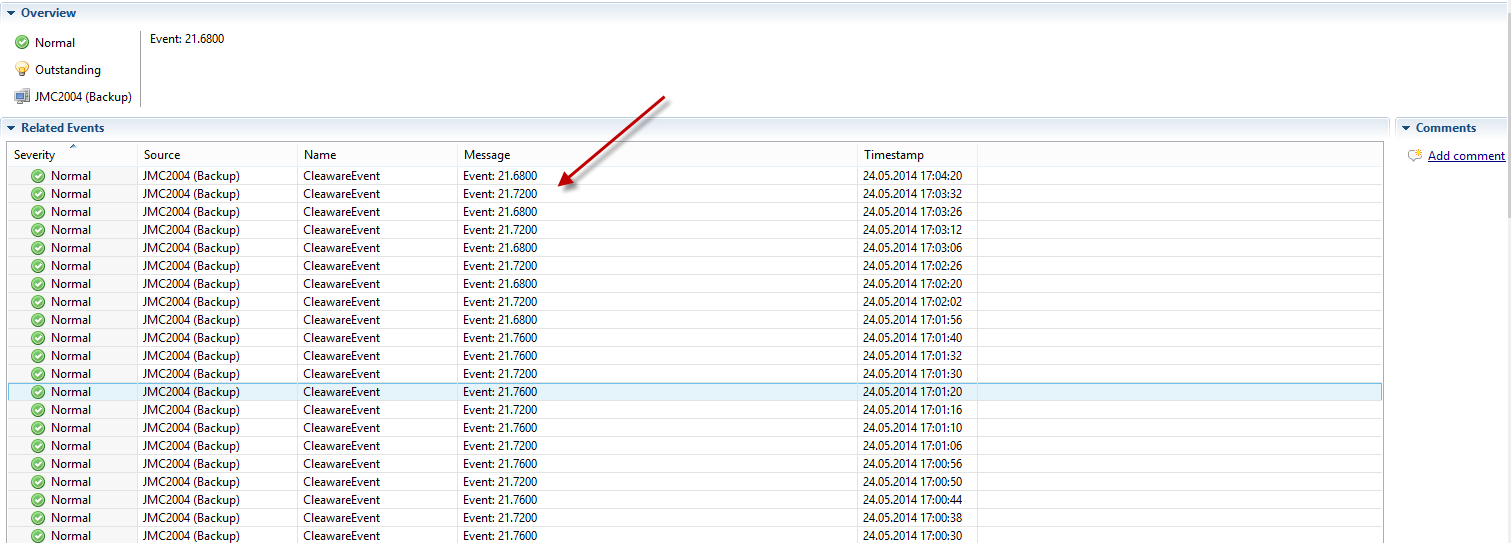
I have the Event that works well an reads the Application Event Log.
To check it i have an action that writes the value as an Event in Netxms and the values are correct.
I have also the action that updates the situation, an the value is also updated correctly.
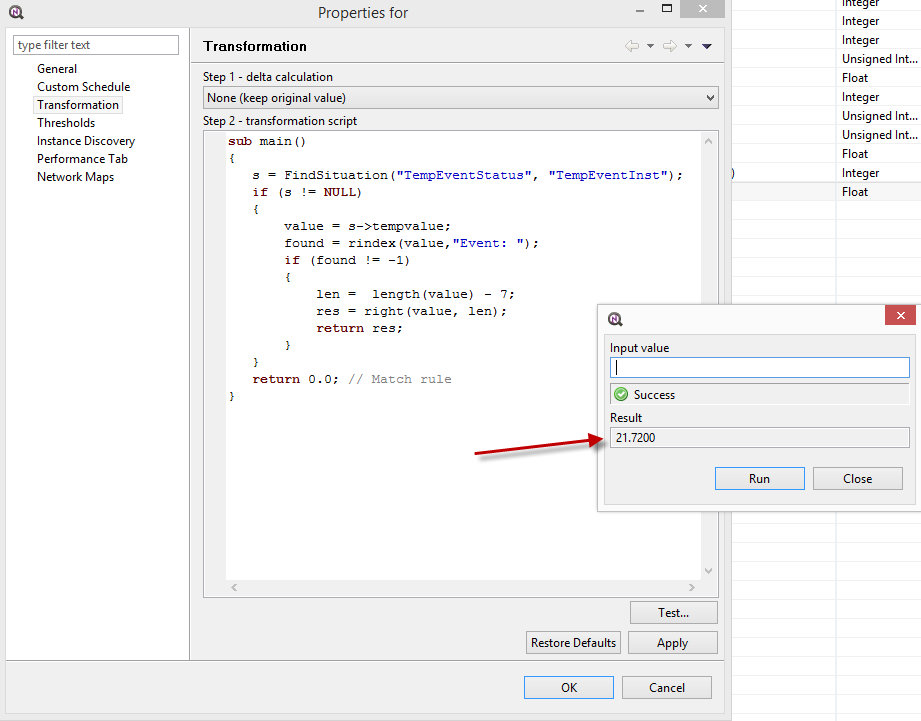
If i test my transformation in the DCI it shows also the right value, so it can access the situation correctly.
But the DCI itselfs stores all the time 0.0.
Is this a Bug or are i missing something?
Thanks for your feedback.
Regards
José
Create Victor
Thanks it works.
Hello,
I have configured logwatch to parse the content of my windows server application event log.
I can now collect over DCI Number of records processed and Number of records matched.
And i can fire an alarm over my event policy rule where i can see the parsed parameter content (it is a float value).
Is it possible to configure a DCI that will collect this value?
Thanks for any help.
Regards


Hi victor,
it works! The db schema user was the problem. like u said. I delete the old one, create a new user (same name) and vola... it works.
Thank u very much!
best regards
Steffen
Hello victor,
thank u for replay.
I got this error:
PS C:\NetXMS\bin> .\netxmsd.exe
Using configuration file "C:\NetXMS\etc\netxmsd.conf"
[02-Jul-2012 13:48:59] Database driver "mssql.ddr" loaded and initialized successfully
[02-Jul-2012 13:48:59] SQL query failed (Query = "SELECT var_value FROM metadata WHERE var_name='SchemaVersion'"): [Microsoft][SQL Server Native Client 10.0][SQL Server]Invalid object name 'metadata'.
[02-Jul-2012 13:48:59] SQL query failed (Query = "SELECT var_value FROM config WHERE var_name='DBFormatVersion'"): [Microsoft][SQL Server Native Client 10.0][SQL Server]Invalid Object name 'config'.
[02-Jul-2012 13:48:59] Your database has format version -1, but server is compiled for version 252 NetXMS Core initialization failed
I changed the config parameter for the new sql server.
best regards,
Steffen
Hello netxms community,
we have the same problem like this member: https://www.netxms.org/forum/general-support/export-cannot-load-schema-file
We would like to change our netxms DB server from Server1 MS SQL 2005 to Server2 MS SQL 2008 R2.
First i try to move the database with ms sql export and import. I stopped the netxms core, export and import the database with the sql export tools, change the netxmsd.conf file. That doesnt work for me, because i got a version error.
The secound try was with the export parameter from netxms
"nxdbmgr.exe export db_name"
I got the error:
ERROR: cannot load schema file "C\lib\sql\dbschema_sqlite.sql"
Database export failed.
The schema file is located at: C:\NetXMS\lib\sql\dbschema_sqlite.sql
I created the path "C\lib\sql\" but that didnt work.
I thought its a bug in 1.1.7 but it seems that the bug is still alive in 1.2.0.
Does anybody have an idea?
Thank u.
best regards
Steffen