Skip to content
  • Categories
  • Recent
  • Tags
  • Popular
  • Users
  • Groups
Skins
  • Light
  • Brite
  • Cerulean
  • Cosmo
  • Flatly
  • Journal
  • Litera
  • Lumen
  • Lux
  • Materia
  • Minty
  • Morph
  • Pulse
  • Sandstone
  • Simplex
  • Sketchy
  • Spacelab
  • United
  • Yeti
  • Zephyr
  • Dark
  • Cyborg
  • Darkly
  • Quartz
  • Slate
  • Solar
  • Superhero
  • Vapor

  • Default (Flatly)
  • No Skin
Collapse
Brand Logo

NetXMS Forum

U

ufoxk2

@ufoxk2
Unfollow Follow
About
Posts
2
Topics
1
Shares
0
Groups
0
Followers
0
Following
0

Posts

Recent Best Controversial

  • Successfull Raspberry Pi installation of GUI Managment Console without Wine/QEmu
    U ufoxk2
    Support

    The performance of the console is great without a single crash so far (two weeks) and responsive like the Windows version. Offcourse except VNC no other app is running and I havent overclocked the Pi.

    I also, like you, have installed the Netxms Console/Pi on a permament wall mounted 42'' (1920x1080) TV and I am very pleased with it.


  • Successfull Raspberry Pi installation of GUI Managment Console without Wine/QEmu
    U ufoxk2
    Support

    Hi everyone!

    After some research I managed to run the GUI Management Console on a RaspiPi 2 Model B (but I suppose it can be done with all the previews models) as native as it can get.

    I did this by writing over the Eclipse installation that comes with Raspi with the Windows version java files of the console.

    A rough guide is as follows:

    Step 1. Download NetXMS source at your Pi and compile/install fully (server, client, agent)
    Step 2. Install Eclipse with apt-get (sudo apt-get install eclipse)
    Step 3. Download and install the same version of NetXMS in a Windows machine
    Step 4. Copy from the bin folder of Windows installation the folders configuration, plugins and  the file .eclipseproduct at /usr/lib/eclipse of your Pi and overwrite everything.
    Step 5. Execute Eclipse at Pi

    That’s all
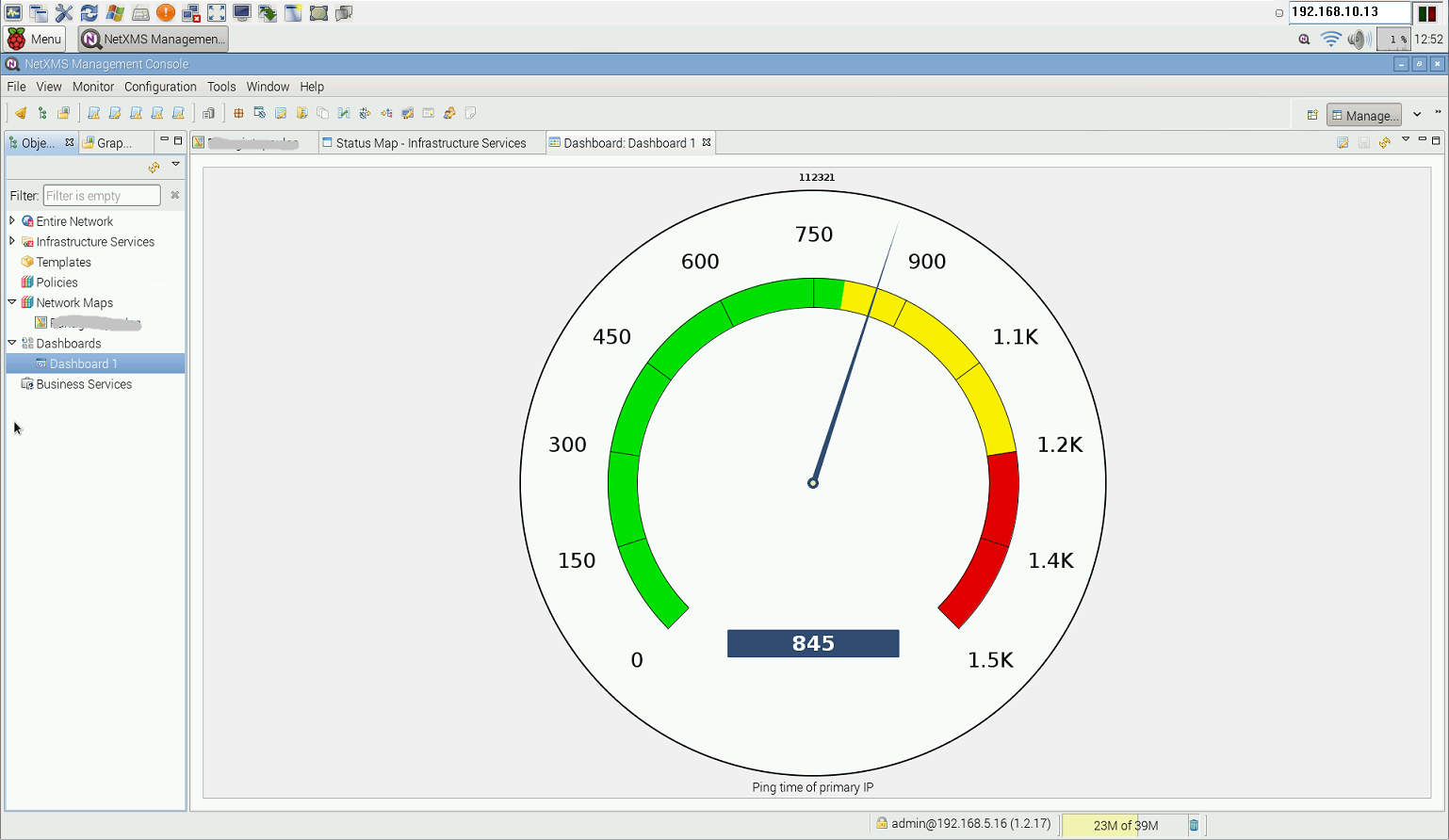
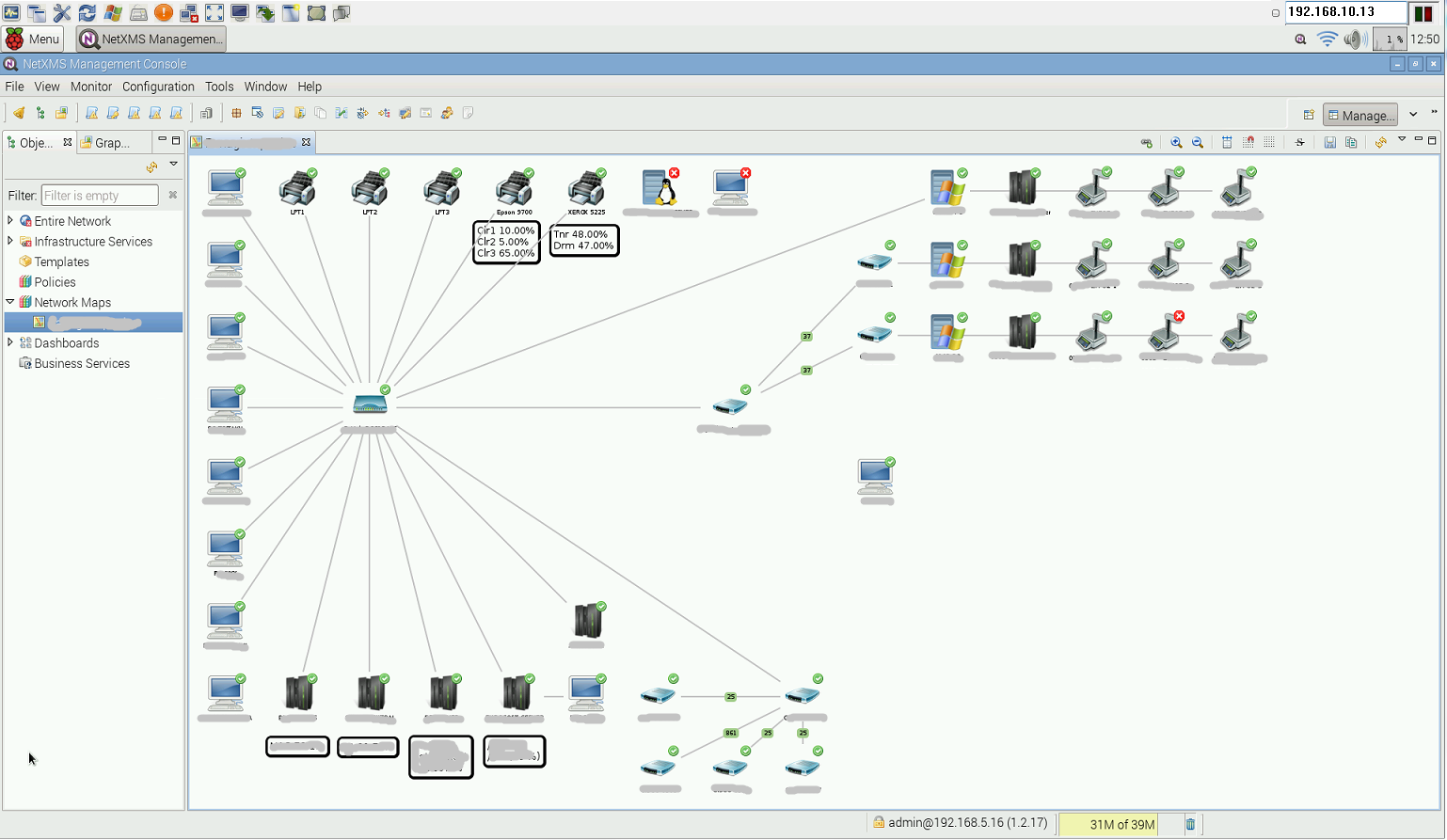
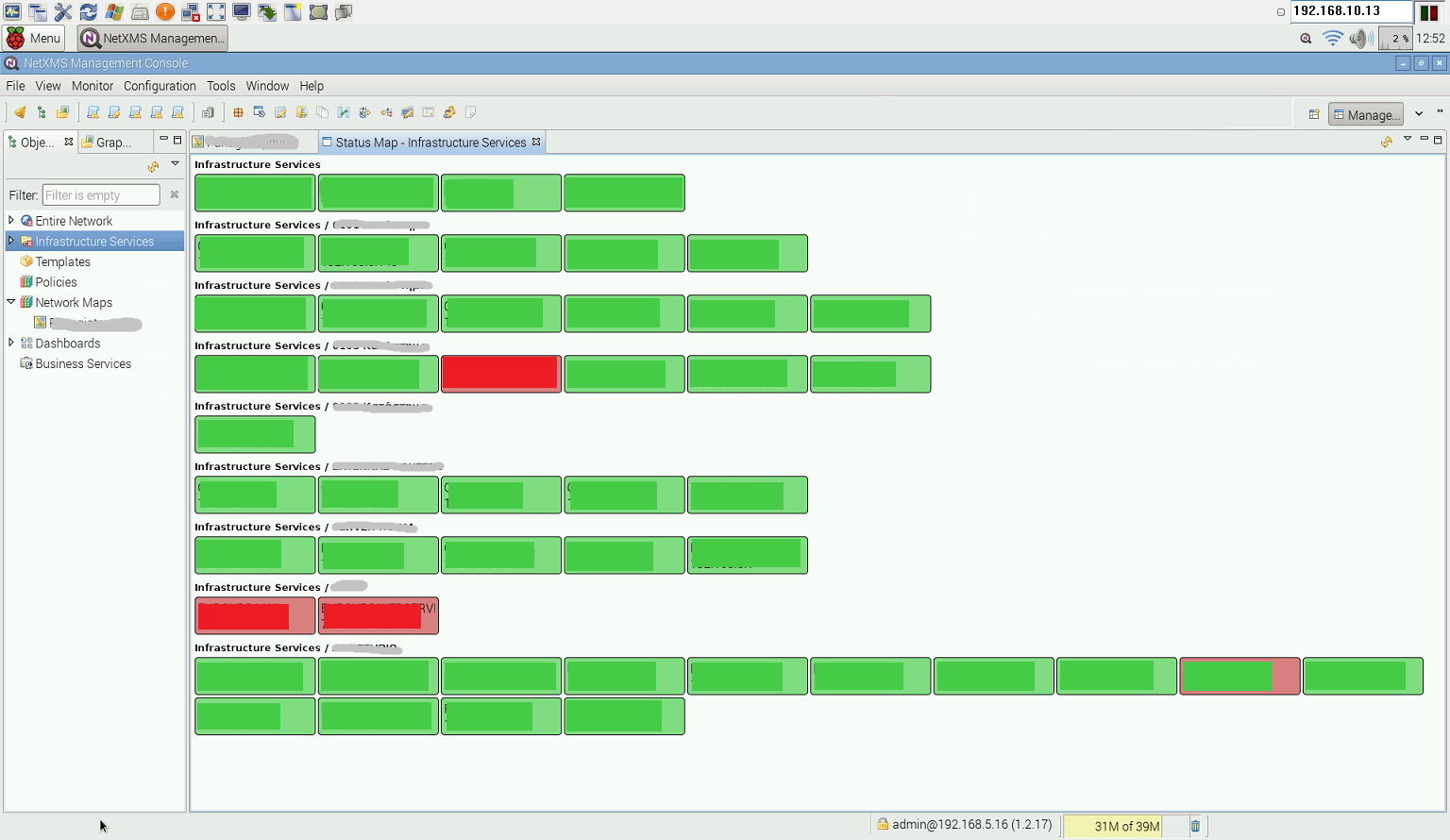
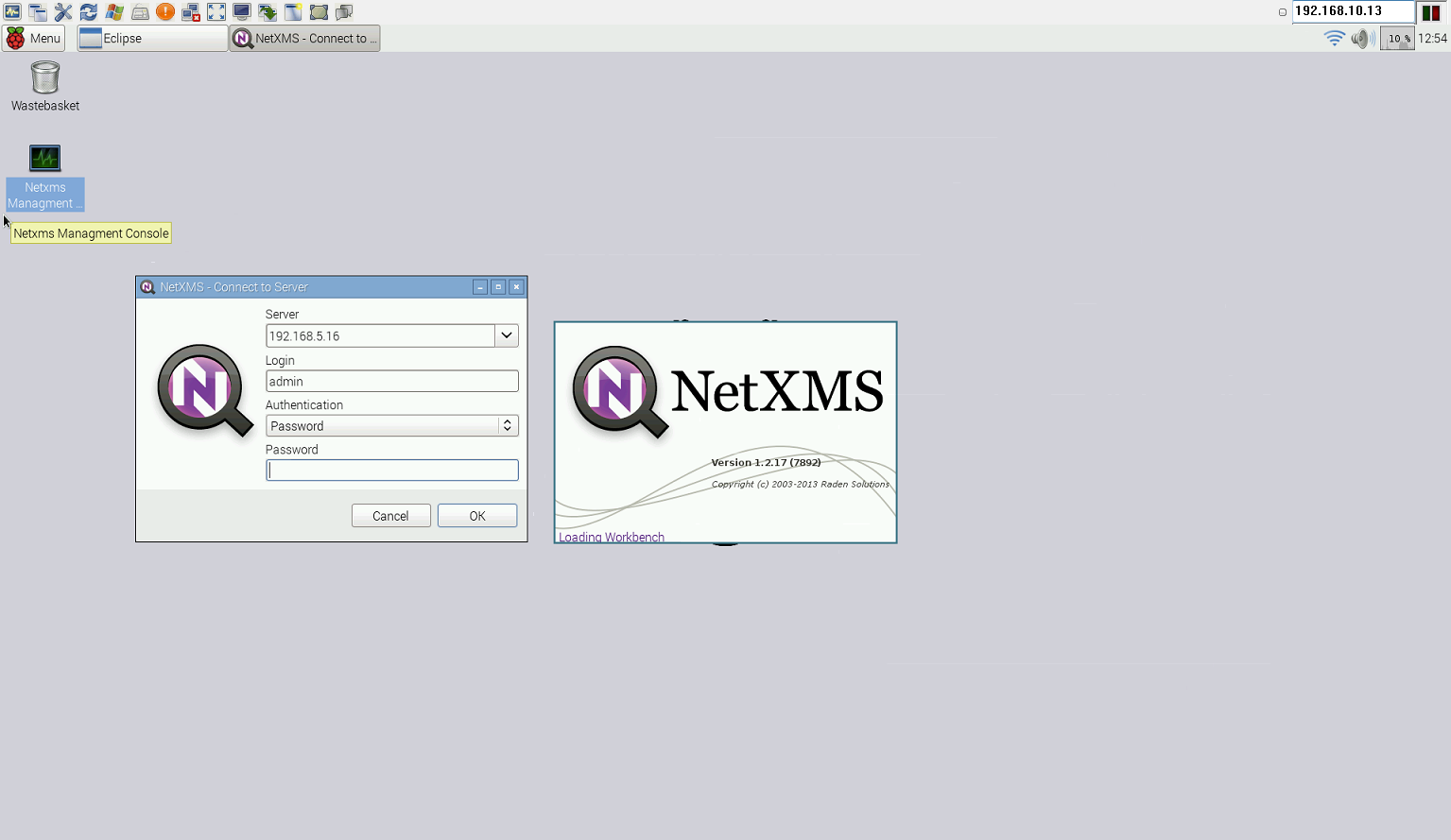
    I have uploaded photos of my installation and I hope someone finds this helpfull.
    I will try to write a more detailed guide when I have more time.

    Cheers to every one

    1.PNG

    4.PNG

    2.PNG

    3.PNG

  • Login

  • Don't have an account? Register

  • Login or register to search.
Powered by NodeBB Contributors
  • First post
    Last post
0
  • Categories
  • Recent
  • Tags
  • Popular
  • Users
  • Groups