
Port View is Blank
-
Hello,
Trying out netxms and I really liked the port view feature shown here. I've added two of my switches so far, one Arista and one Mellanox but neither are showing a port view in the ports tab. I created a dashboard with the port view element and the names of the switches show up but no ports.
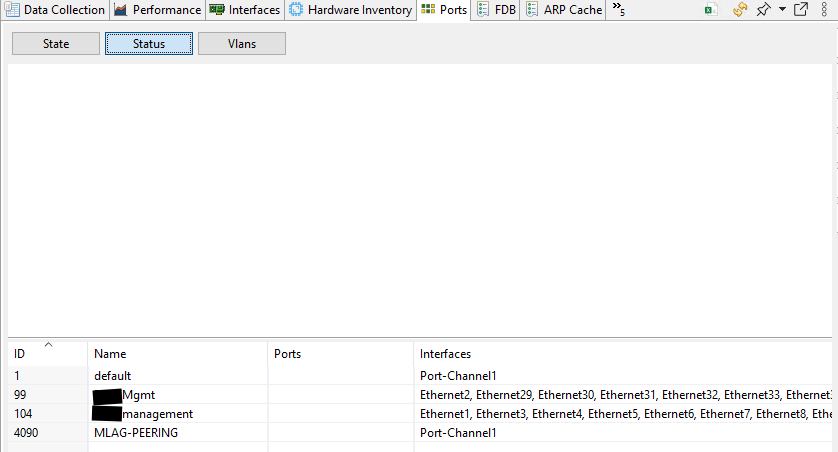
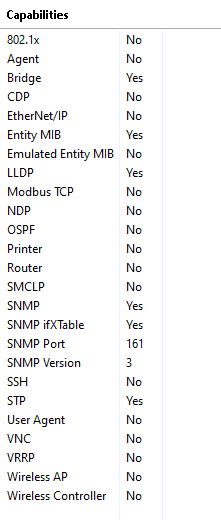
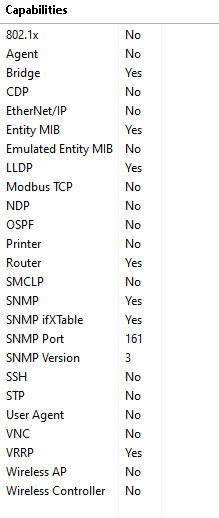
I've uploaded an image example of what I'm seeing on the ports tab of the switch, I noticed the ports column there is blank, I've polled the full configuration and topology and that's what it came up with. Whether I select state, status, or vlans, I just see the same screen shown here.
Am I missing something to get the ports to show up? I haven't configured any DCIs for the switches yet.
-
-
-
-
Here's an excel document with a sheet for each switch's interfaces, names and mac addresses are anonymized.
-
Hi there, we have created tracker for this and will look into resolving it.
-
Hi,
the ticket was a bit lost in the development queue. Do you still have these devices, as we'd need some additional information from them.
-
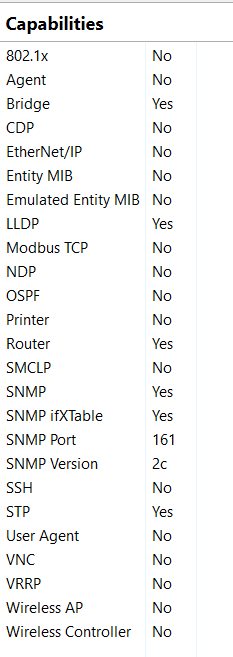
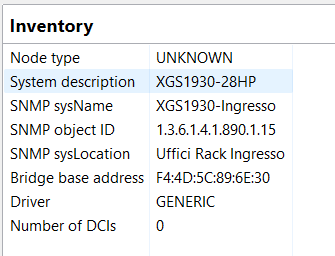
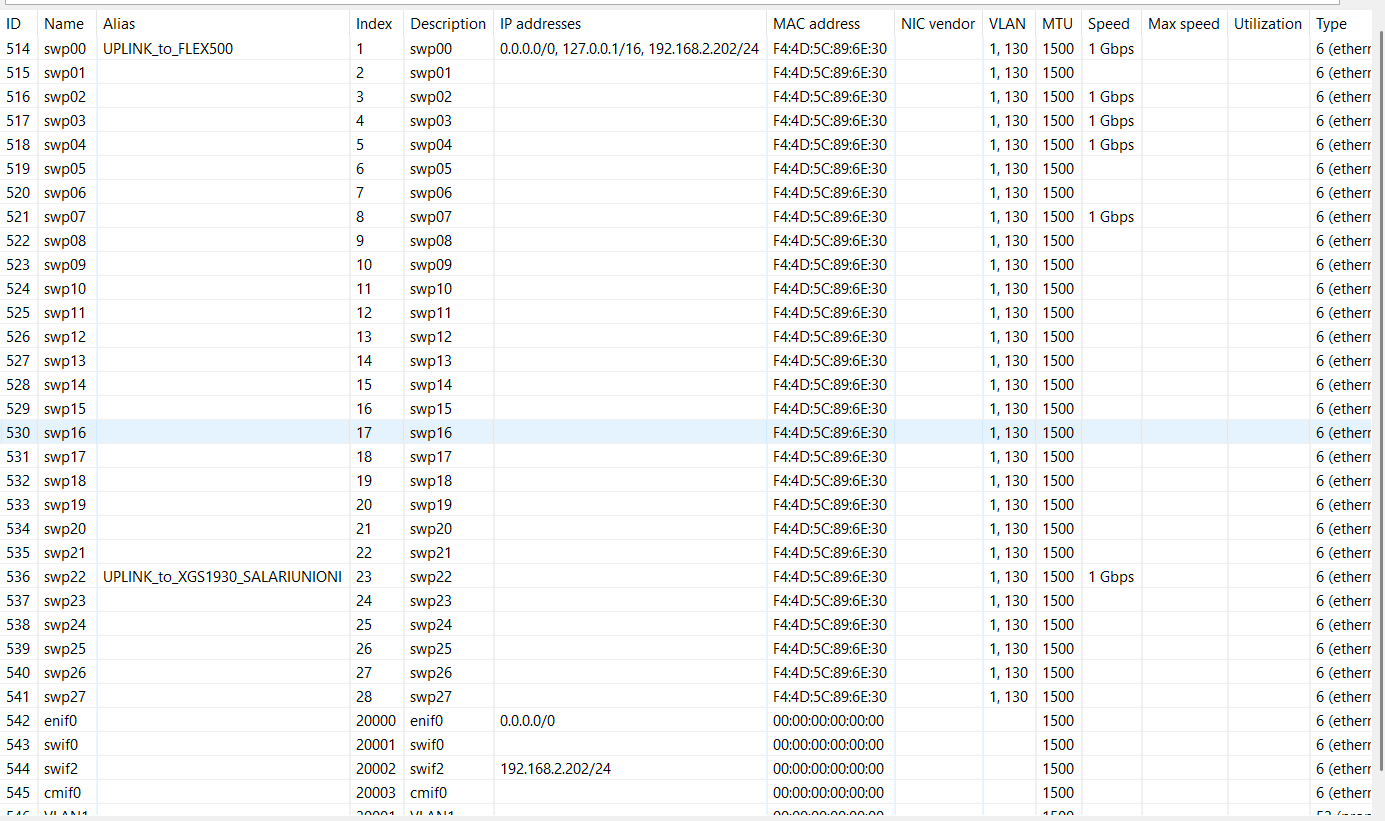
Hi, even with Zyxel switch the port view is blank.
-
Port view works only for devices for which NetXMS has device drivers, so some of these drivers are capable of getting port information. Zyxel devices are not in priority for driver development due to limited resources.
-
I've just update to 6.1.0 and all works perfectly.
Thank you for your works!!!
Hello! It looks like you're interested in this conversation, but you don't have an account yet.
Getting fed up of having to scroll through the same posts each visit? When you register for an account, you'll always come back to exactly where you were before, and choose to be notified of new replies (either via email, or push notification). You'll also be able to save bookmarks and upvote posts to show your appreciation to other community members.
With your input, this post could be even better 💗
Register Login